Create your account and sign in
Register for Talkou and log in with your phone number or email, a QR code, a 6-digit passcode or a passkey. Learn how to approve a sign-in from another device, recover a forgotten password and sign out.
Guide Chanras Sun9 hours ago · 2 min read · 1 view
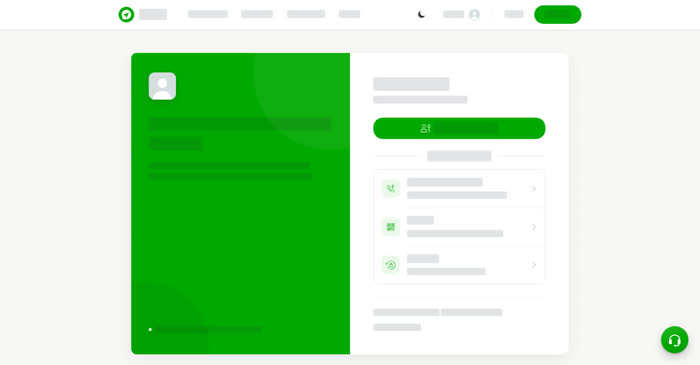
You need a Talkou account to chat, call and use business tools. You register once with your phone number or email, then log in with whichever method suits the device in your hand.
Ways to log in
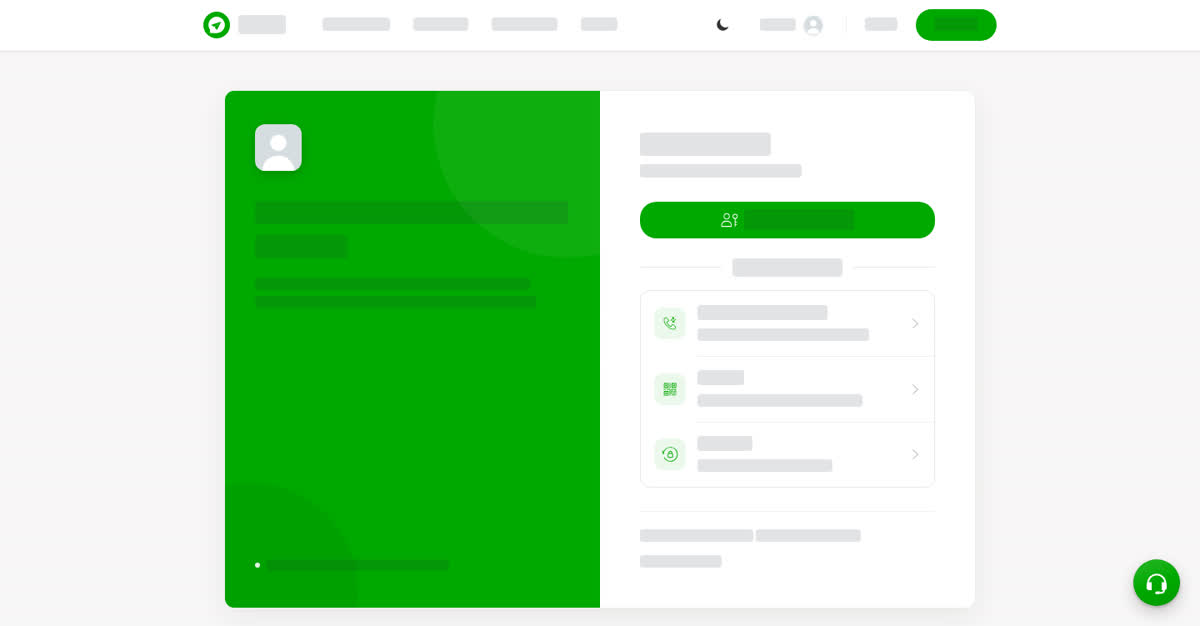
The Welcome back screen asks you to choose how you'd like to log in:
- Phone number or email – enter your phone number or email and your password.
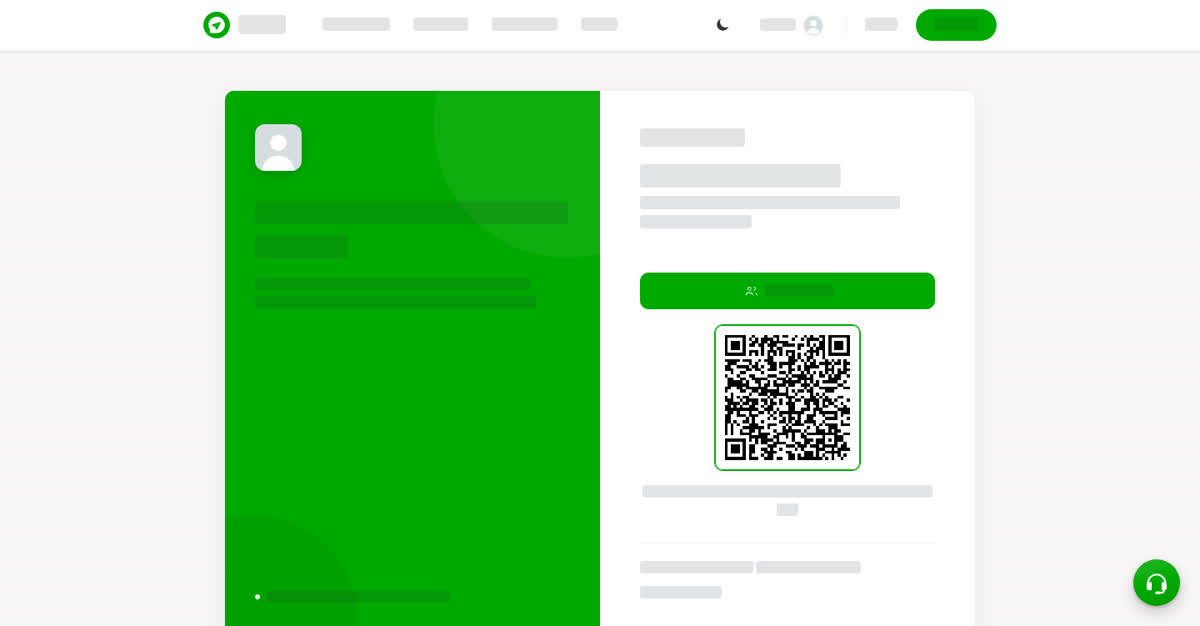
- QR code – scan the code shown on another device where you are already logged in.
- Passcode – log in with a 6-digit code created on a device where you are already logged in.
- Passkey – use your face, fingerprint or screen lock. It works after you have set up a passkey in Settings & Privacy.
On a computer
Log in on talkou.com
On your phone
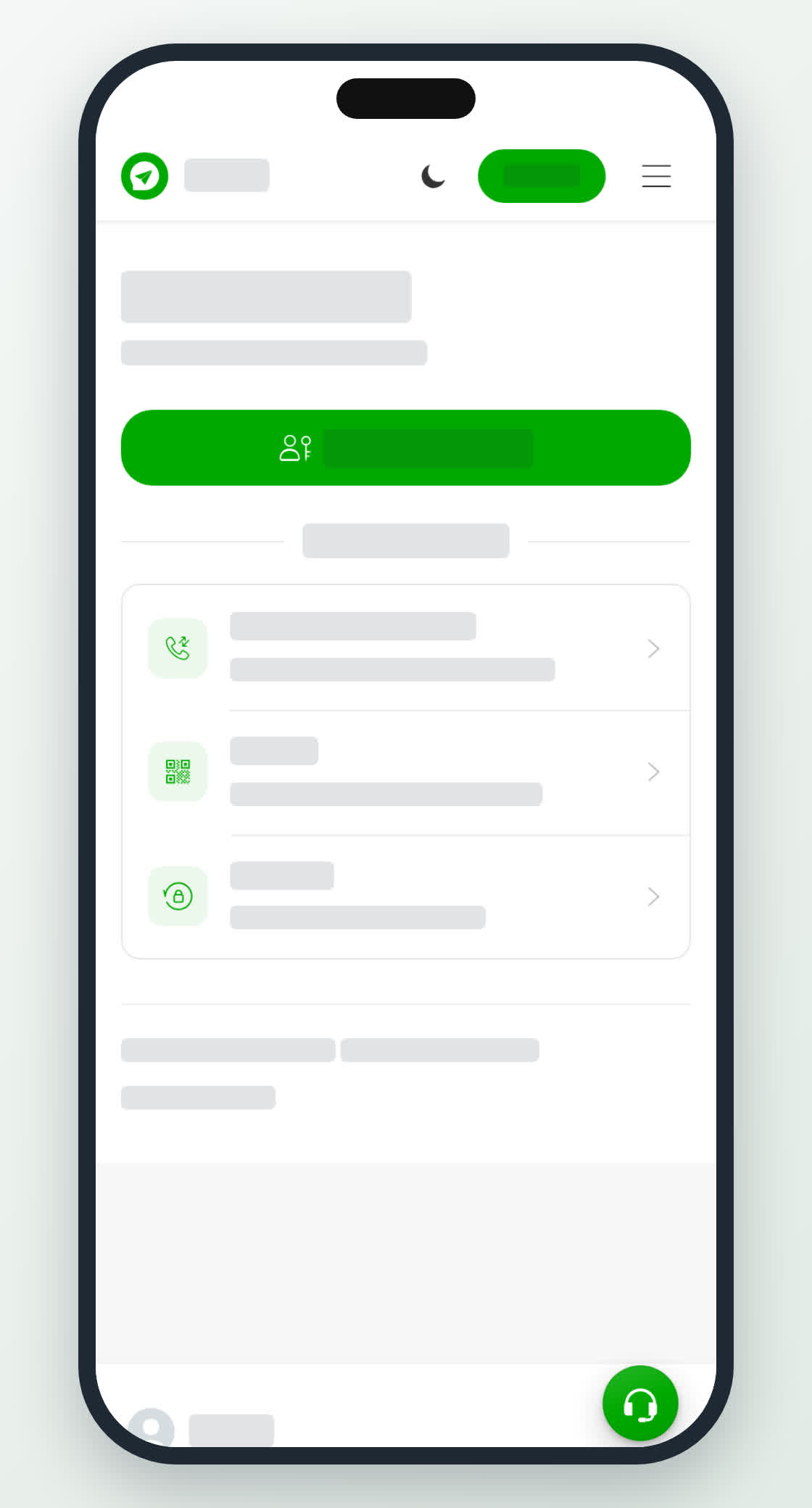
In the Talkou app, tap Log in on the welcome screen and choose a method. To log in on another device, scan its QR code with the camera: point it at the code shown on the other device.
Forgot your password?
On the log in page, select the forgot password link, enter your phone number or email, and follow the steps to verify it is you and choose a new password.
Sign out
Open Settings & Privacy and choose to sign out. On the phone app, it is under the More tab.