Your wallets and credits
See the wallets you own or share, check your available credits, create a wallet and transfer credits between wallets.
Guide Chanras Sun9 hours ago · 1 min read · 1 view
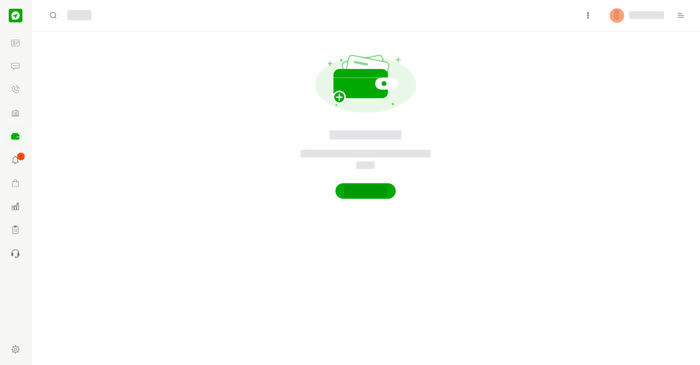
Wallets hold the credit you use on calls and deals. You can own several wallets and be added to wallets owned by others. The Wallet page lists them under Owned by you and Shared with you, with your role in each. You can own up to 30 wallets.
On a computer
Select Wallet in the left menu. Select Create wallet to add one, or select a wallet to open it.
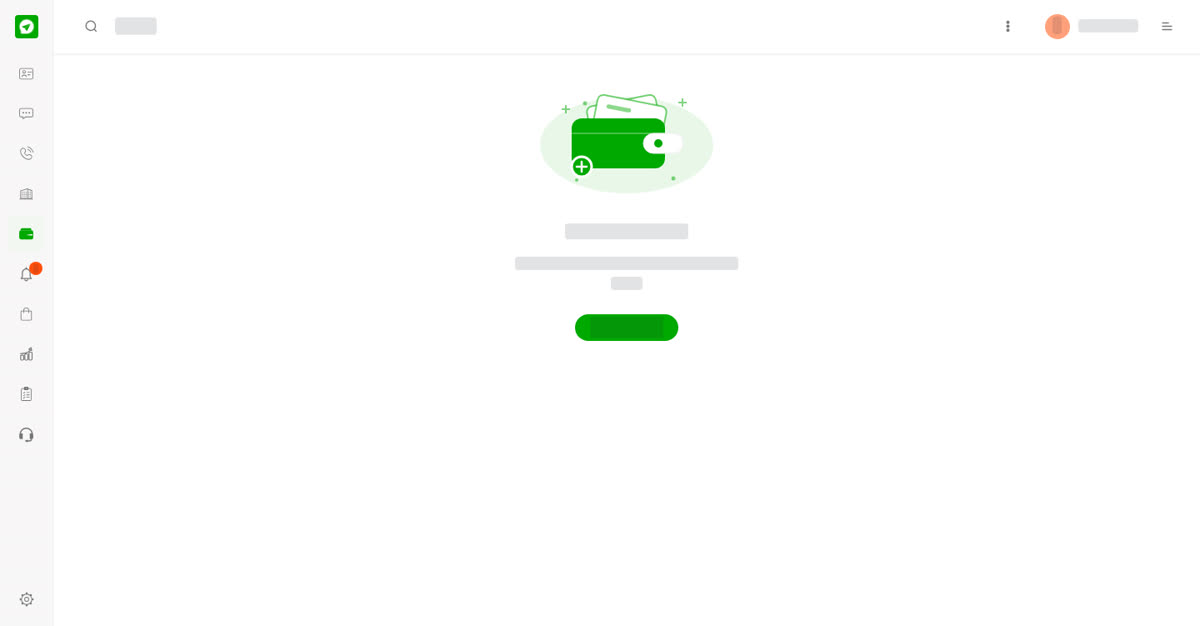
Your wallets.
Inside a wallet you see:
- Available credits – what you can use now.
- Your role – for example Owner.
- Transfer credits – move credits to another wallet. Choose the wallet that receives the credits.
- Transfer history – each transfer with the wallet, who made it, the time and the credits.
The menu on the left has Manage Credits, Preferences and Members, then Payment & Refund, Invoices & Receipts and Partner Program.
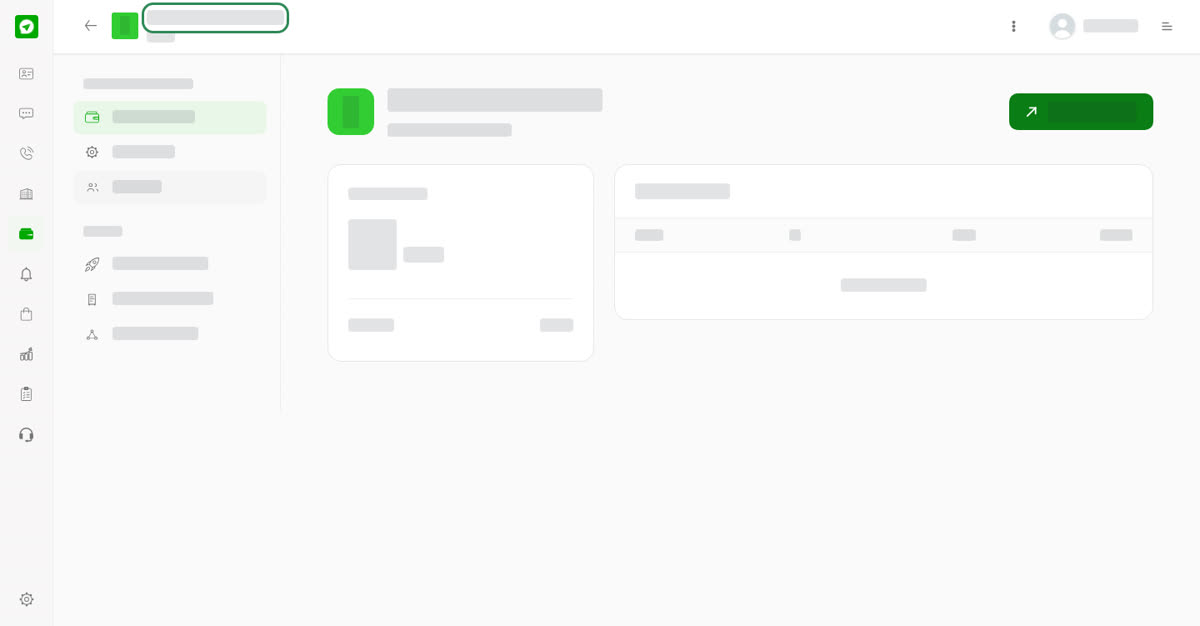
A wallet and its menu.
On your phone
Open Wallet from the three dots menu on Chats or Business. The wallet page shows the same credits, Transfer credits button and history.
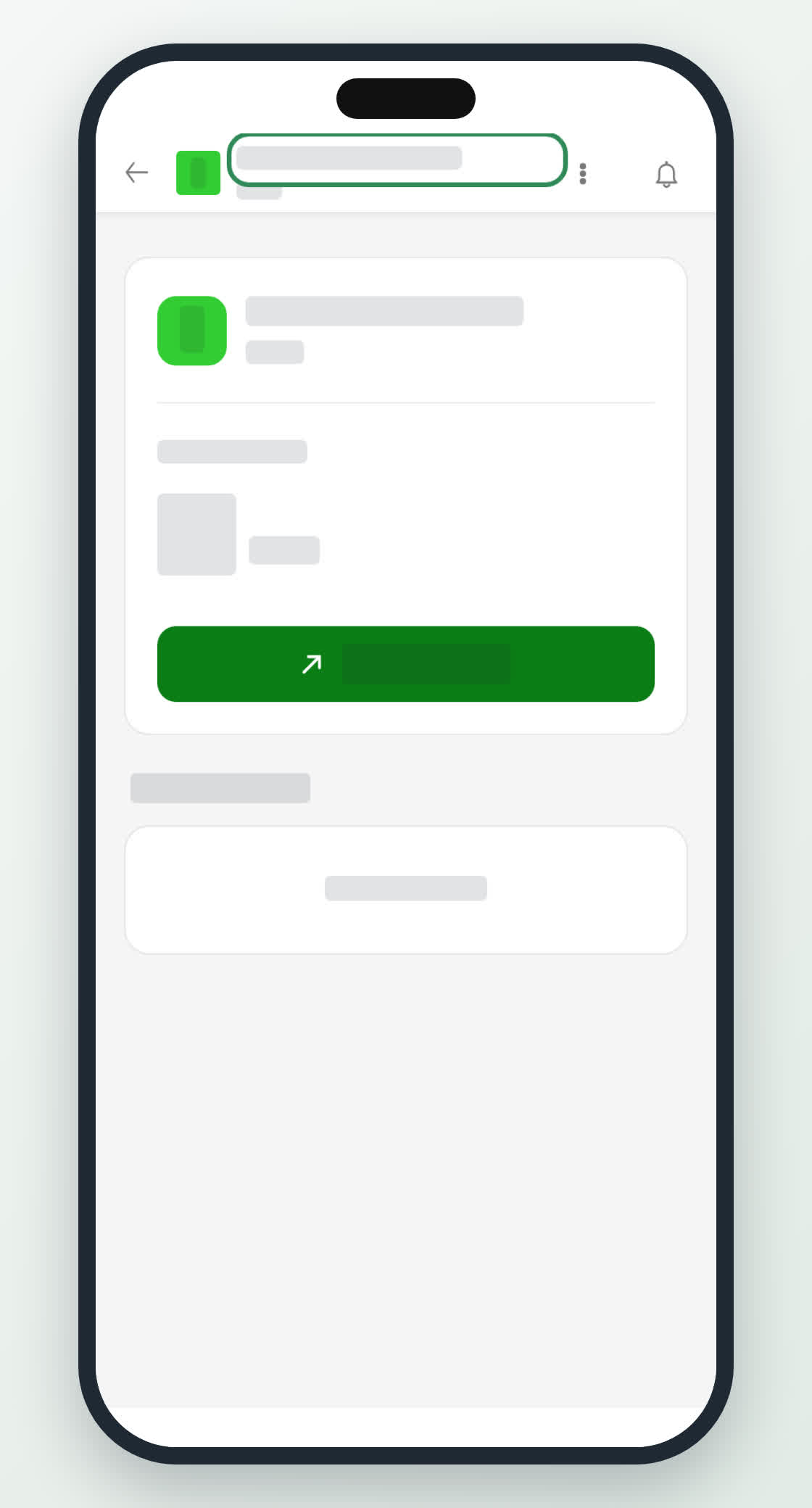
A wallet on a phone.
0
Share
Send in message
Report
Copy ID