Add your team
See who runs your business account, add team members and choose who receives and replies to customer messages.
Guide Chanras Sun9 hours ago · 1 min read · 1 view
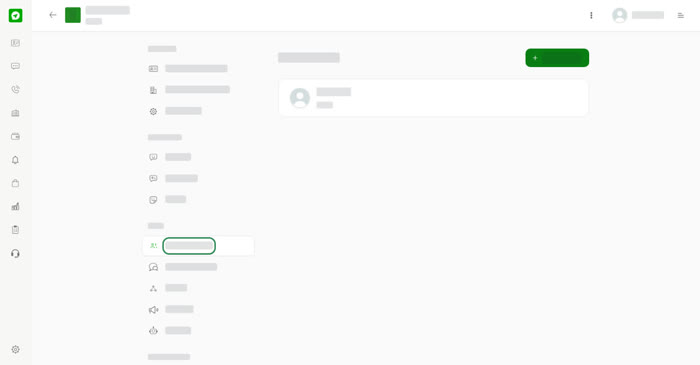
Open your business account and use the Team section of the menu.
Team Members
The list shows everyone on the account with their role, for example Owner. Select Add member to invite someone.
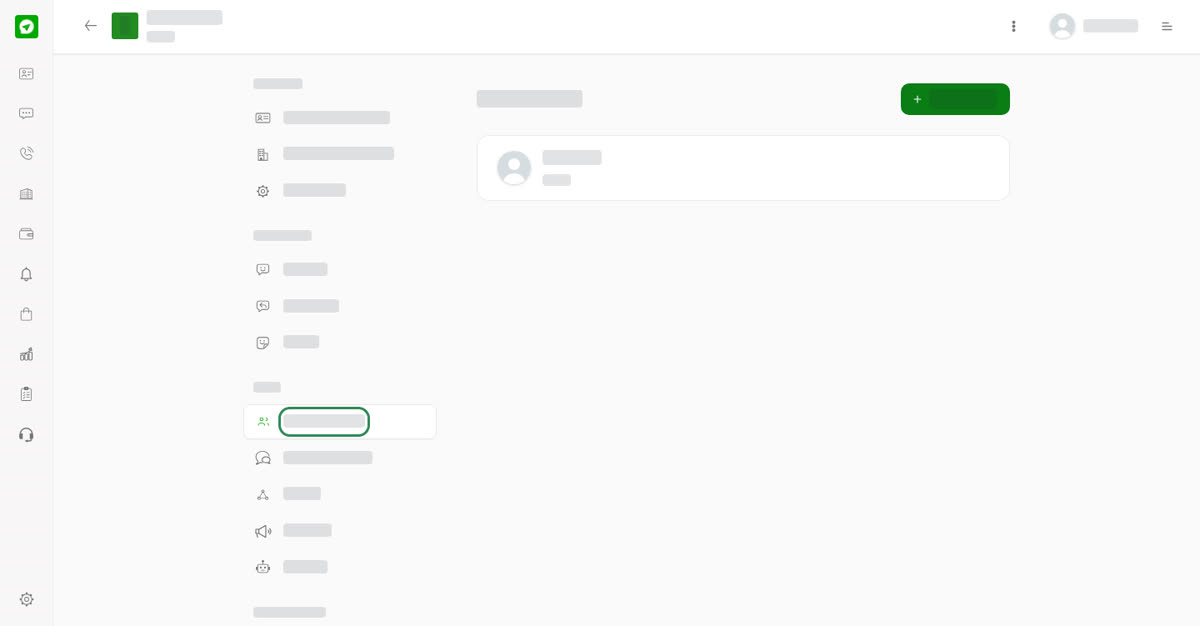
Team Members.
Messaging Team
Team members switched on here receive and reply to messages sent to this business.
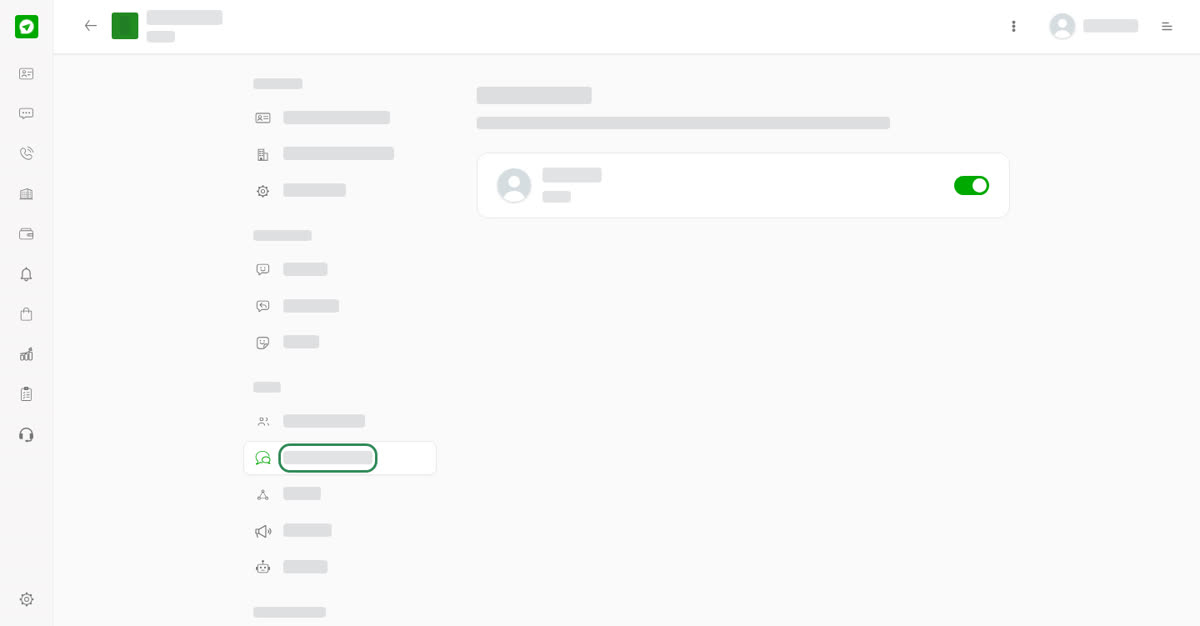
Messaging Team.
Groups and channels
The Groups and Channels pages list the group chats and channels this business runs. See Create a group or a channel.
On your phone
Tap the three dots at the top of the account and choose Team Members, Messaging Team, Groups or Channels.
0
Share
Send in message
Report
Copy ID