Review applicants
Read what people sent you, keep notes and tags on each application, and see who is still unread.
Guide Chanras Sun5 hours ago · 1 min read · 1 view
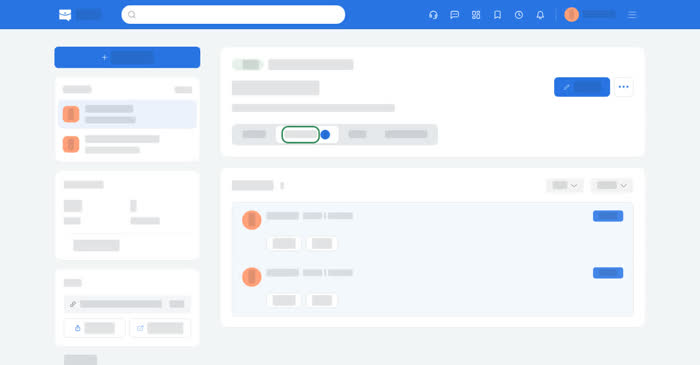
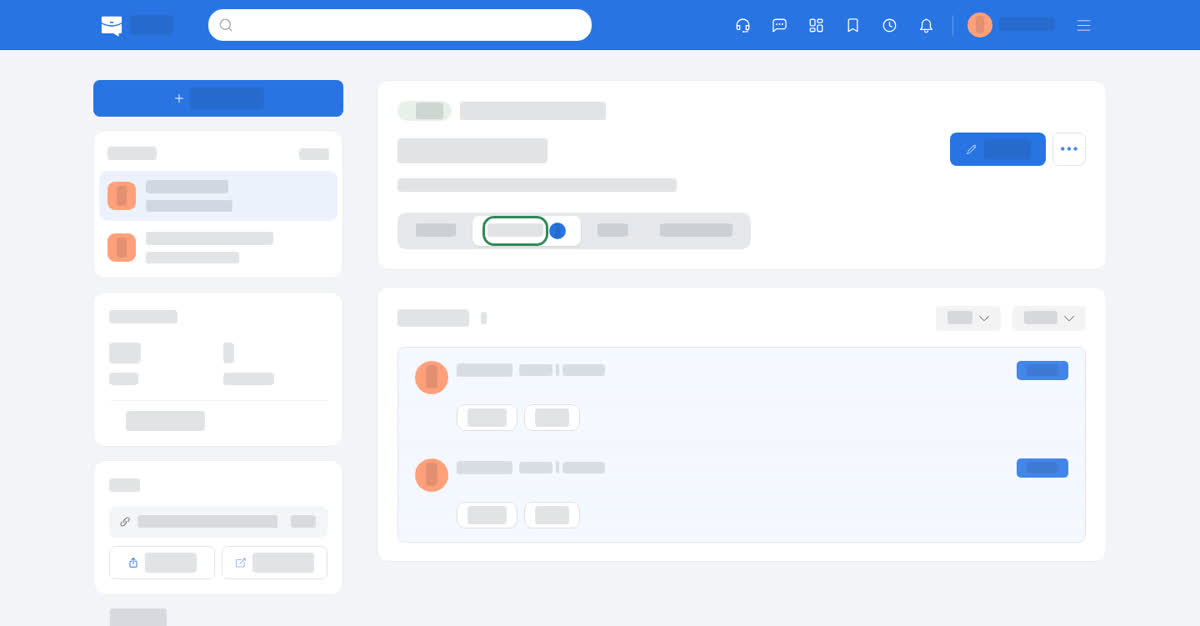
Applications land on the job they were sent to. Each applicant arrives with their email, phone number, resume, and the answers to the pre-screening questions if the post had any.
On a computer
Open Dashboard → Job Posts, pick a job and the Applicants tab. The list labels Unread applications, and the status filter shows either group. Each row has three views:
- Details – email, phone, resume and a Message button.
- Pre-screening – the answers, if the post had questions.
- Pipeline – a private Note and Tags that you keep on the application.
Reading an application sends the applicant a notification that their application was read, so keep that in mind while you work through a list.
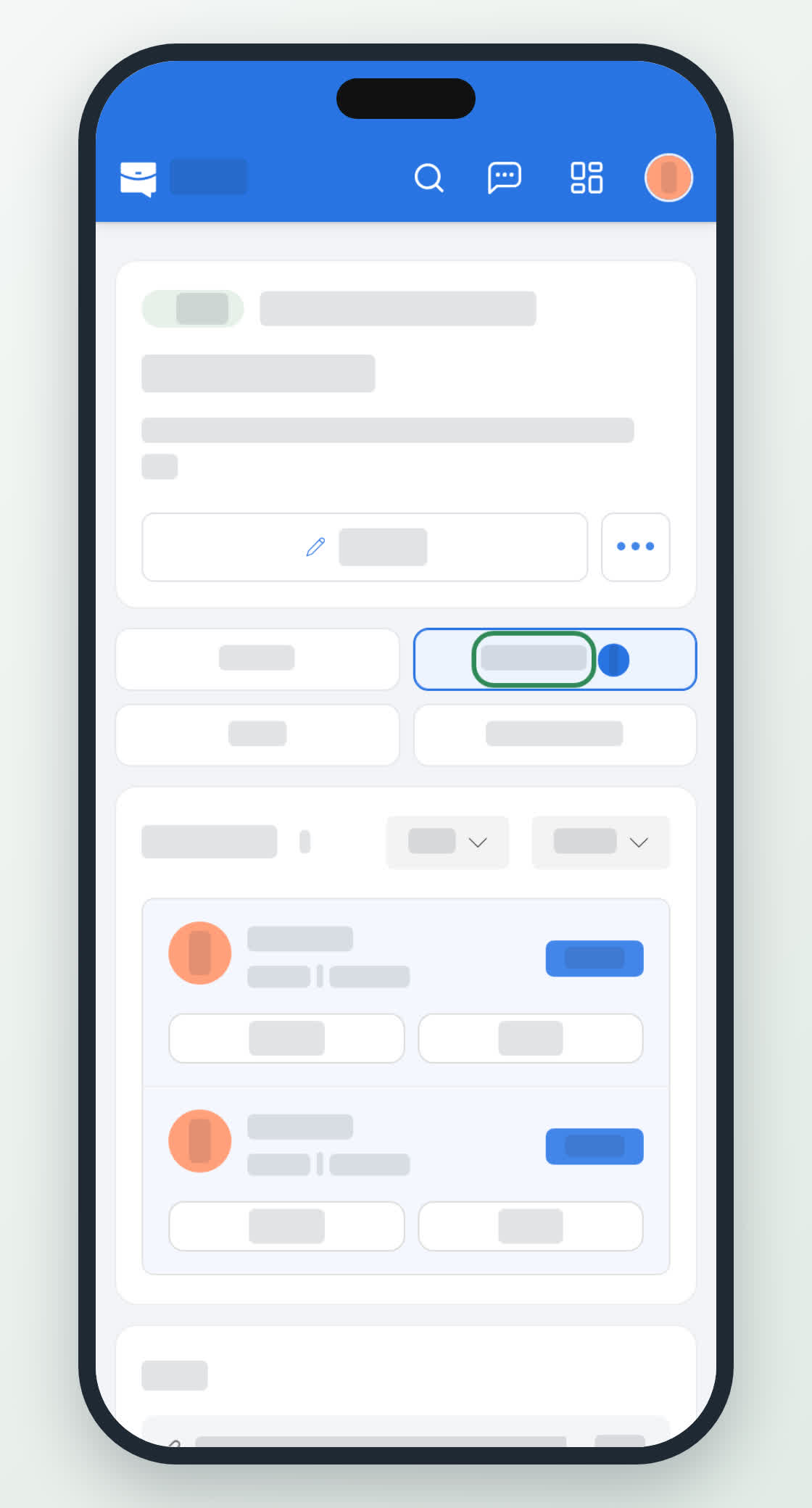
On your phone
The same list under Job Posts → Applicants, with the unread marker on each card. Tapping opens the applicant; the resume opens in the phone's document viewer, and Message opens the conversation in Messages.