Follow your candidacies in the Candidate Portal
See each position an agency is putting you forward for, and where it stands.
Guide Chanras Sun5 hours ago · 1 min read · 1 view
The Candidate Portal is where you follow the positions agencies are putting you forward for: each one with its role, employer and current status.
On a computer
Open the Candidate Portal from your home page. Each card is one position. Opening it shows the position, the employer and the status, and lets you update your details and give consent if that is still open. Until you give consent, the card shows Initialized, Viewed or Updated.
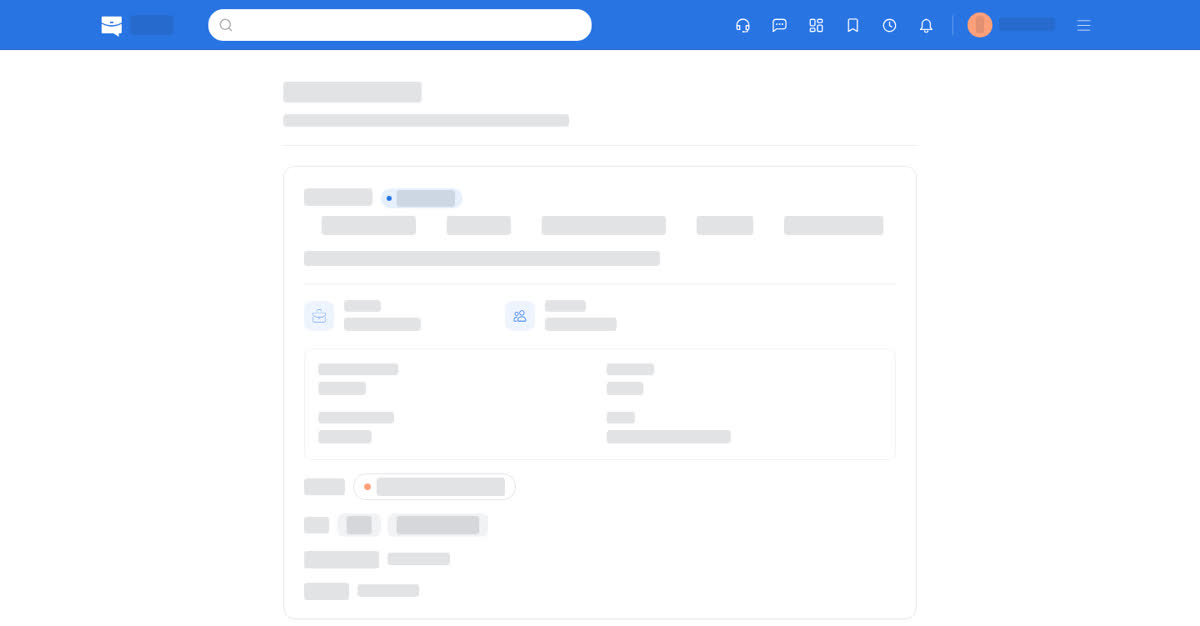
The Candidate Portal.
On your phone
The Candidate Portal is a tile on the home screen. The cards open on the position, and the status is the same as on the computer.
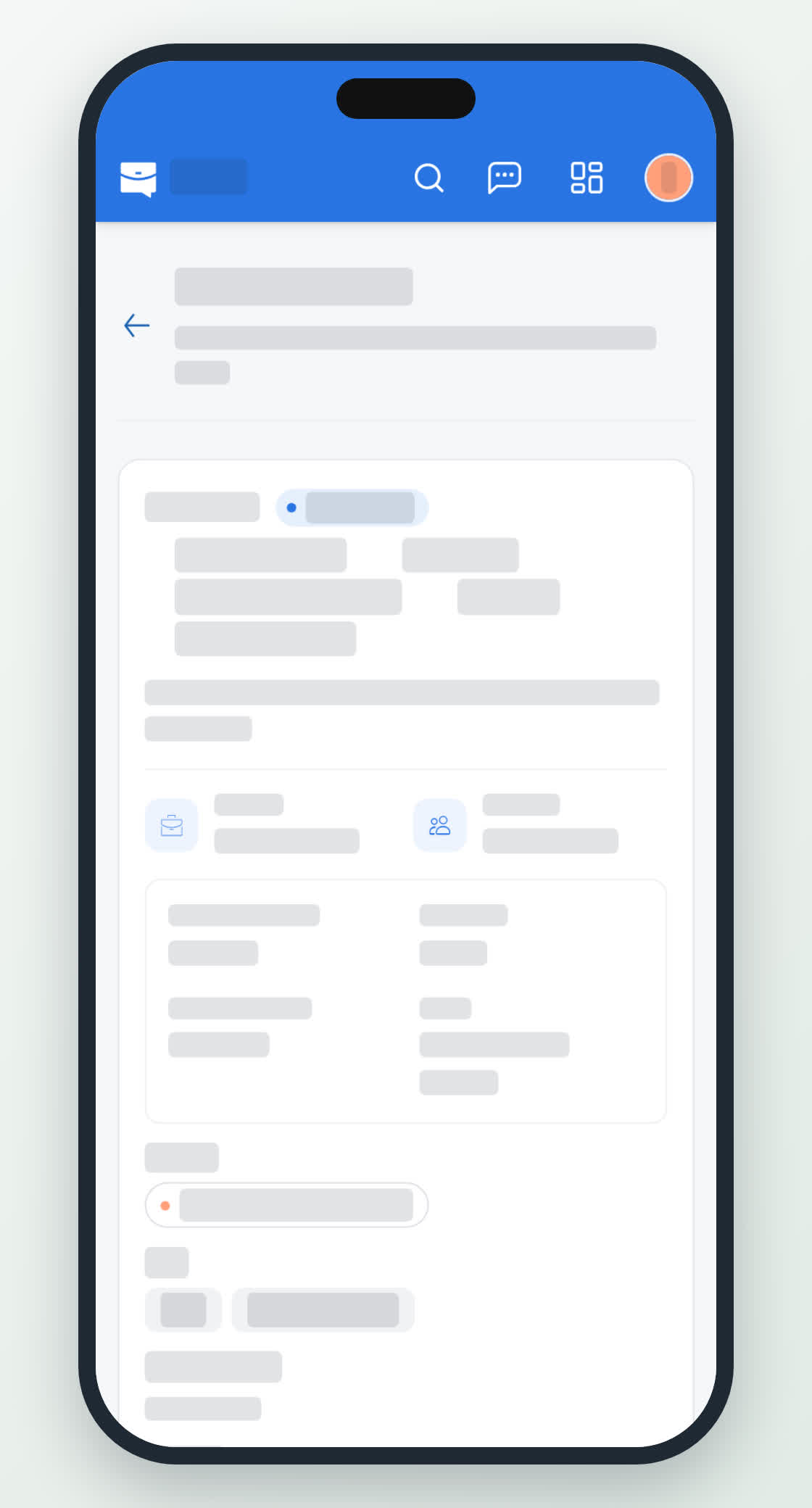
The candidate portal on a phone.
0
Share
Send in message
Report
Copy ID