Set up your business profile
Change your business account image, name and About text, find your Business Account ID and open the public page customers see.
Guide Chanras Sun9 hours ago · 1 min read · 1 view
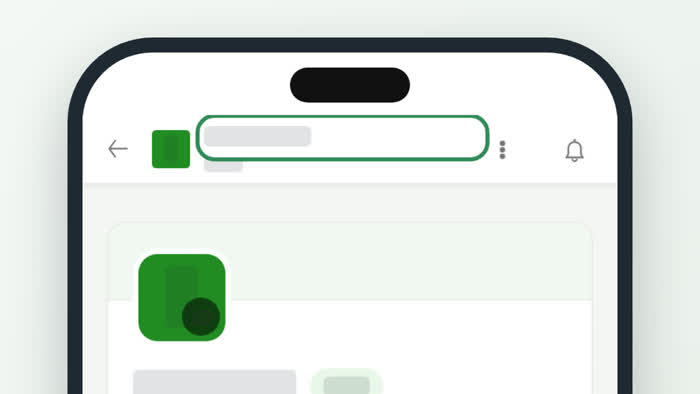
Open your business account and choose Account Information under Settings. The page shows how your business appears to customers.
What you can change
- Profile image – appears on the account page and in messages. Use an image at least 450px wide and 450px tall. Select Change.
- Account name – represents your company or a friendly brand name. Select Update to save it.
- About – shown on your public account page. Select Update to save it.
Under Connect, your Business Account ID is the code other platforms connected with Talkou use. Select Copy ID to copy it. View public opens the page customers see.
On a computer
The menu stays on the left while you edit, so you can jump to Business Information or Preferences from the same page.
On your phone
The account information is the first thing you see when you open an account. Use the three dots menu at the top to move to other sections.
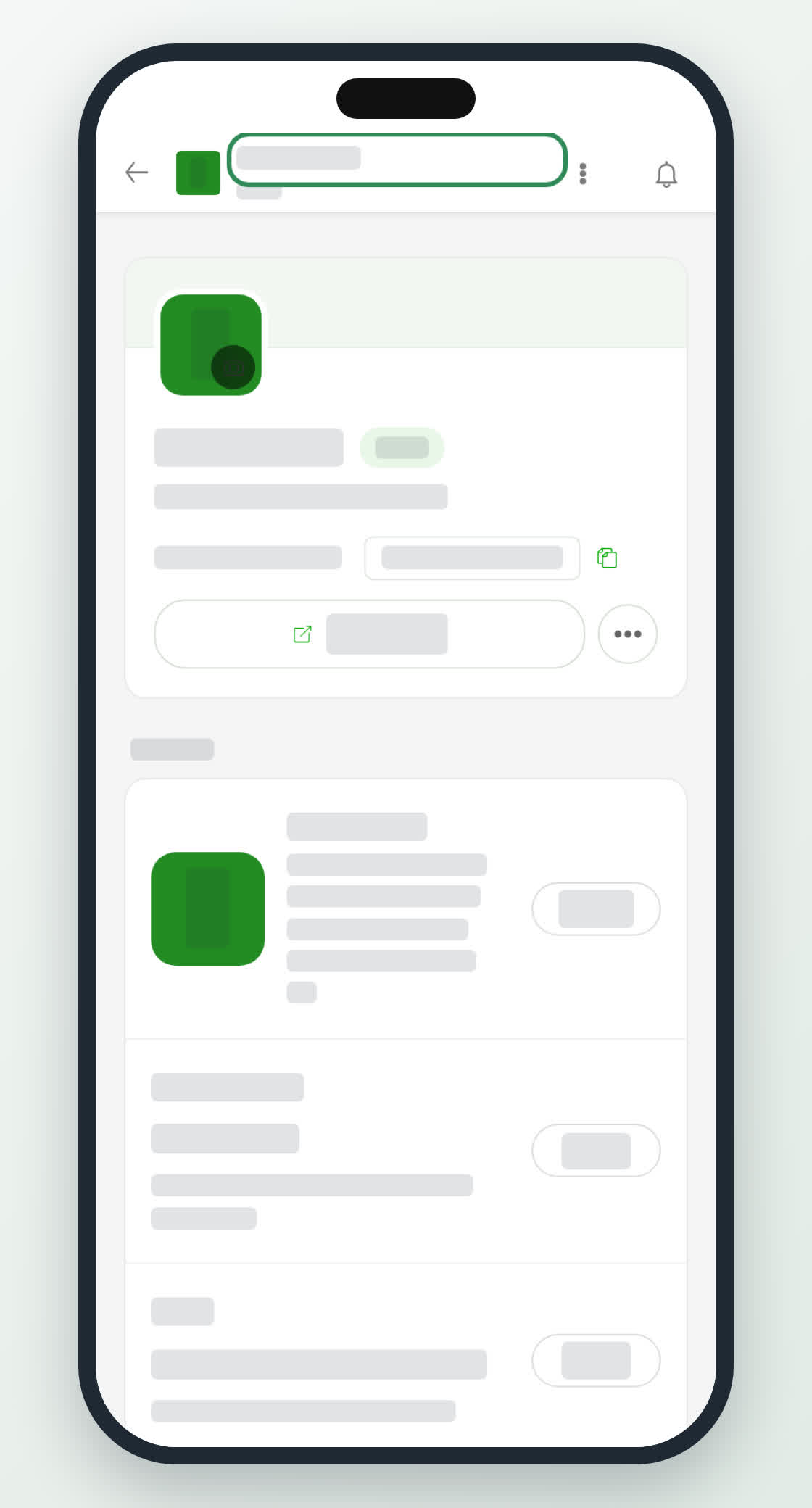
Account Information on a phone.
PreviousCreate and open a business accountNext in Business accountsGreeting, auto reply and stickers
0
Share
Send in message
Report
Copy ID