Delete your account
Delete your Boogir account from Security & Login by typing YES to confirm. You have 30 days to change your mind: sign in during that time to cancel. After 30 days your profile, posts, comments and other data are removed.
Guide Chanras Sun4 days ago · 4 min read · 5 views
You can delete your Boogir account at any time. Deletion is not instant: your account and all of its data are removed 30 days after the request. Sign in during those 30 days to cancel the deletion.
Deleting your Boogir account does not delete your Talkou account. You keep using Talkou, and any other platforms you use with it, as before.
Before you start: sign in again
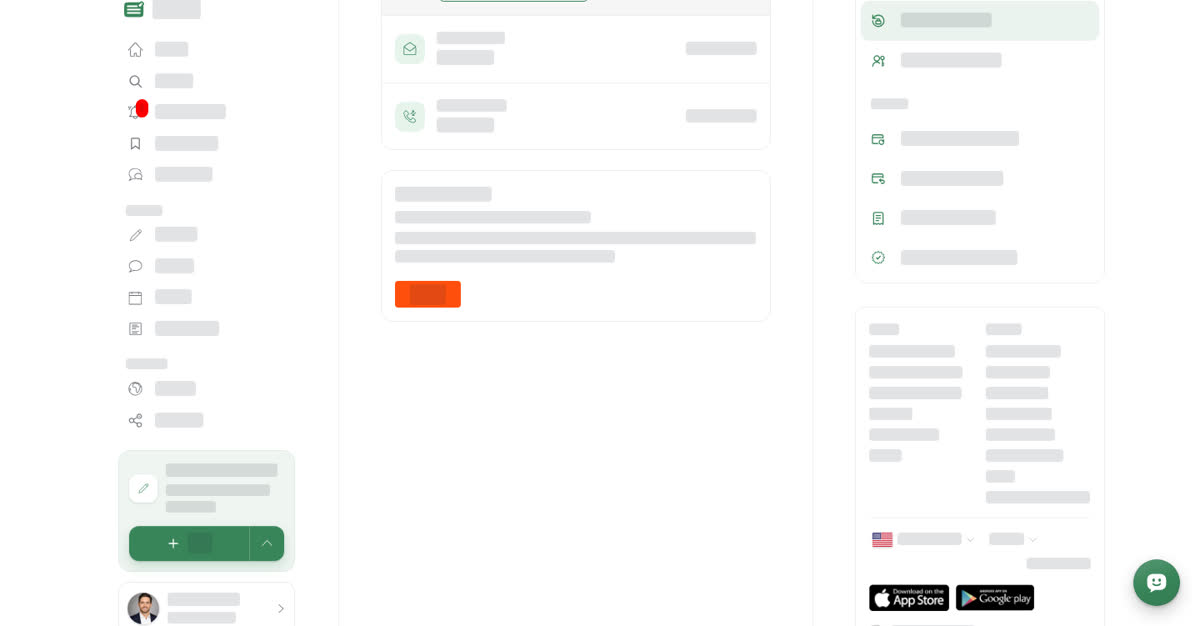
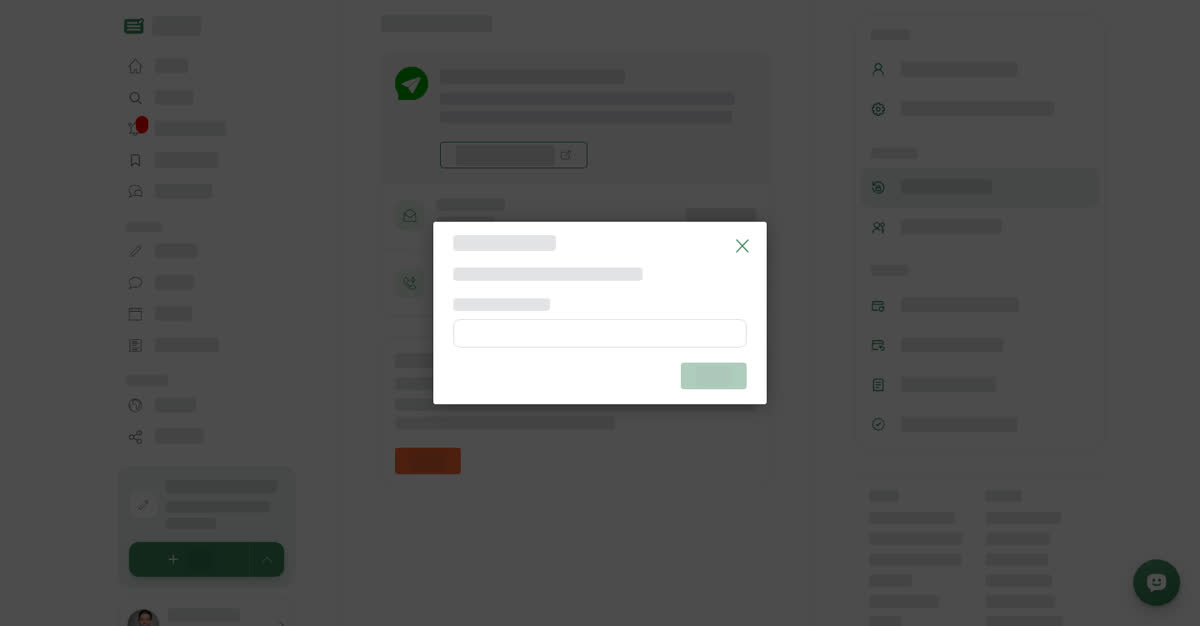
For your security, Boogir only accepts a deletion request shortly after you sign in. Sign out, then sign in again before you continue. The request itself is made in Account Deletion at the bottom of Security & Login: select Delete, type YES in the Type YES to confirm box, and select Delete again. The Delete button only works once you have typed YES.
On a computer
Delete your account
On your phone
These steps are the same in the Boogir app and on boogir.com in your phone's browser.
Delete your account
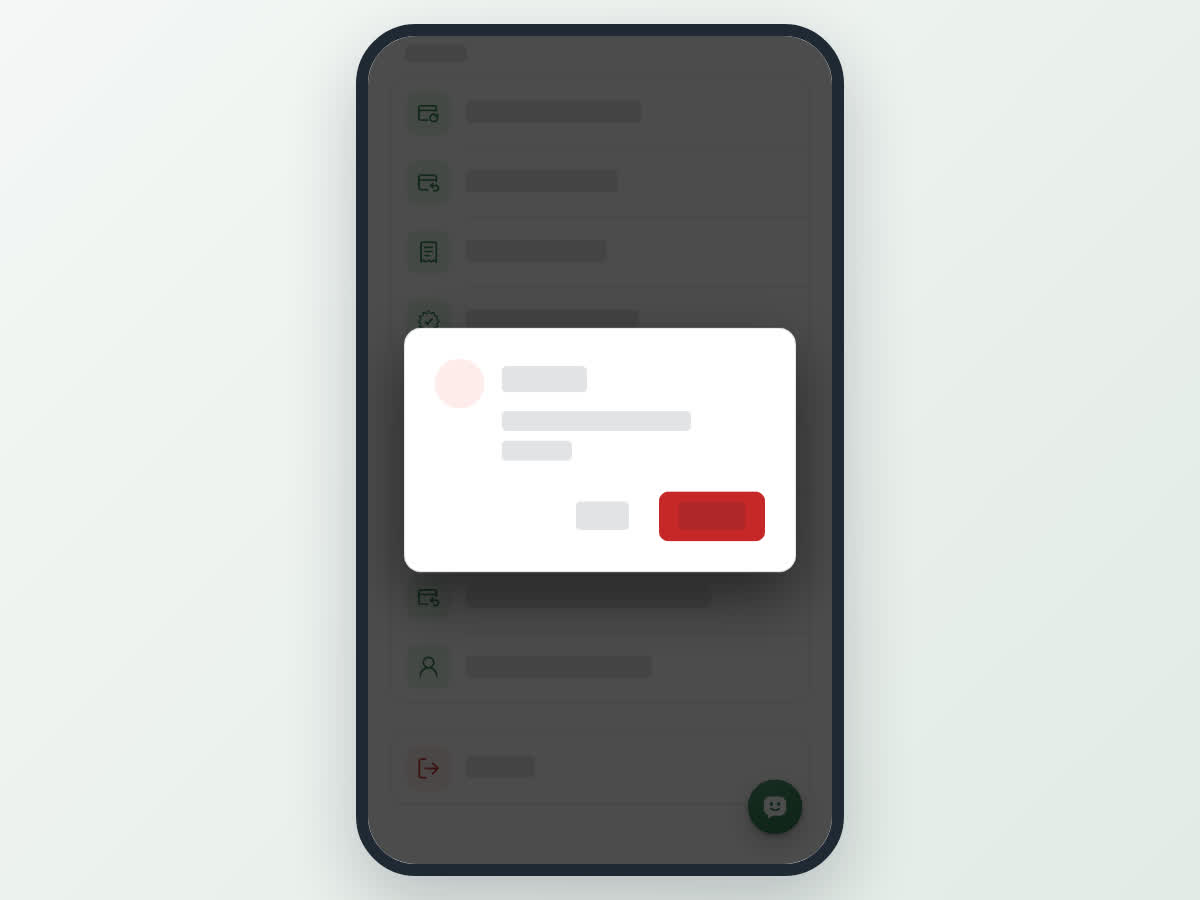
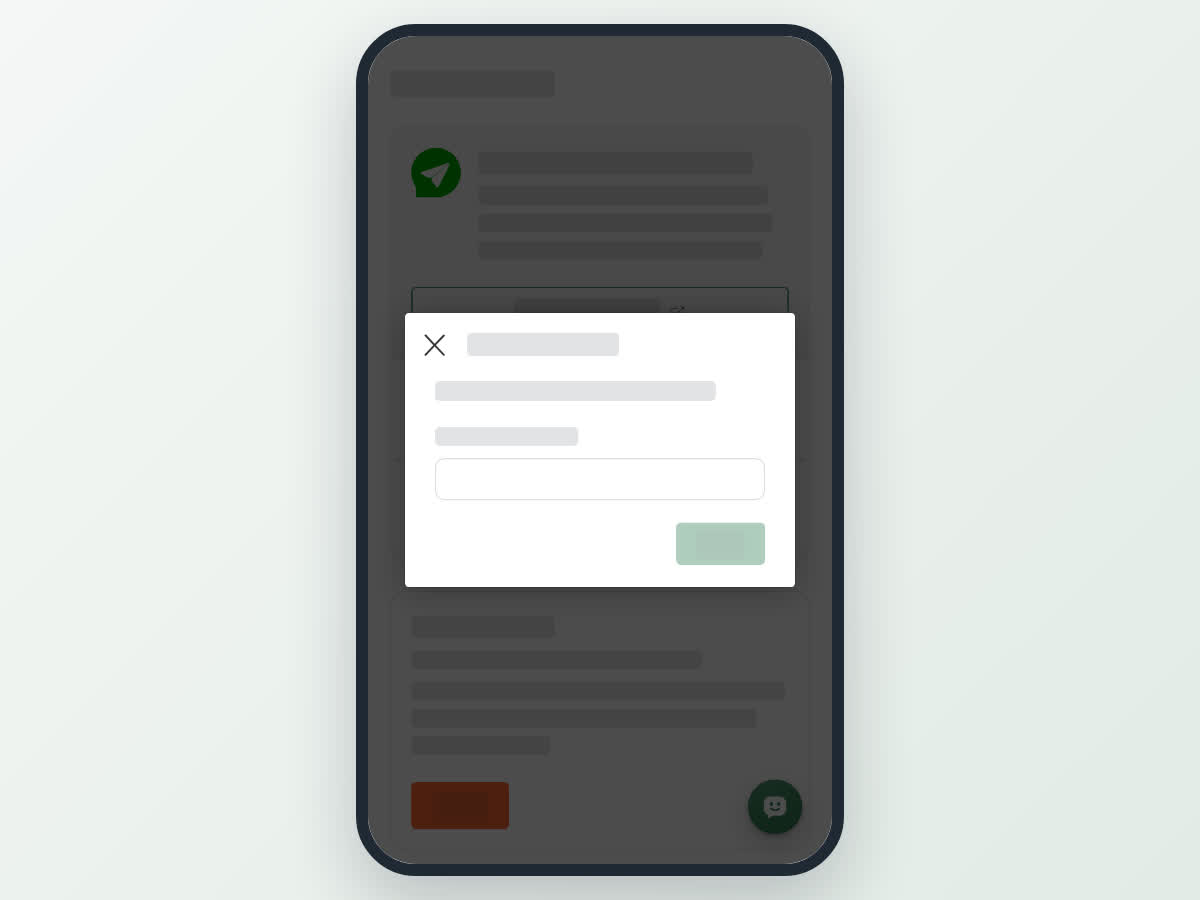
If you see "sign in again"
If it has been a while since you signed in, Boogir shows For your security, sign in again, then delete your account. and signs you out. Your account is not scheduled for deletion. Sign in again and repeat the steps straight away.
Changed your mind?
Sign in to Boogir any time within the 30 days, the usual way with your Talkou account. Signing in cancels the deletion, and your account carries on as before. You do not need to contact support.
What is removed after 30 days
When the 30 days are up, Boogir removes:
- your profile, including your name, photo, cover photo and About me
- all of your posts, in every space
- your comments
- your votes and your Bookmarks
- your subscriptions to spaces
- your membership and role in every space you belong to
- your modules
- your notifications
Spaces themselves are not deleted with your account. Other members keep their own posts and roles. If you are the only owner of a space, add another owner before you request deletion so someone can still manage it (see Manage your space).
Your Talkou account, including any wallets you belong to in Talkou, is separate and stays as it is.
What Boogir keeps
After the 30 days, Boogir keeps only what the law requires: records of your payments, purchases, refunds and invoices, which tax and accounting rules oblige us to hold. They are kept for as long as those rules require and are not shown to anyone else. Copies in backups are overwritten over time. Content that other people copied or shared may remain.
Your wallets and their credits belong to your Talkou account, so they are not removed with your Boogir account.
If you can't sign in
If you can no longer sign in to Boogir, email info@boogir.com from the address on your account and ask us to delete it. We confirm the request with you and then delete the account in the same way, within 30 days.