Set up an AI agent
Give your business an AI agent that answers customer messages first, from the Boogir spaces you choose, before your team steps in.
Guide Chanras Sun9 hours ago · 1 min read · 1 view
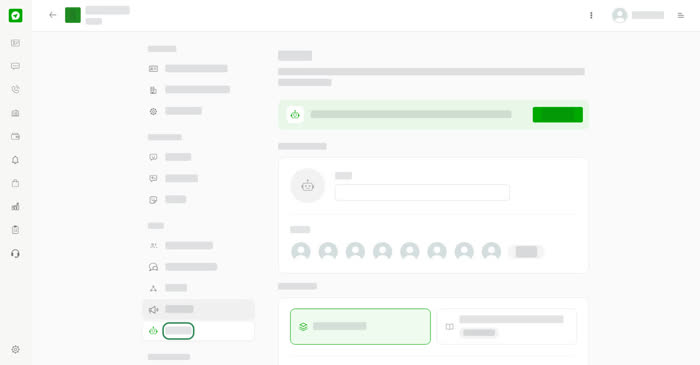
Open your business account and choose AI Agent under Team. The agent answers customer messages first, from the knowledge you choose, before your team steps in.
Set it up
- Under Agent profile, give it a Name and a Picture with Upload.
- Under Knowledge, choose Spaces on Boogir. Select Add space to add up to 5 spaces the agent can read.
- Turn on Answer customer messages.
- Select Save.
The agent replies first and hands the chat to your team when it cannot answer or when a team member replies. It pauses when this month's responses run out and starts again next month. Responses this month shows how many you have used.
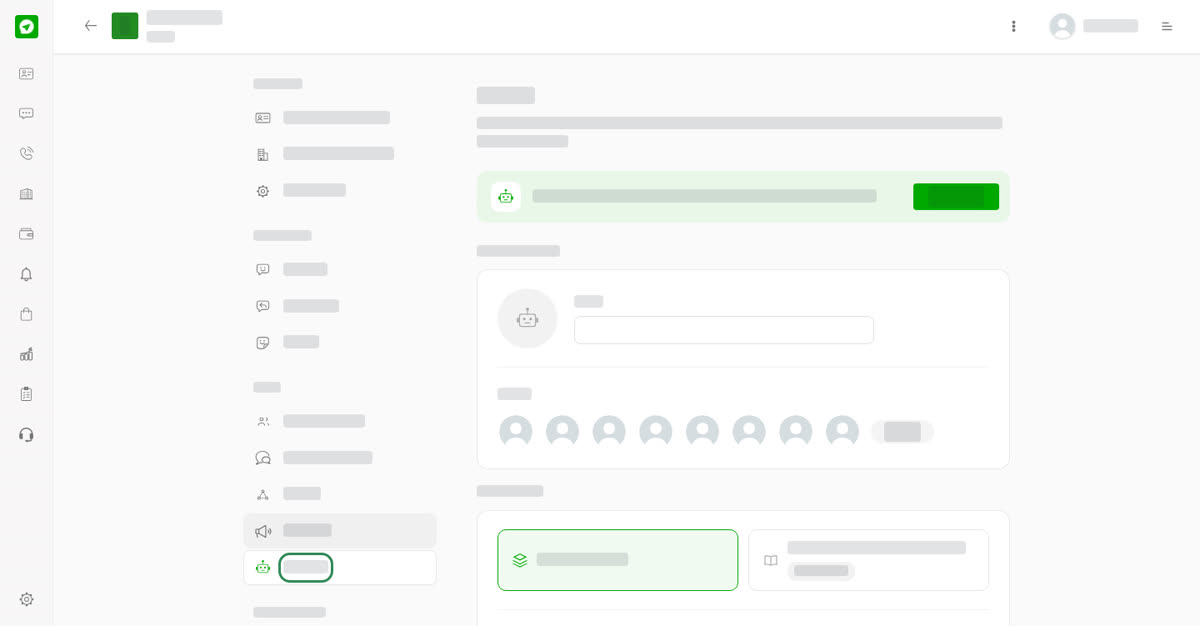
The AI Agent page.
On your phone
Tap the three dots at the top of the account and choose AI Agent. The settings are the same.
0
Share
Send in message
Report
Copy ID