Create a company page
Set up the page your jobs are posted from: a cover, a logo, what the business does and where it is.
Guide Chanras Sun5 hours ago · 2 min read · 1 view
A job is always posted from a company page. Creating one is free: the page is the employer's identity on Qoosi, and every job, applicant and plan is attached to it.
What the form asks for
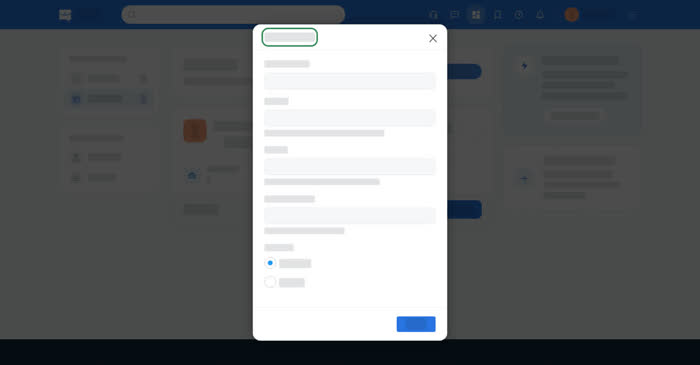
- Page type – an employer or an agency.
- Company name, location, address and organization type.
Company size, founded year, website, the cover photo and the logo are added afterwards, on the company's own tabs.
On a computer
Open Dashboard → Posting & Brands → Companies, then New Company (Add New Company if you have none yet).
Saving adds the company to your list. Open it from there to fill in the rest. The tabs down the side are Company Information, Business Information, Manage Users, Photo Gallery, Benefits & Perks, News and Map, and a second group covers the plan: Blue Tick Verification, Private Space, Job Post & Boost, Company Visibility and Manage Subscription.
On your phone
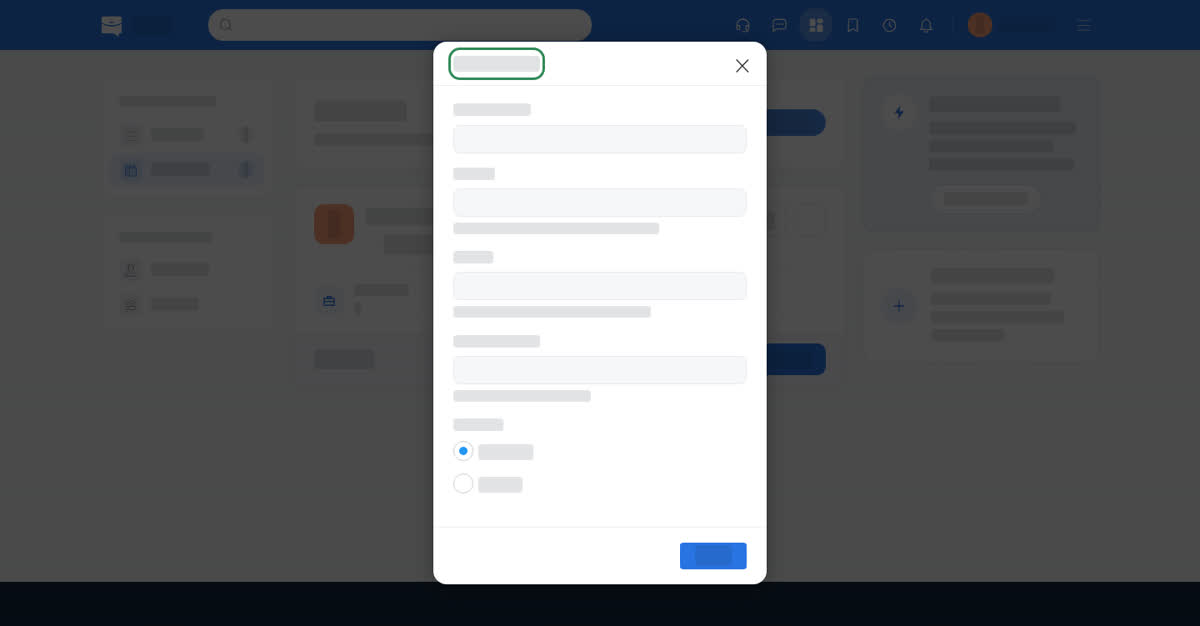
In the app, Home → Access Dashboard → Companies; in the phone browser, the dashboard icon in the top bar, then Companies. Tap +. The same short form opens as a single sheet. Photos are added later, on the company's Company Information tab, from the phone's library with a crop step.