Notifications
Read your alerts, filter them, mark them as read and turn on push notifications in the Talkou app.
Guide Chanras Sun10 hours ago · 1 min read · 1 view
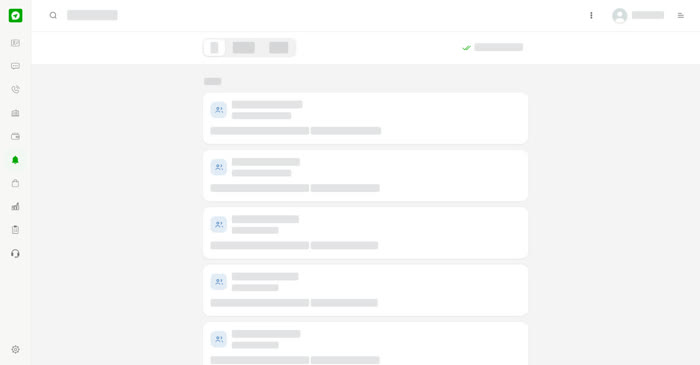
Alerts collects what has happened on your account, for example when someone adds you as a team member. Each entry shows who or what it is about, a short label, how long ago it happened and a line of detail. Entries are grouped by day, and unread ones are marked.
On a computer
Select Alerts (the bell) in the left menu. The tabs are All, Unread and Wallet. Select Mark all as read to clear the unread marks.
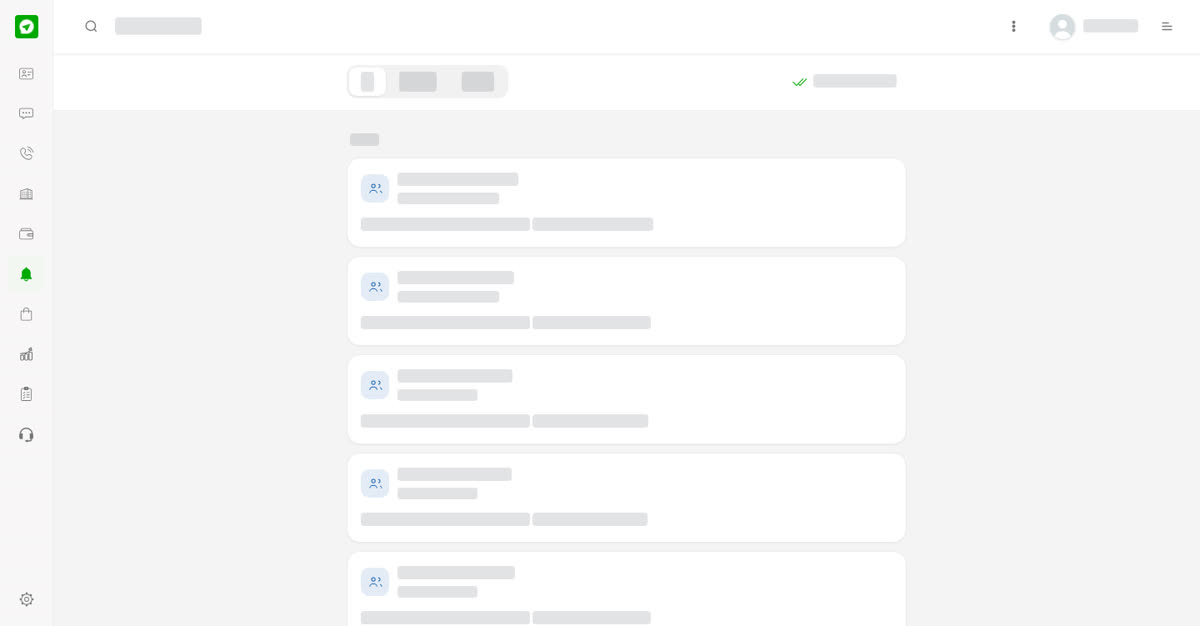
Your alerts.
On your phone
Tap the bell at the top right of any screen. The tabs and Mark all as read are the same.
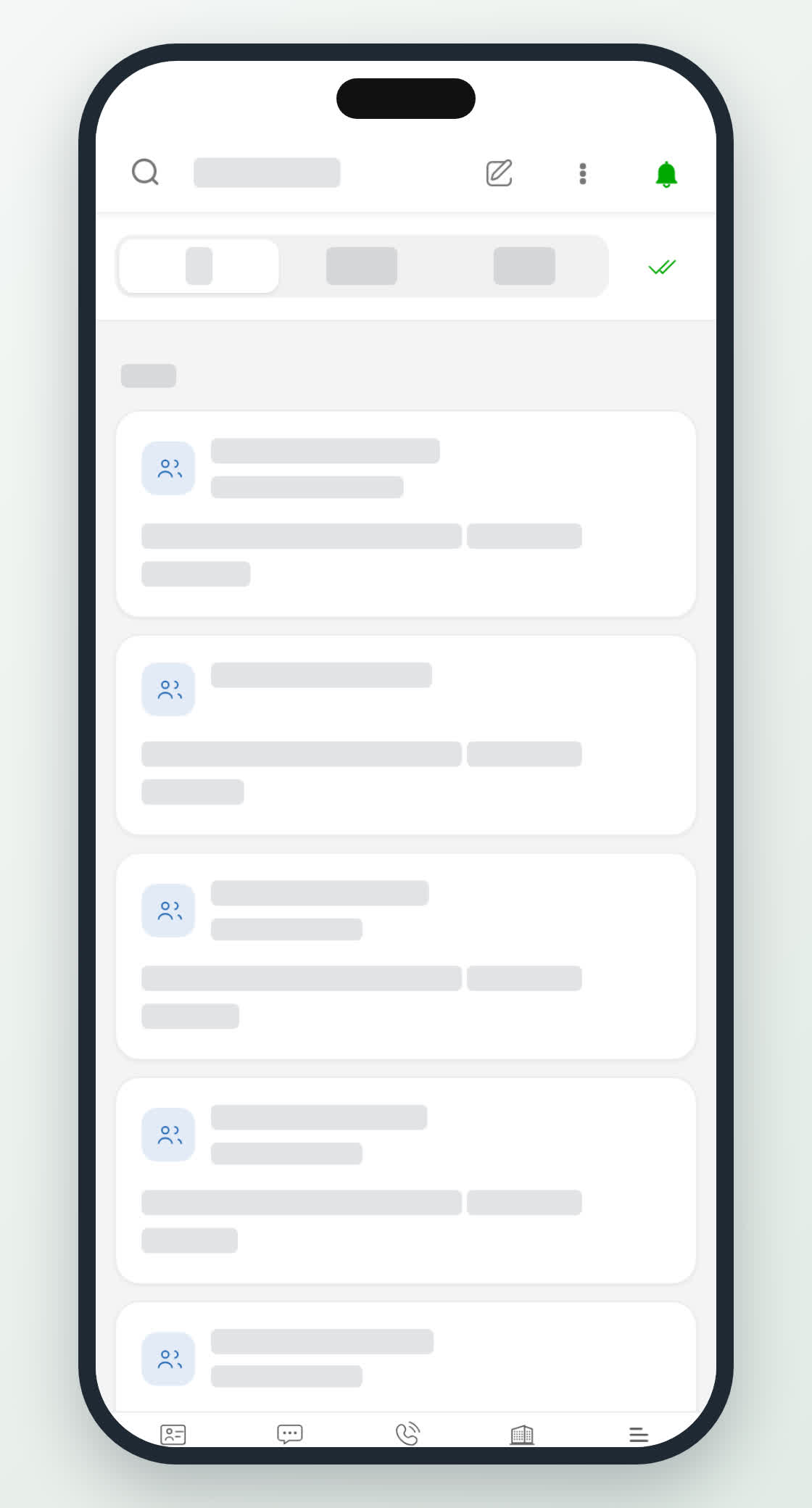
Alerts on a phone.
0
Share
Send in message
Report
Copy ID