Read a company page
What a company page shows, how to find the jobs behind it, and how to get in touch.
Guide Chanras Sun6 hours ago · 2 min read · 1 view
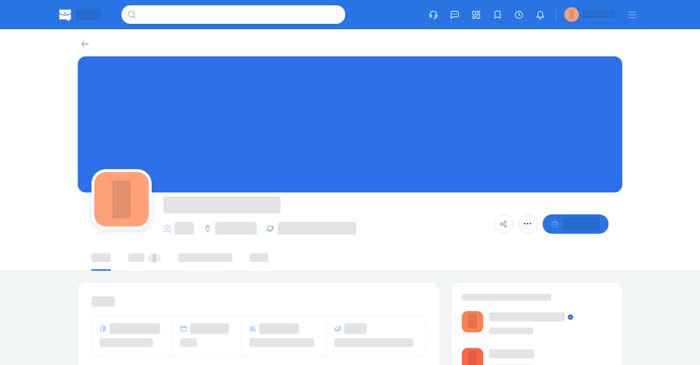
Every employer and every agency on Qoosi can have a company page. It is the public face of the business: the cover and logo, what the business does, the roles it is hiring for, its benefits, its news and a map of its offices.
On a computer
Open a company from a job page, from the search results, or from Companies on the employer side. The page opens with the cover, the logo, the name and, for companies on a Company Visibility plan, an Actively hiring marker, then:
- Jobs – the open roles, each one linking to its job page.
- About, Benefits & Perks, News and Photo Gallery – whatever the business published.
- Location – the office pin, with Open in Google Maps and Directions.
- View N jobs and Message – jump to the Jobs tab, or start a conversation with the business. A company card on a job page has View Company instead.
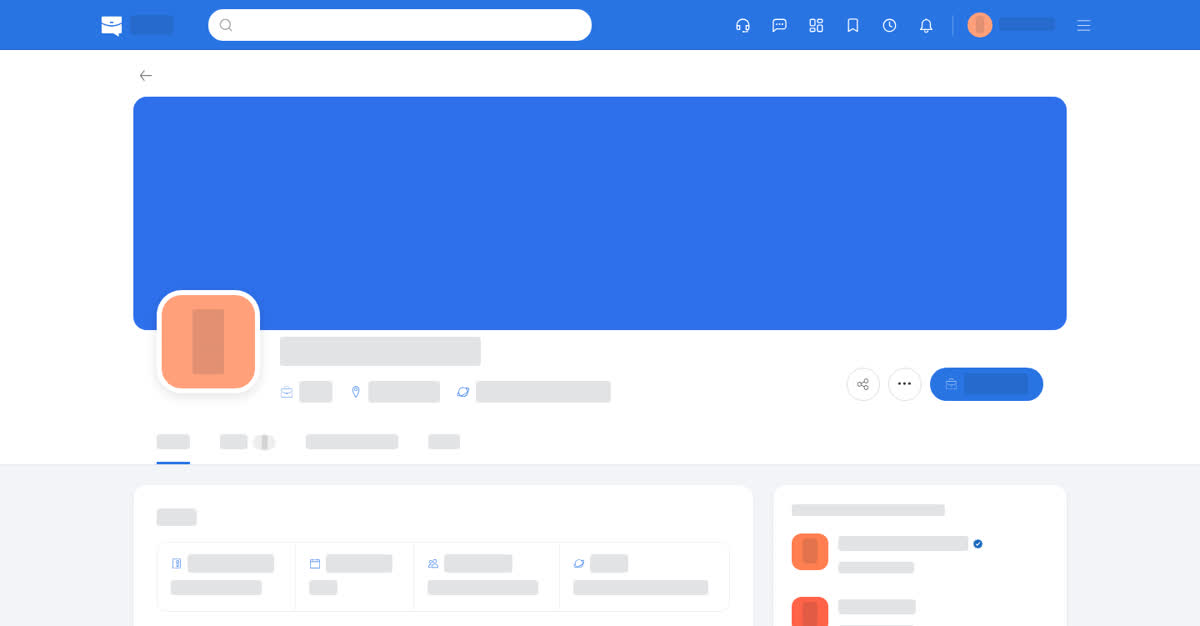
A company page.
On your phone
The same page and the same tabs, with the logo, the name and the action row stacked. The map is shown in the page; Open in Google Maps and Directions open Google Maps.
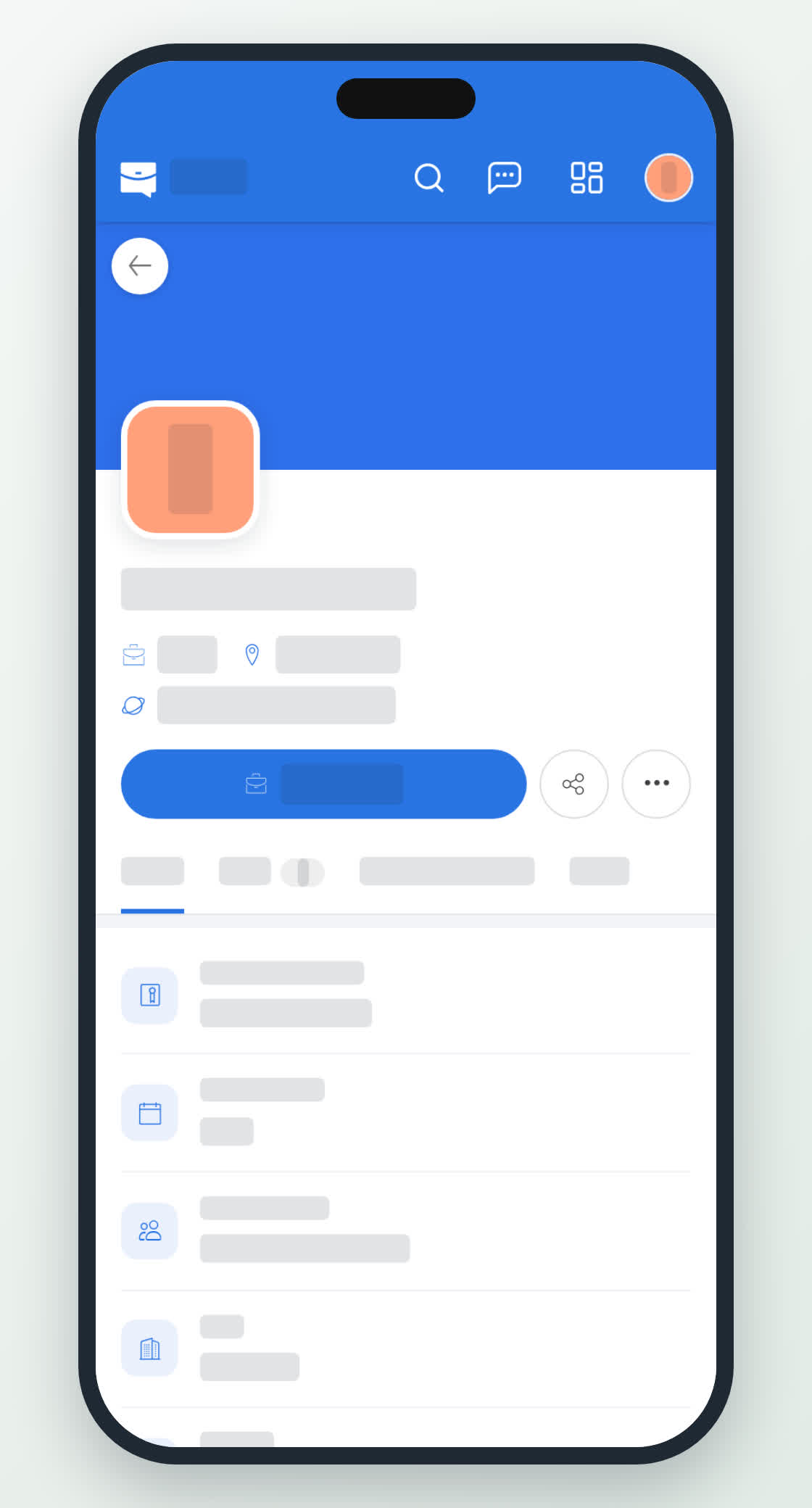
A company page on a phone.
0
Share
Send in message
Report
Copy ID