Choose a plan
What the plans change, how monthly and yearly billing compare, and where to see what is active.
Guide Chanras Sun6 hours ago · 2 min read · 1 view
Qoosi is free to use. Plans buy visibility and limits: how many posting days a company has each month, how many candidates an agency can send, how much boost and how many company views a day, and the trust marks on a page. Applying for a job is never limited.
What the plans cover
Each product family has its own cards:
- Business tab: Job Post & Boost, Company Visibility, Private Space, Blue Tick Verification and, for an employer or agency team, Recruitment.
- Personal tab: Blue Tick Verification, Private Space, Job Seeker Boost and Recruiter Boost.
Open a product to see its tiers. Switch between Monthly and Yearly (15% off) to see the price on each one, with what the tier includes — posting days per month, boost views per day, company views per day, candidates per month. Most popular marks the tier Qoosi recommends.
On a computer
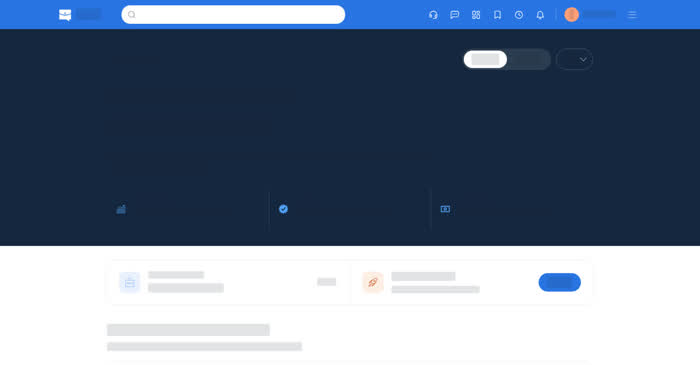
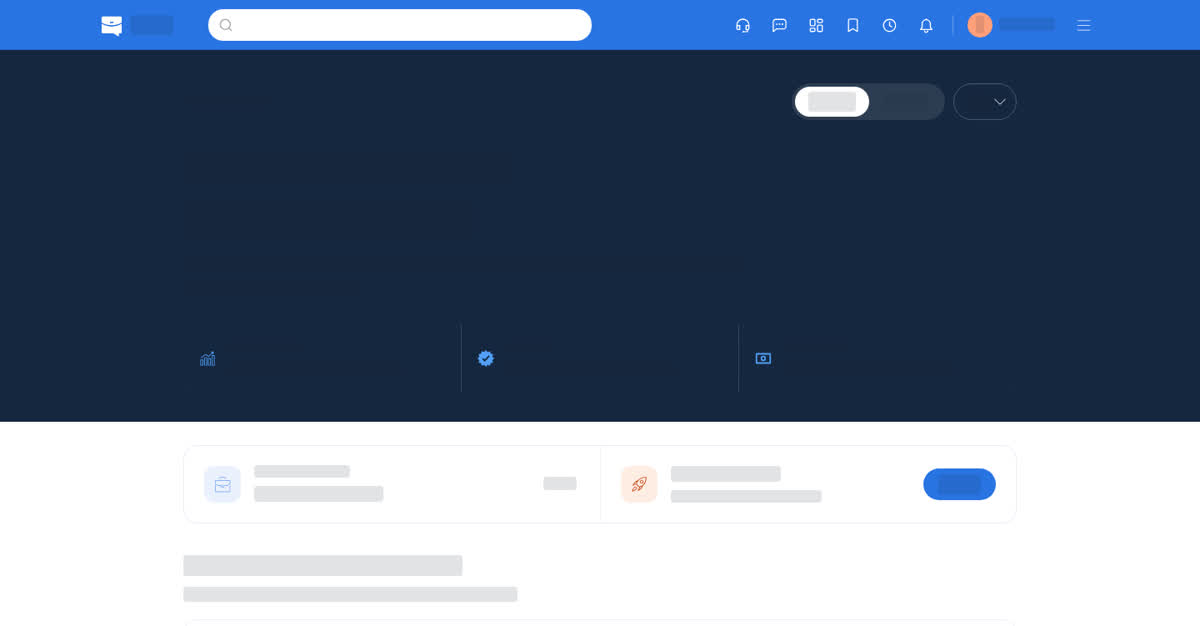
Open Manage Subscription in your account settings or on a company, then See Plans. On a team, open Team & Plan → Subscription. The page has two tabs, Business and Personal. Choose the company or team you are buying for, then Confirm and pay, paying from your Qoosi wallet.
On your phone
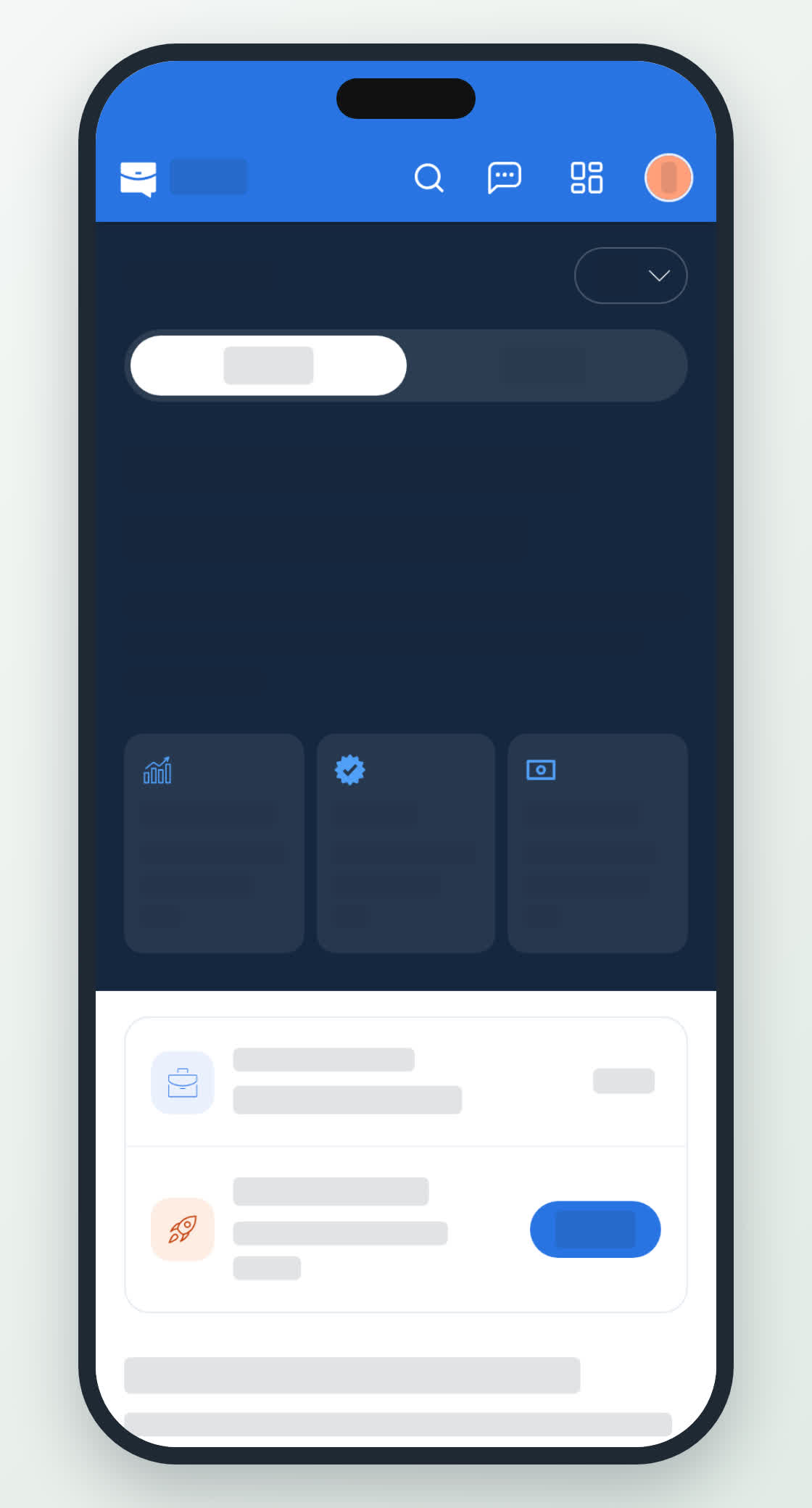
Account → Manage Subscription → See Plans opens the same two tabs with the plans as cards. The store purchase screens are the app's own for credit packs; a plan bought on the web is bought from the wallet in both places.