Create a group or a channel
Start a group chat or a channel run by one of your businesses: choose the business, name it, describe it, add people and create it, on a computer and on your phone.
Guide Chanras Sun10 hours ago · 1 min read · 1 view
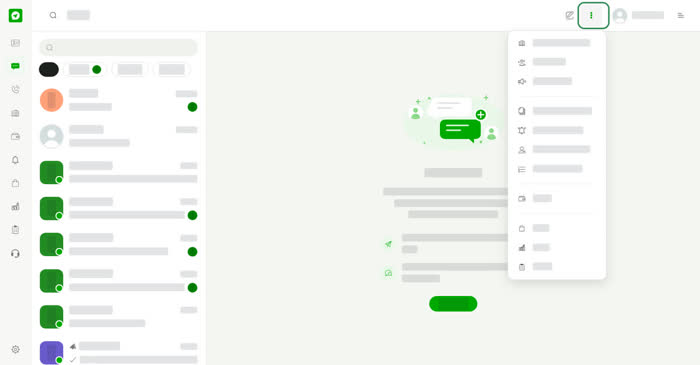
A group is a chat where several people talk together. A channel lets a business share updates with the people it adds. Both are run by a business you own or manage, so you need a business account first. If you do not have one yet, the window says No businesses yet.
On a computer
Open Chats, select the three dots in the top bar and choose New group or New channel. The menu also has New business chat.
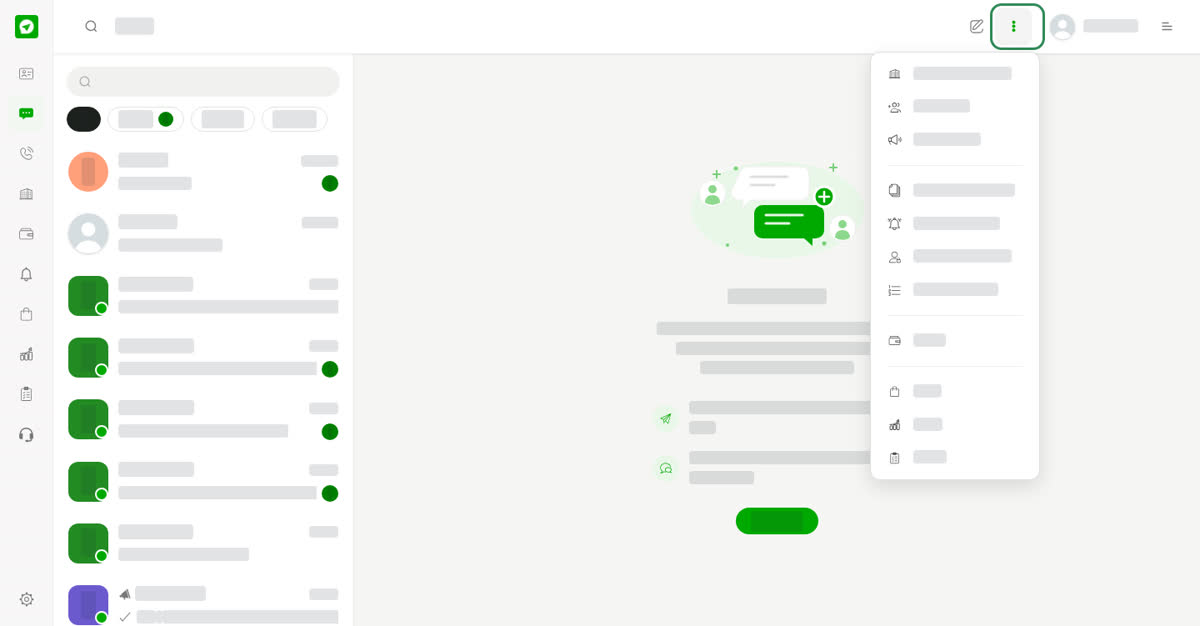
Start from the three dots menu.
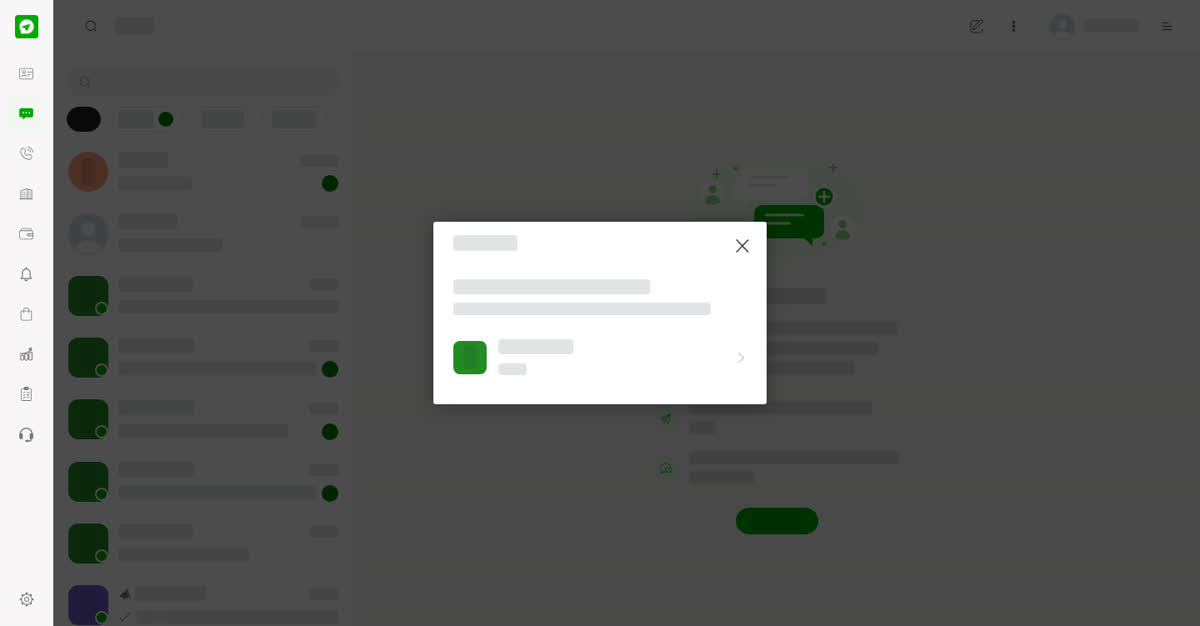
First choose which business will run the group.
On your phone
Open Chats, tap the three dots at the top right and choose New group or New channel. The steps are the same.
Create a group
01
Open New groupIn Chats, open the three dots menu and choose New group.
02
Choose the businessPick the business that will run the group, then select Next.
03
Name and describe itEnter a Group name and a Description. Tell people what the group is about, in at least 50 characters.
04
Choose who to addPick people from your contacts. If your contacts are empty, add a contact first.
05
CreateSelect Create. Use Back to go to the previous step.
0
Share
Send in message
Report
Copy ID