Help and support
Read the guides, ask them a question, and message the Qoosi team when a guide is not enough.
Guide Chanras Sun6 hours ago · 1 min read · 1 view
Help lives in the panel behind the help icon, in three parts: the guides you are reading now, a support conversation with the Qoosi team, and your messages.
On a computer
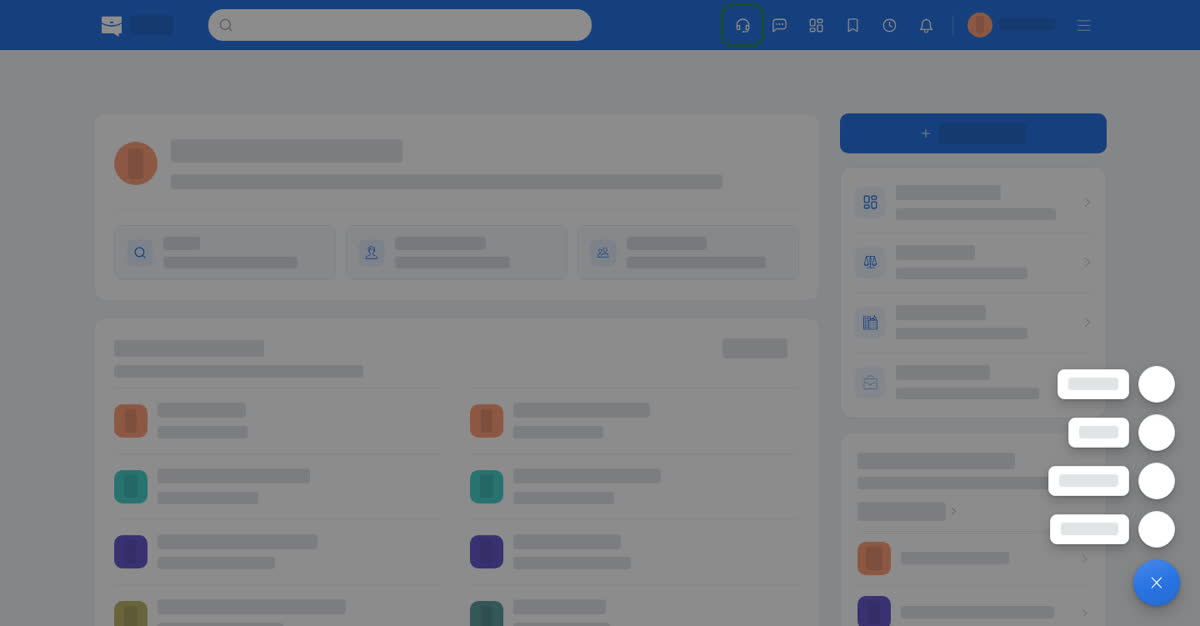
Select the help icon in the top bar and choose Help Center (all guides on Boogir), Help Guides (ask a question and get an answer from the guides, with links), Support (the teams you can message) or Messages (those conversations).
The guides open on Boogir, the platform Qoosi publishes them on, so a guide can also be read and shared as a normal web page.
On your phone
Account → Help & Support opens Help Center, Help Guides, Support and Messages. Ask a question in Help Guides answers from the guides and links to them; to reach the team, use Support. The icon in the header opens your messages.
The phone browser works the same way: the top-bar icon opens your messages, and Account → Help & Support opens the menu.