Manufacturing contracts
Propose a production run, post updates, check quality and complete it.
Guide Chanras Sun11 hours ago · 1 min read · 1 view
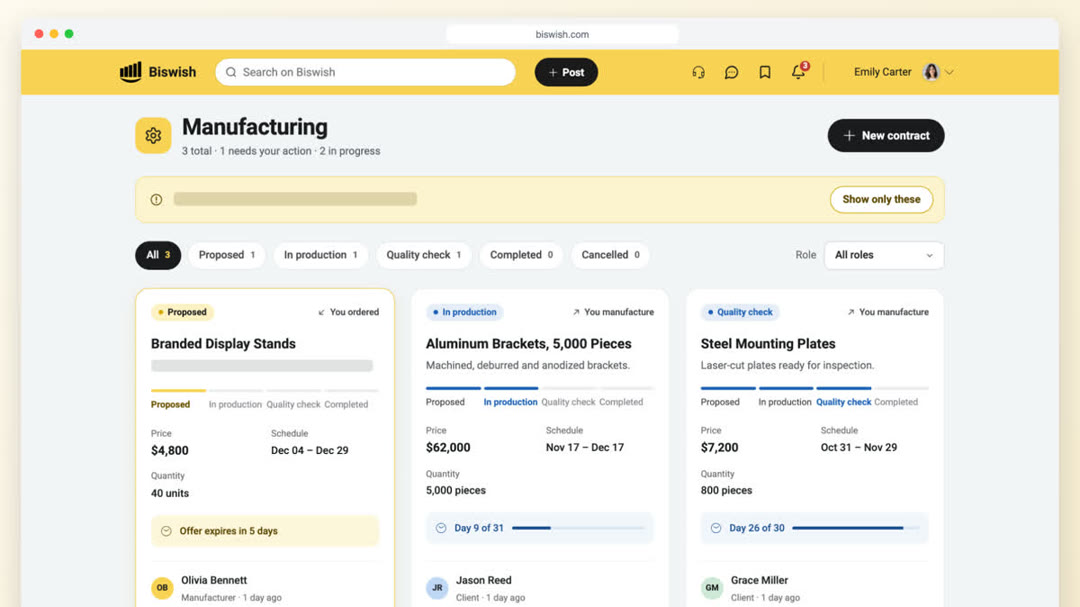
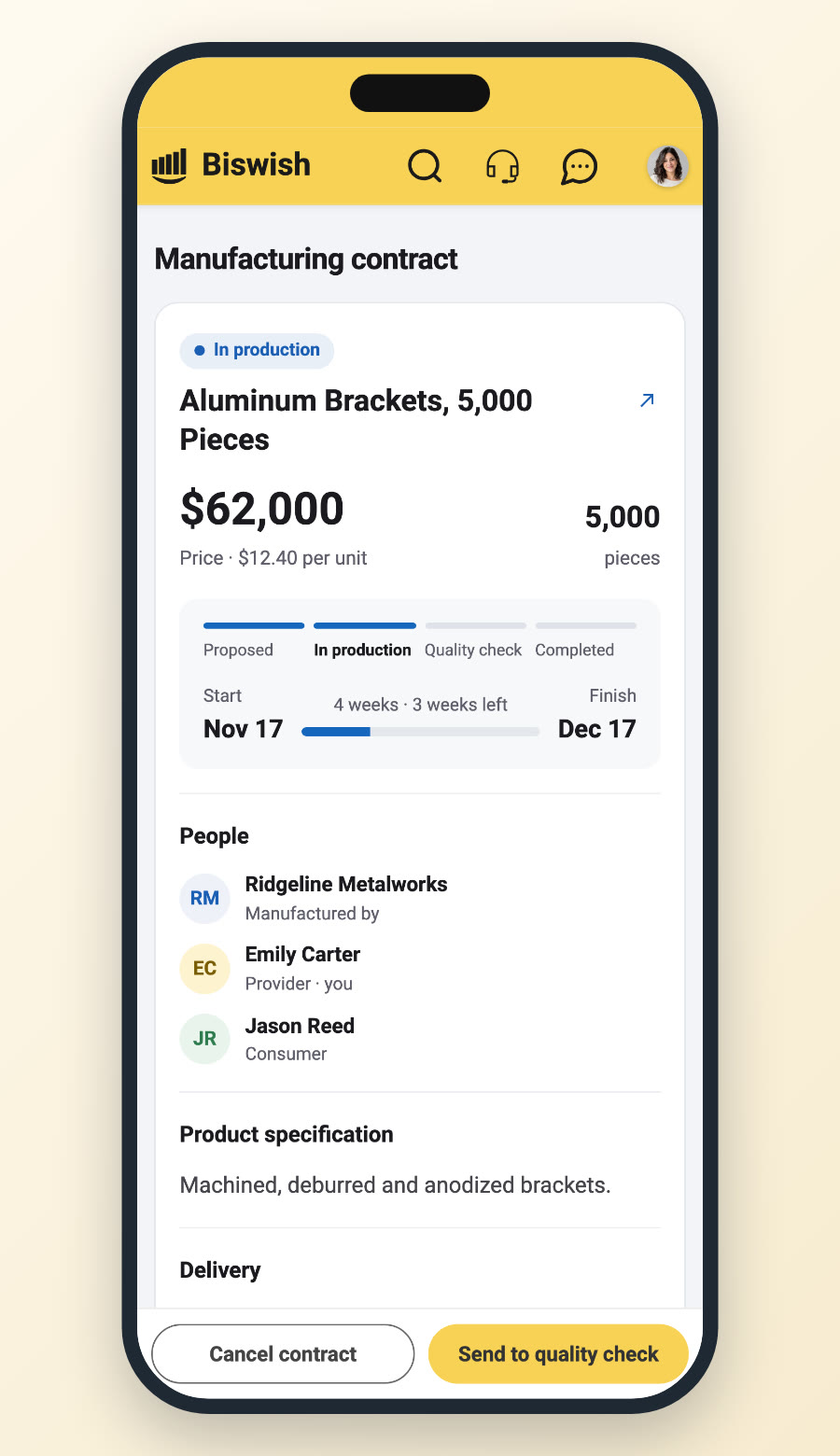
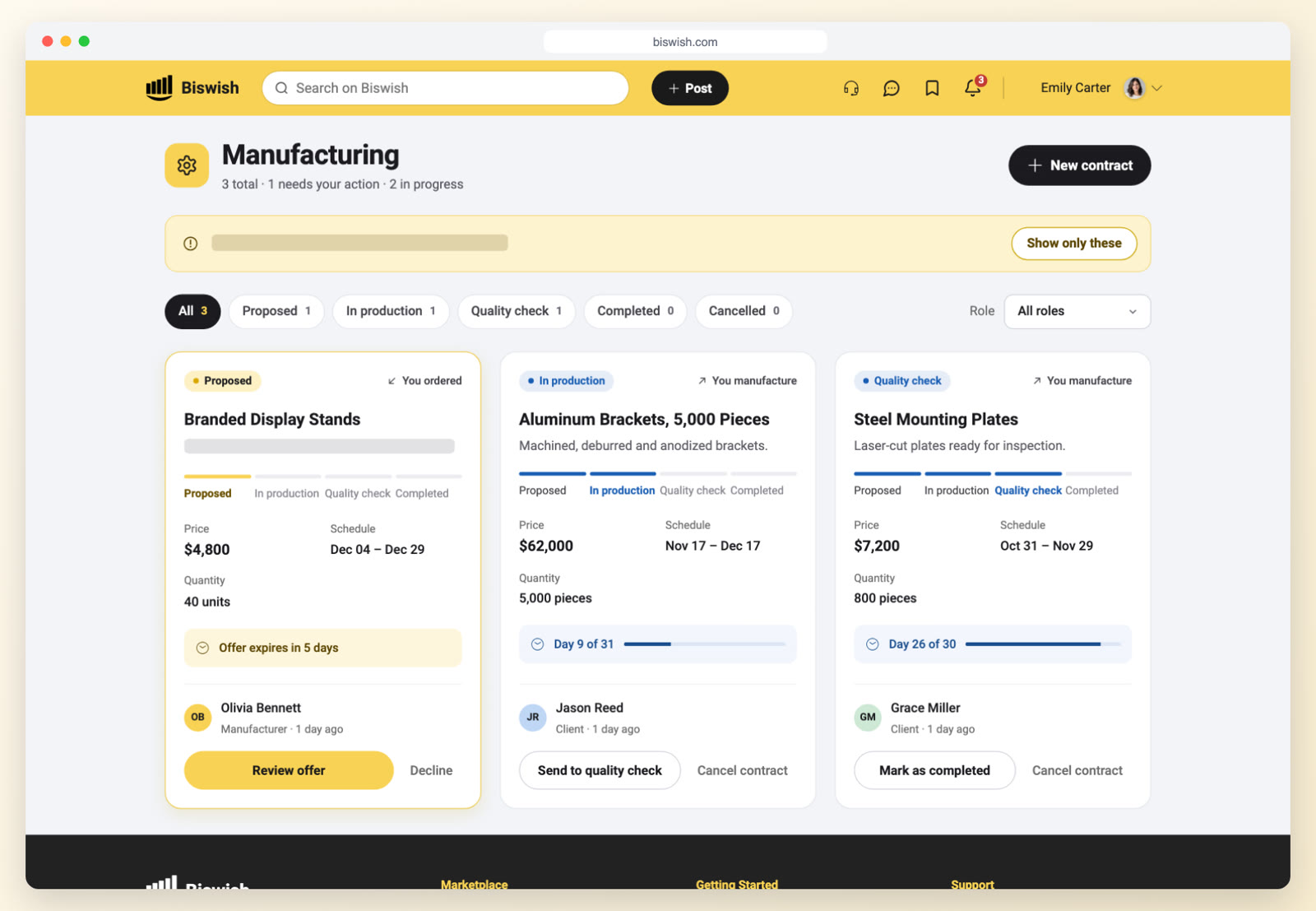
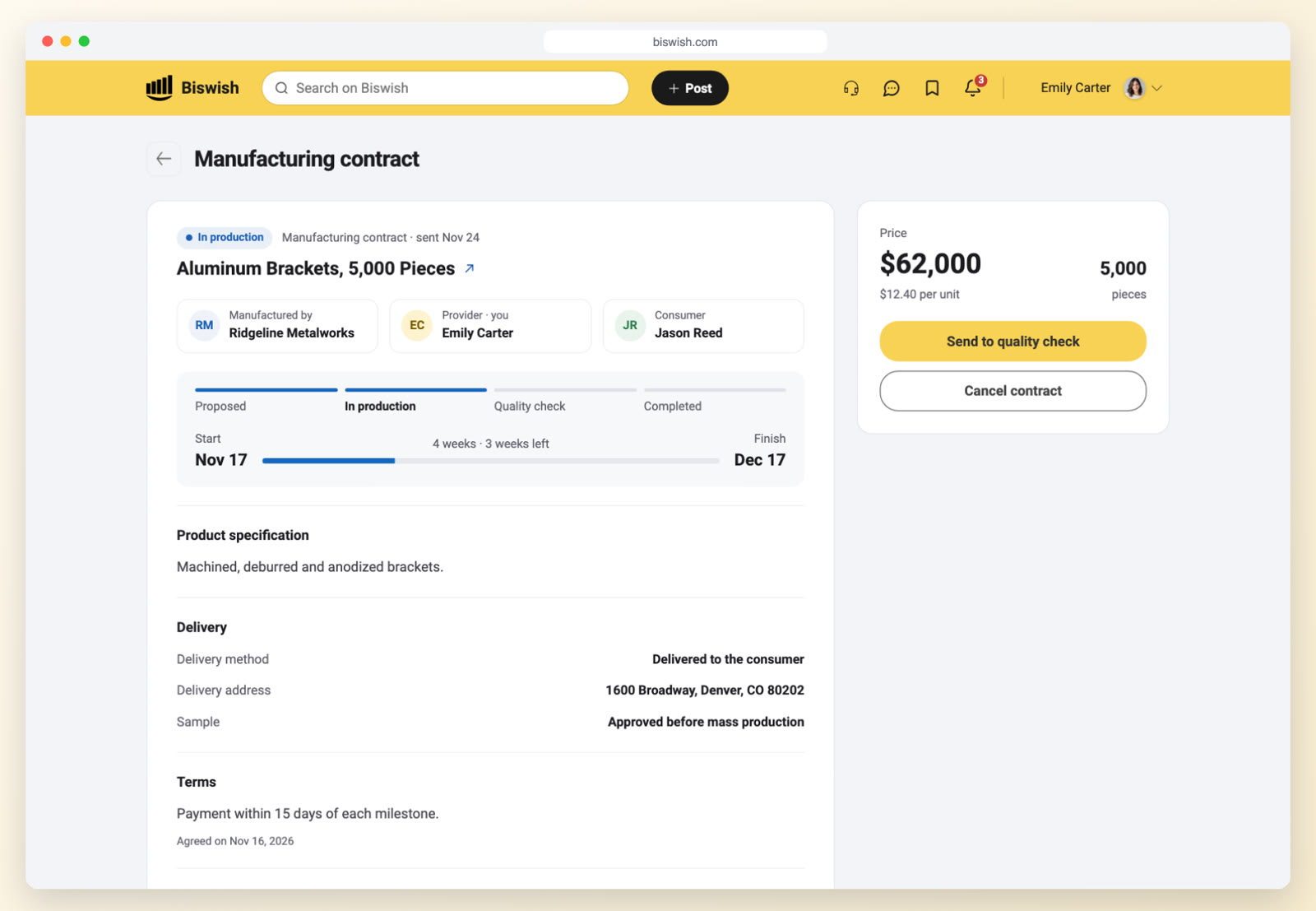
A manufacturing contract belongs to an active project and one of your companies. It moves from Proposed to In production, Quality check and Completed.
The consumer is the client of the project you attach. Until the contract is completed or cancelled, the provider can write a Production update and select Save update so the consumer can follow.
Choose how the goods reach the buyer: Pickup at the factory or Delivered to the consumer. Quality standards, inspection and warranty go in the terms.
On a computer
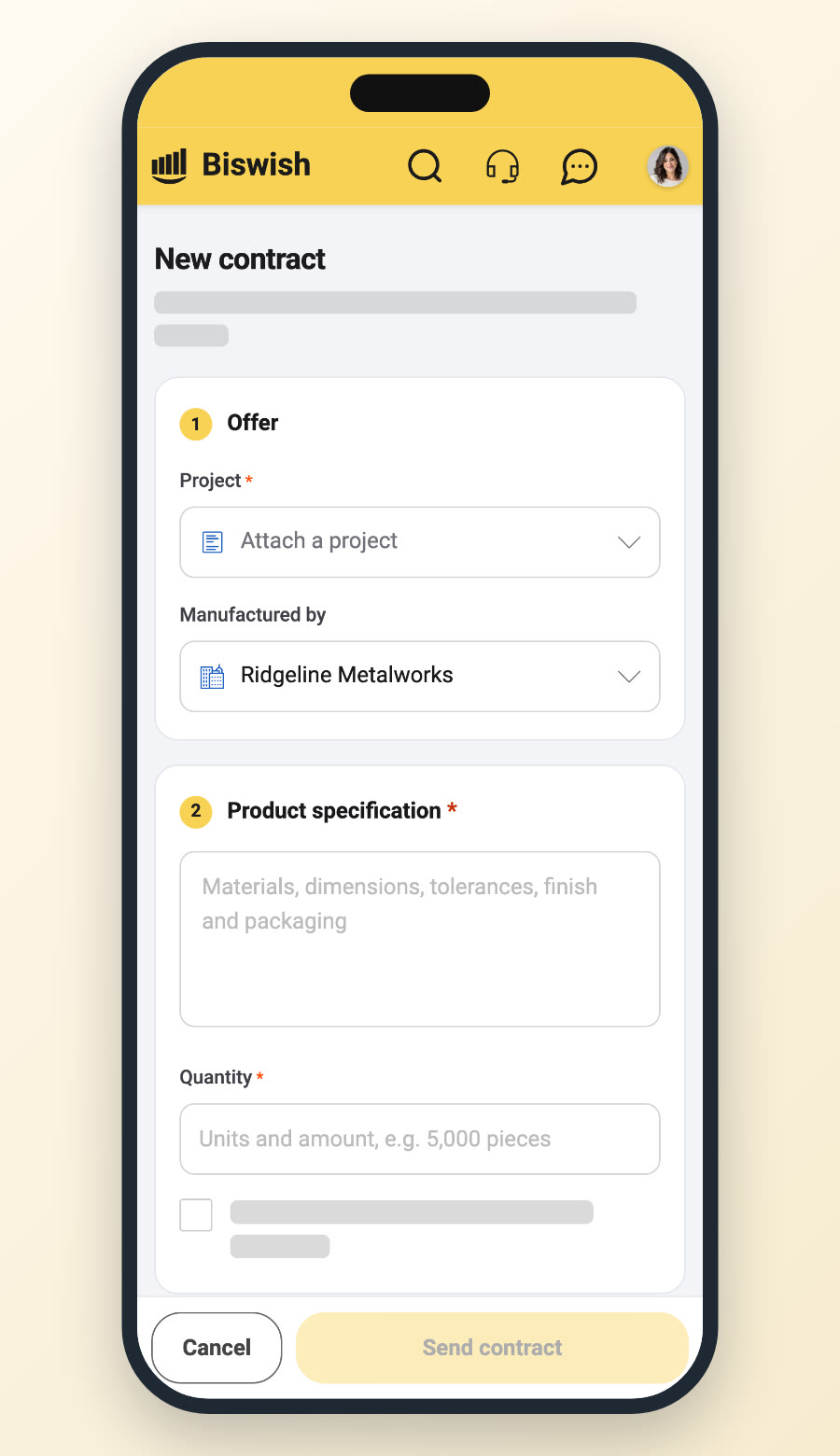
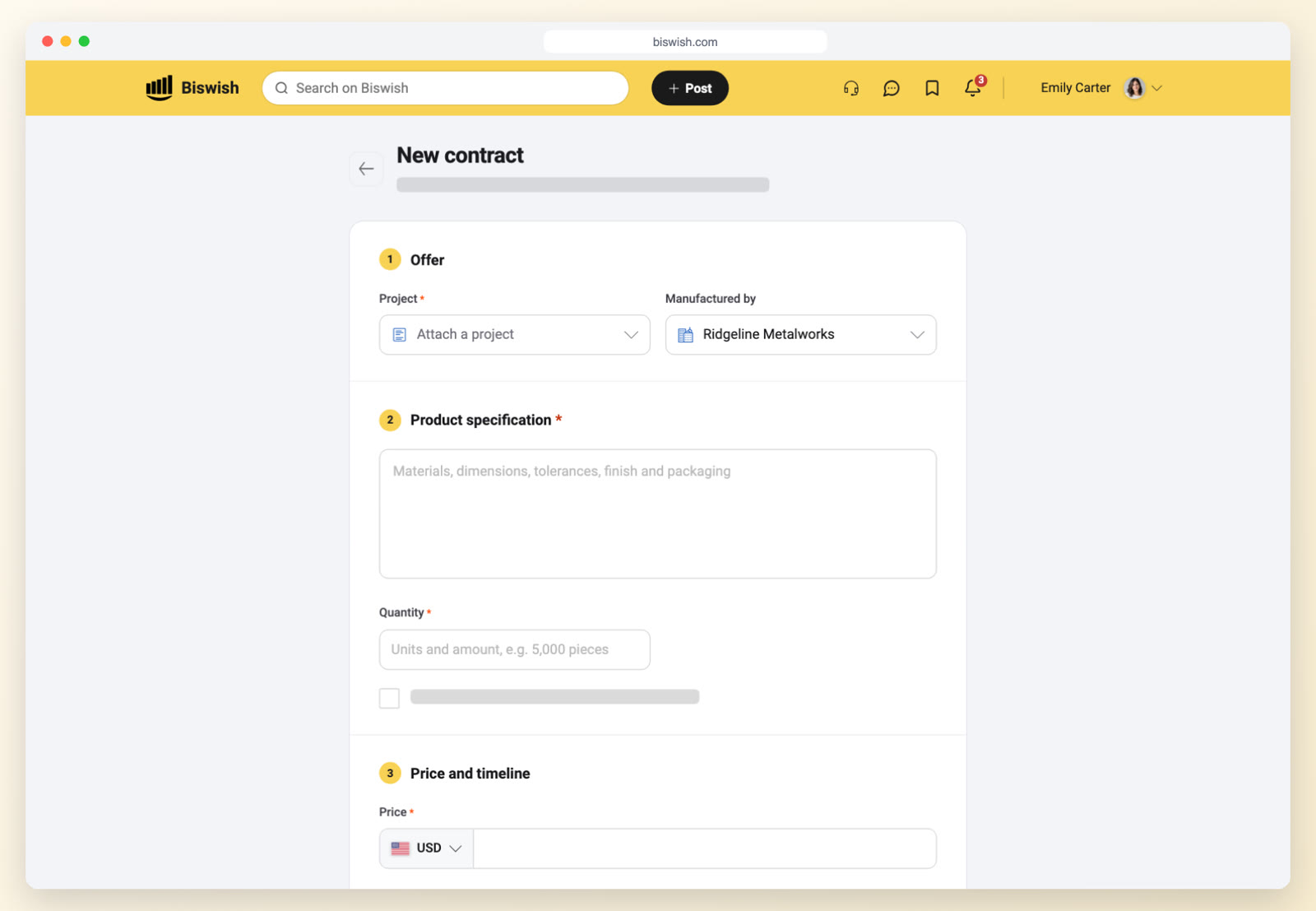
Open Manufacturing, then New contract. Add the specification, quantity, price, dates, delivery and payment schedule, then select Send contract.
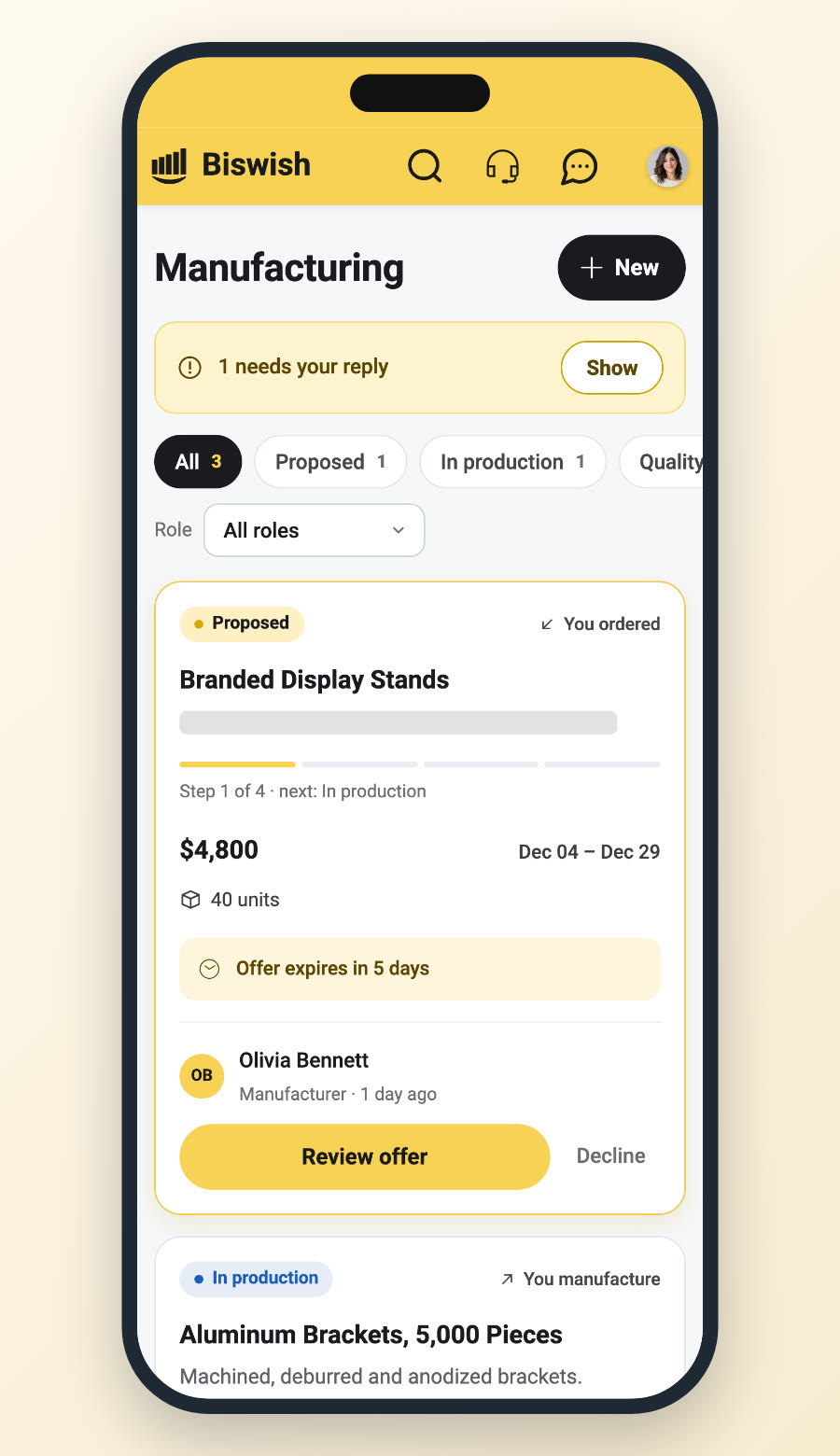
On your phone
Open Manufacturing, then New. Send contract stays at the bottom.