Run a project
Track an active project and finish or cancel it.
Guide Chanras Sun11 hours ago · 1 min read · 1 view
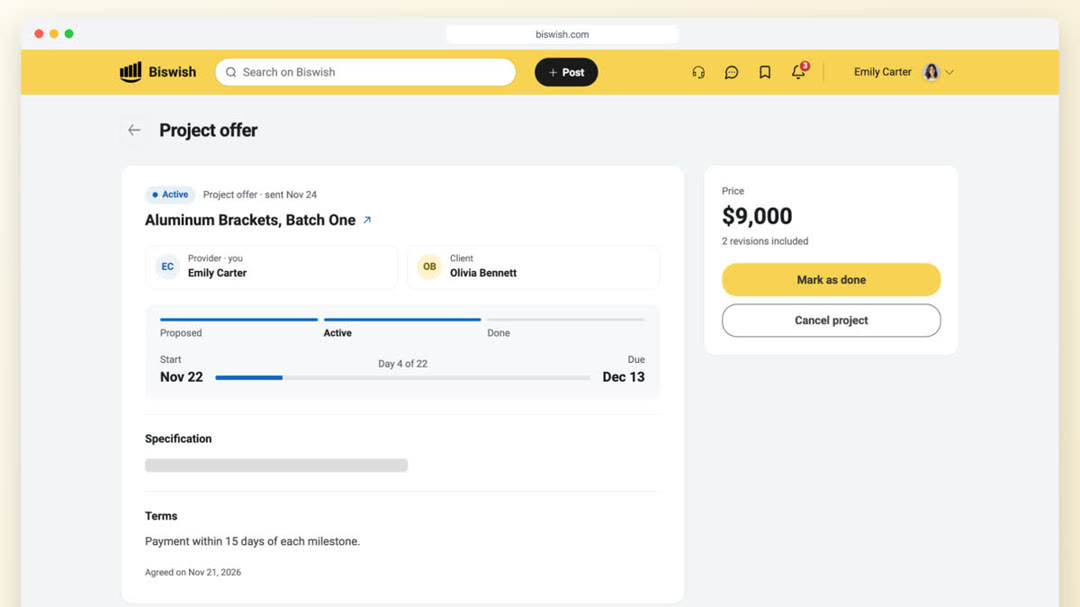
A project moves from Proposed to Active to Done. It can also be Cancelled.
Either side can mark an active project as done or cancel it. Agree it in chat first: a project that is done or cancelled cannot be reopened.
On a computer
Open the project from Projects. The timeline shows the day you are on. Mark as done and Cancel project are on the right.
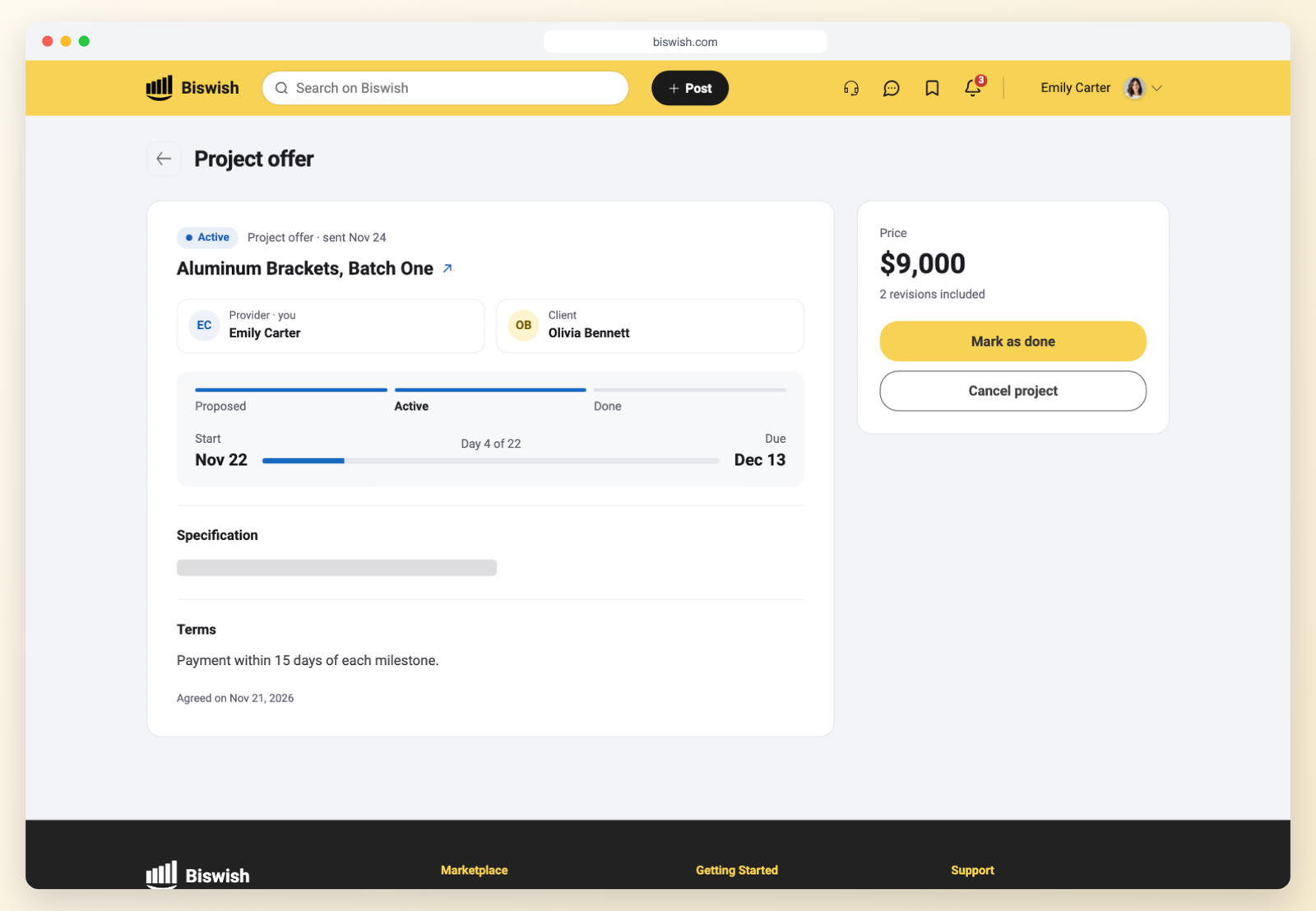
An active project.
On your phone
Open the project. Mark as done and Cancel project are in the bar at the bottom.
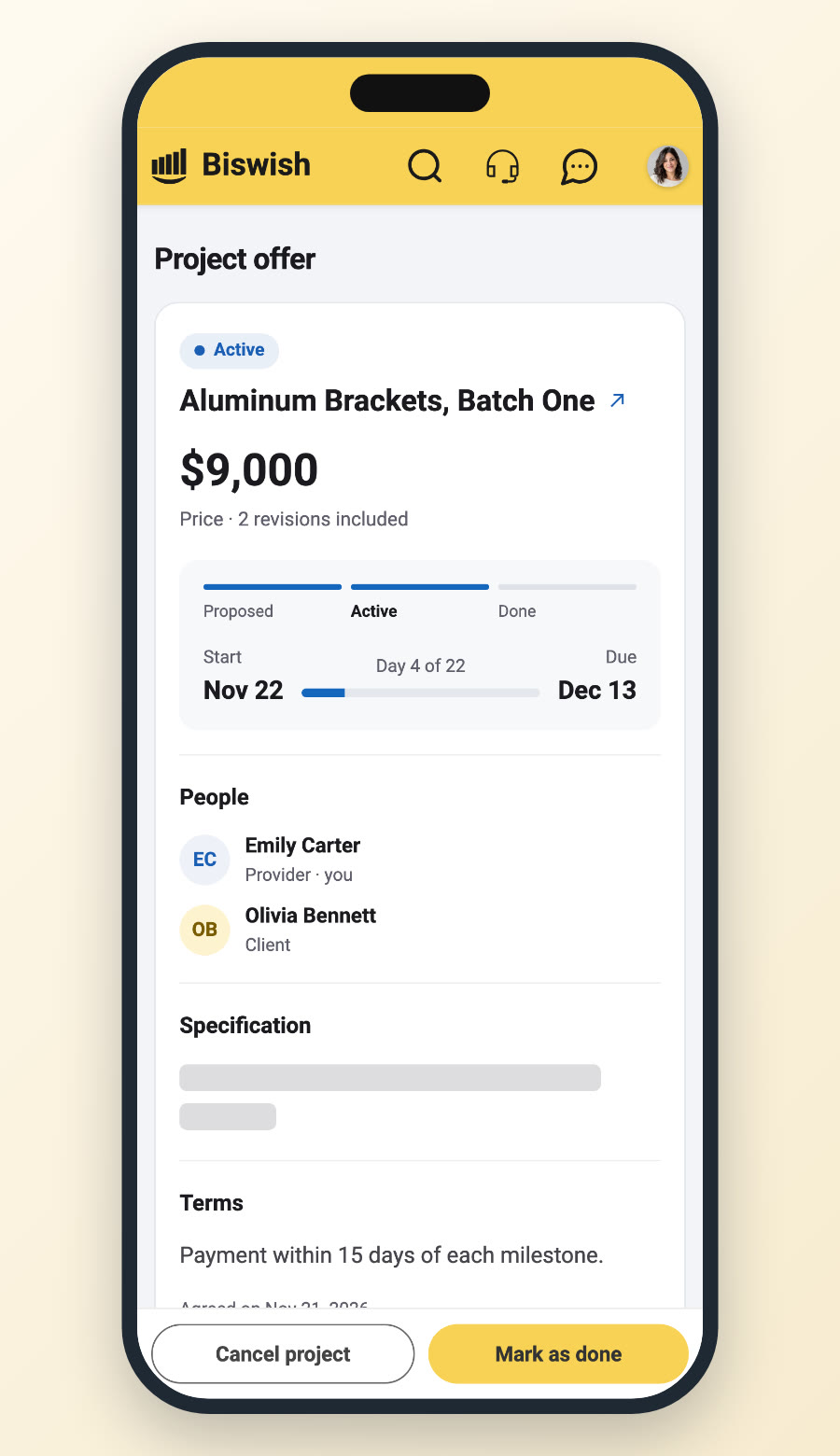
An active project on a phone.
Finish the work
01
Follow the datesStart, due date and the day you are on are on the timeline.
02
Keep talkingUse Messages while the work runs. Message client or Message provider appears on the project after it is done or cancelled.
03
Mark it doneWhen the work is delivered.
PreviousReview an offer made to youNext in Projects, manufacturing and shippingManufacturing contracts
0
Share
Send in message
Report
Copy ID