Send a project offer
Turn a conversation into a written offer.
Guide Chanras Sun11 hours ago · 2 min read · 1 view
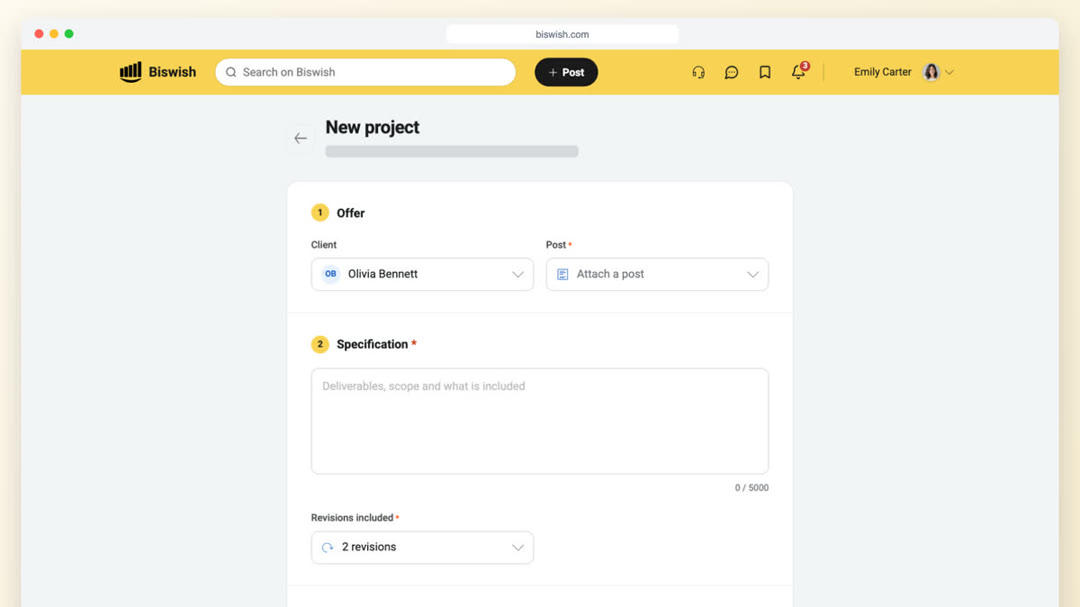
You need an active post, and the client must be in your Prospects: the client list comes from there. Add the buyer to Prospects first, from your chat or their page. The offer is made for one post and one client.
Packages, revisions and milestones
- Package – if the post has pricing packages, choose which one the offer covers so the client sees it. It fills in the price.
- Revisions included – none, a set number up to 10, or unlimited.
- Milestones – up to 10, each with a name, amount and due date. The form shows what is left to schedule; they must add up to the price.
- Attachments – remove one with the bin icon before you send.
On a computer
Open Projects, then New project. Choose the client and the post, then fill in the six parts and select Send offer.
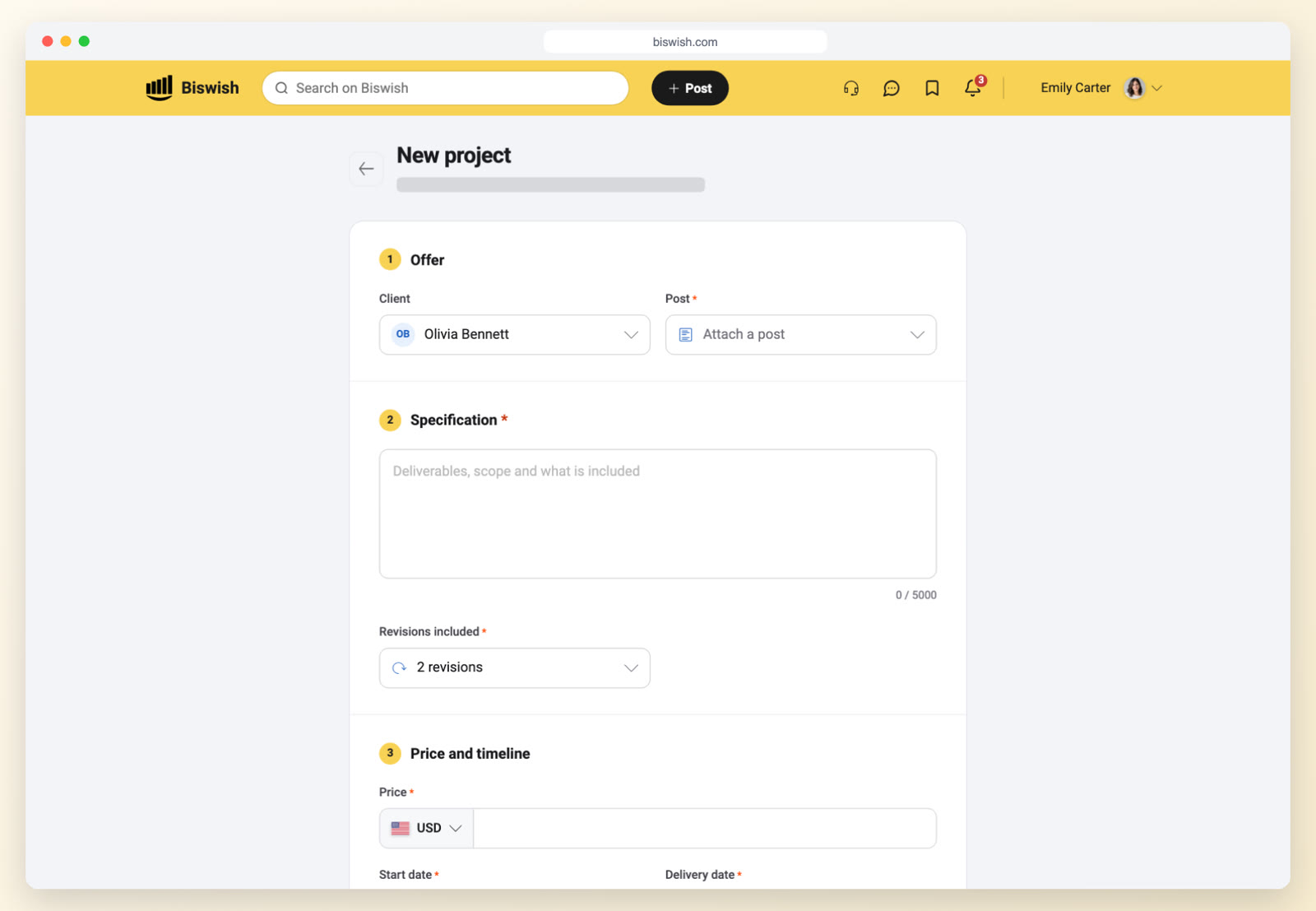
A new project offer.
On your phone
Open Projects, then New. The same six parts are stacked, and Send offer stays at the bottom.
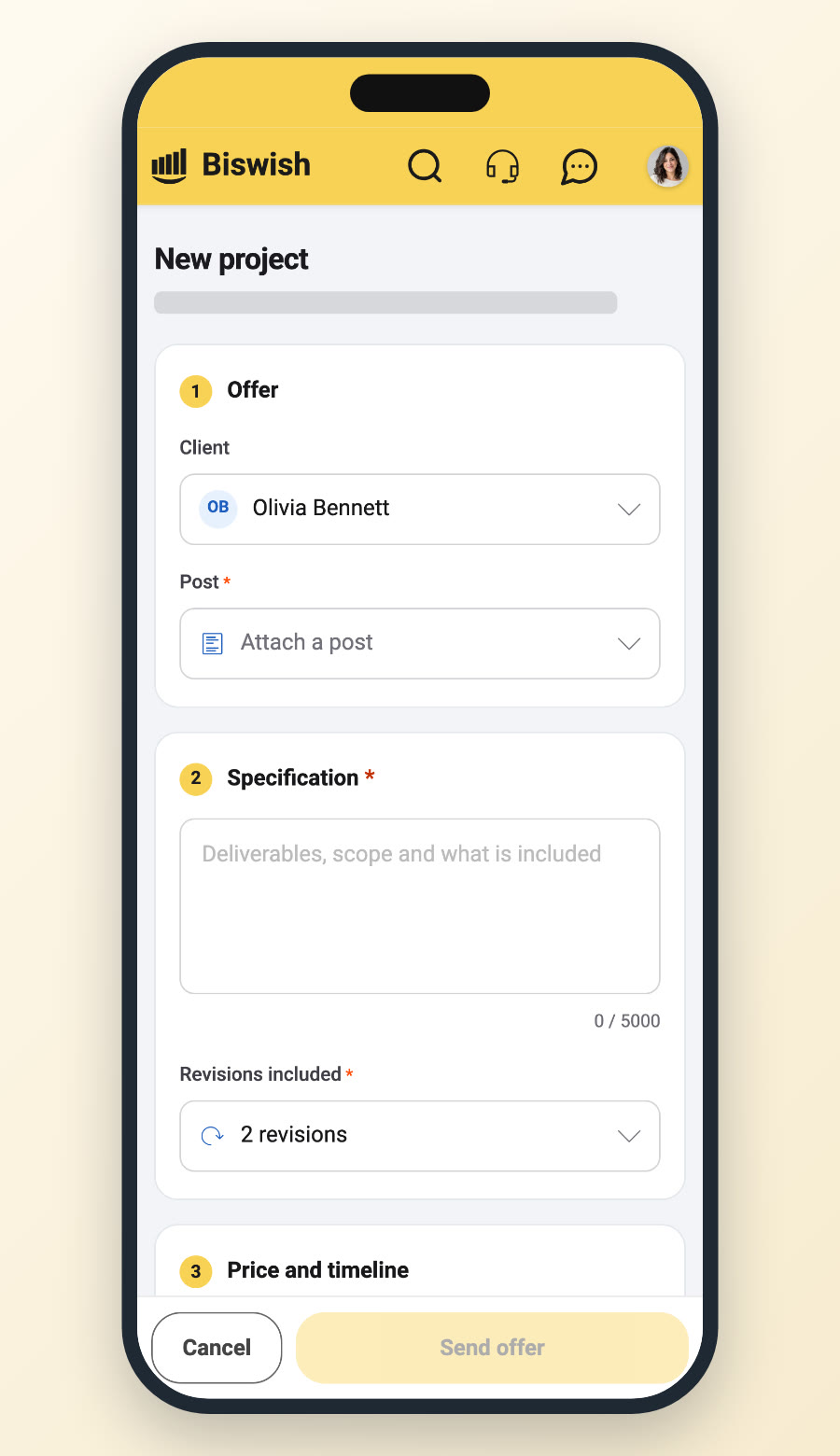
A new project offer on a phone.
Write an offer
01
OfferChoose the client from your Prospects (check the one already selected) and attach one of your active posts.
02
SpecificationDeliverables, scope and what is included. Set the revisions.
03
Price and timelinePrice, start, delivery and the date the offer is valid until, up to 90 days ahead.
04
Payment scheduleOptional. Split the price into milestones that add up to it.
05
AttachmentsOptional. Up to 5 files of 20 MB each: PDF, Office files or images.
06
TermsOptional. Cancellation, warranty and other conditions.
0
Share
Send in message
Report
Copy ID