Notifications
Everything Qoosi tells you about your applications, your jobs and your plans, and how to keep it quiet.
Guide Chanras Sun6 hours ago · 1 min read · 1 view
Notifications are the record of what happened while you were away: a job you applied for was read, an application arrived, a post is about to close, a plan is running out, you were added to a team.
On a computer
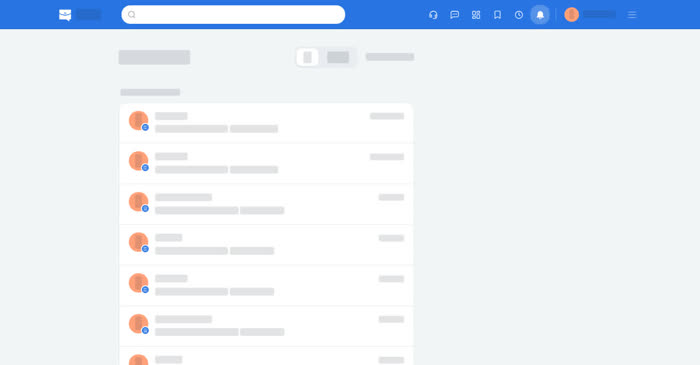
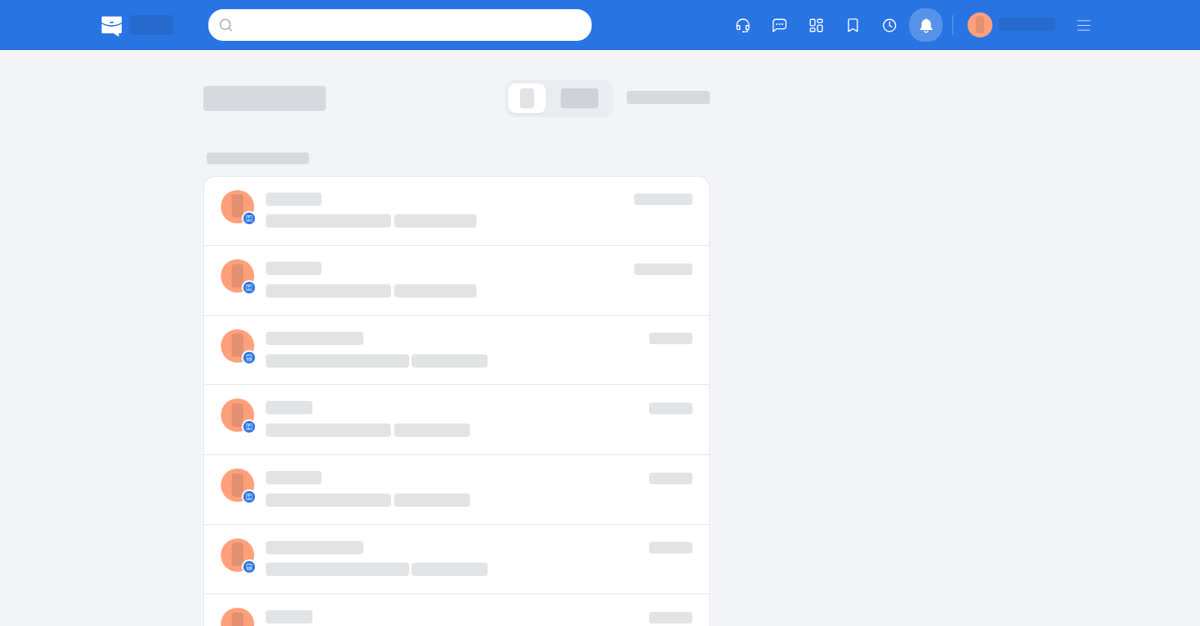
Open Notifications in the top bar, where the icon shows a count of what is new. The list has All, Unread and Mark all as read. Each notification opens what it is about — the job, the application, the company, the plan. When the list is empty the page says so.
On your phone
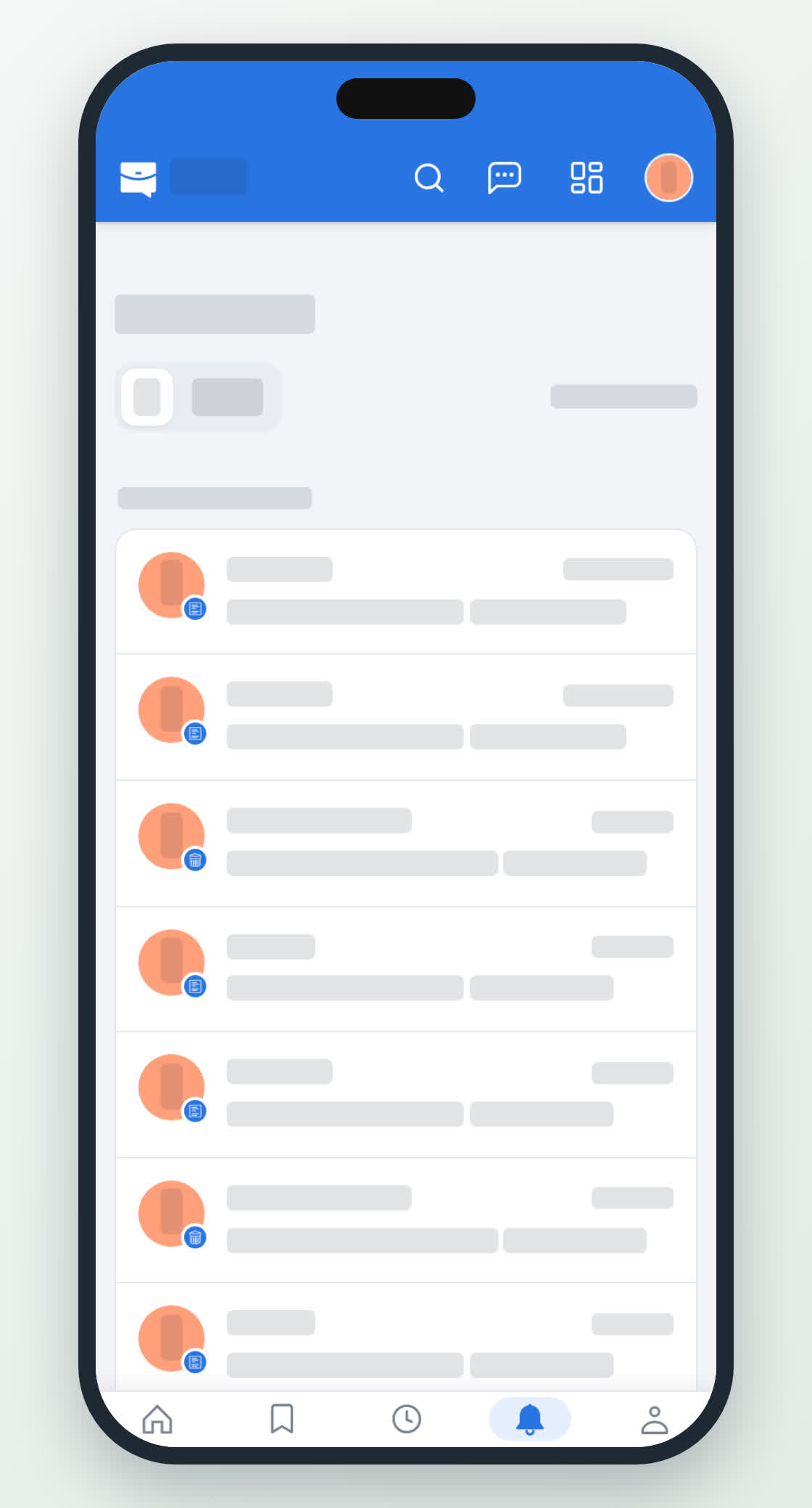
Notifications is on the bottom bar, with a badge for unread ones. The app also sends push notifications: after you sign in it asks you to turn them on, and Not Now puts the question off for 7 days.
Push is what makes a notification useful on a phone, because the badge only updates while the app is open.