Review an offer made to you
Read it, add a note, and consent or decline.
Guide Chanras Sun11 hours ago · 1 min read · 1 view
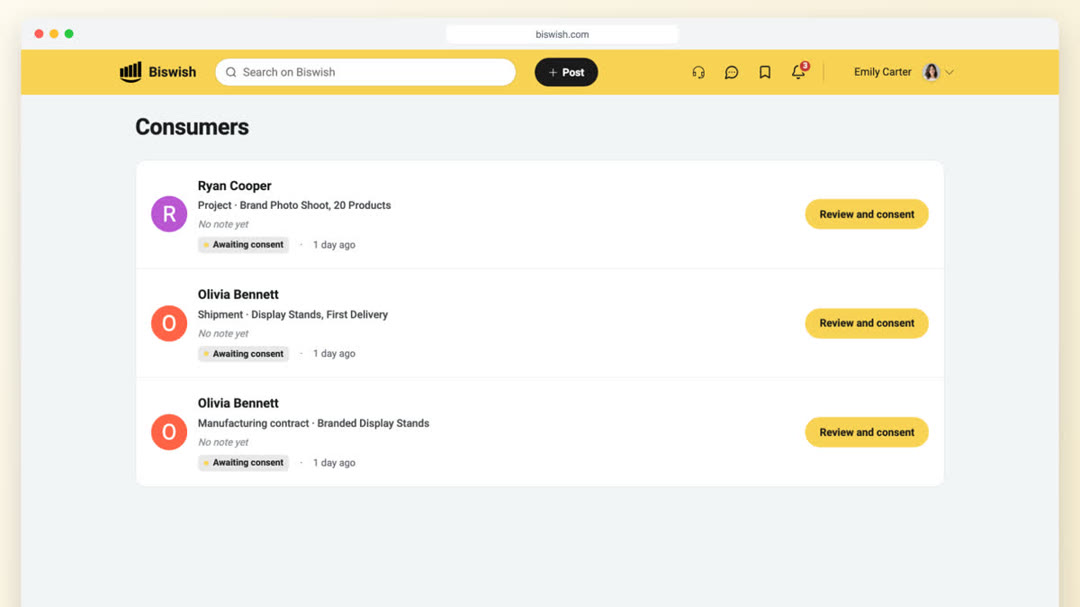
Offers made to you are in Consumers, in the list of their kind, and in your notifications. In the lists the button reads Review offer. Check the specification, price, schedule, dates and attachments.
On a computer
Open Consumers, then Review and consent. Tick the statement that you have reviewed the offer, then select Give consent (Accept offer for a shipment), or Decline.
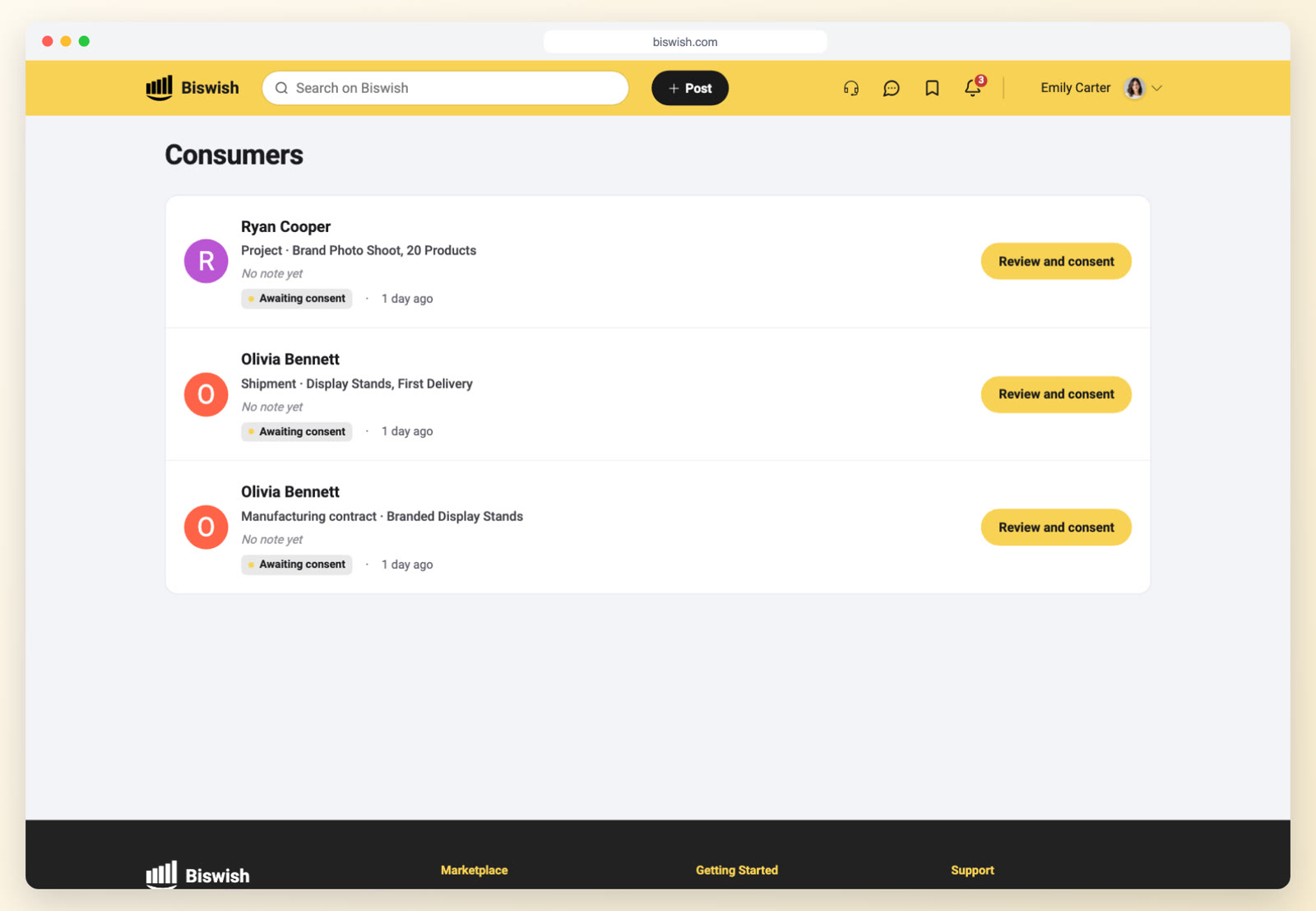
Offers made to you.
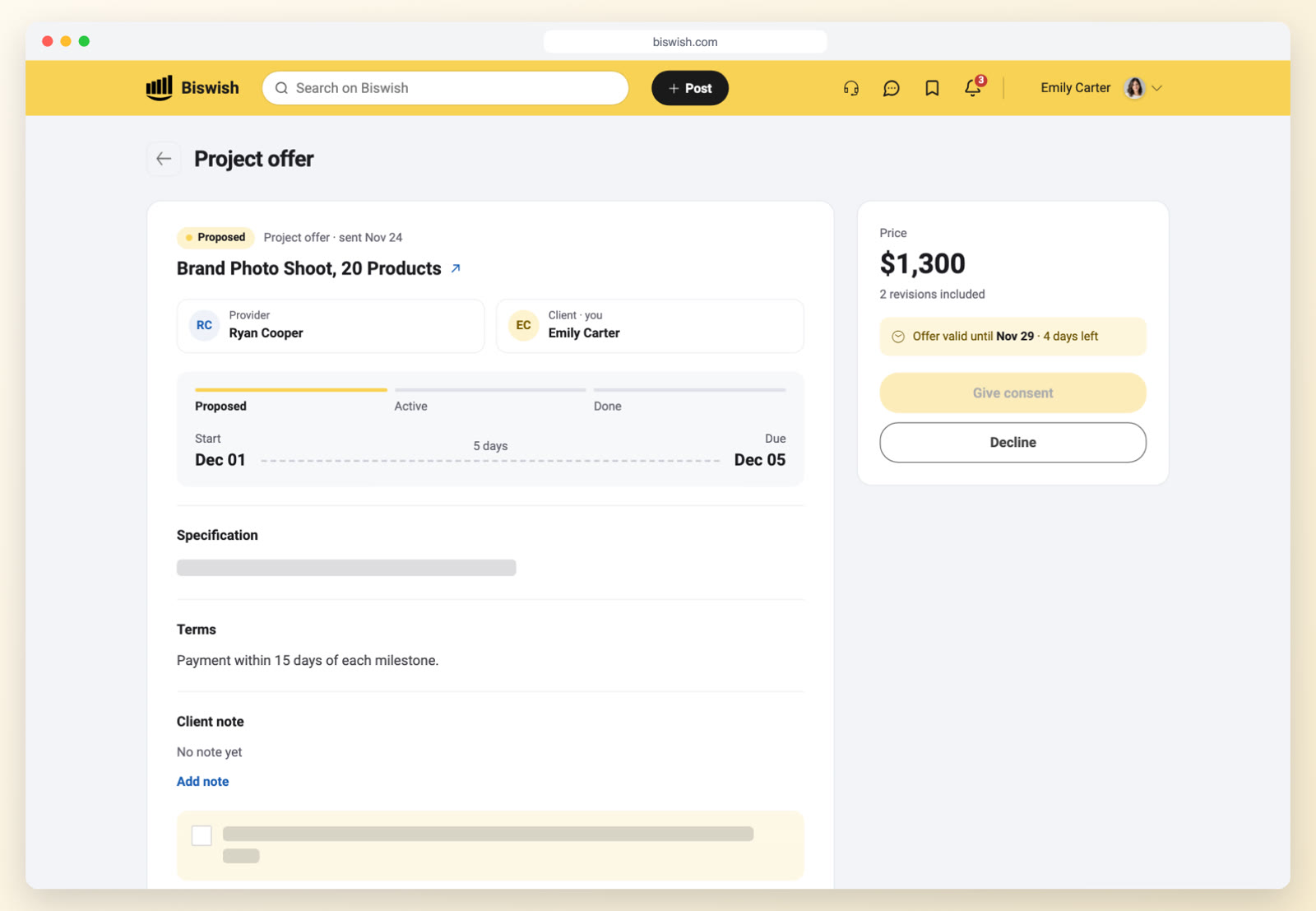
Reviewing a project offer.
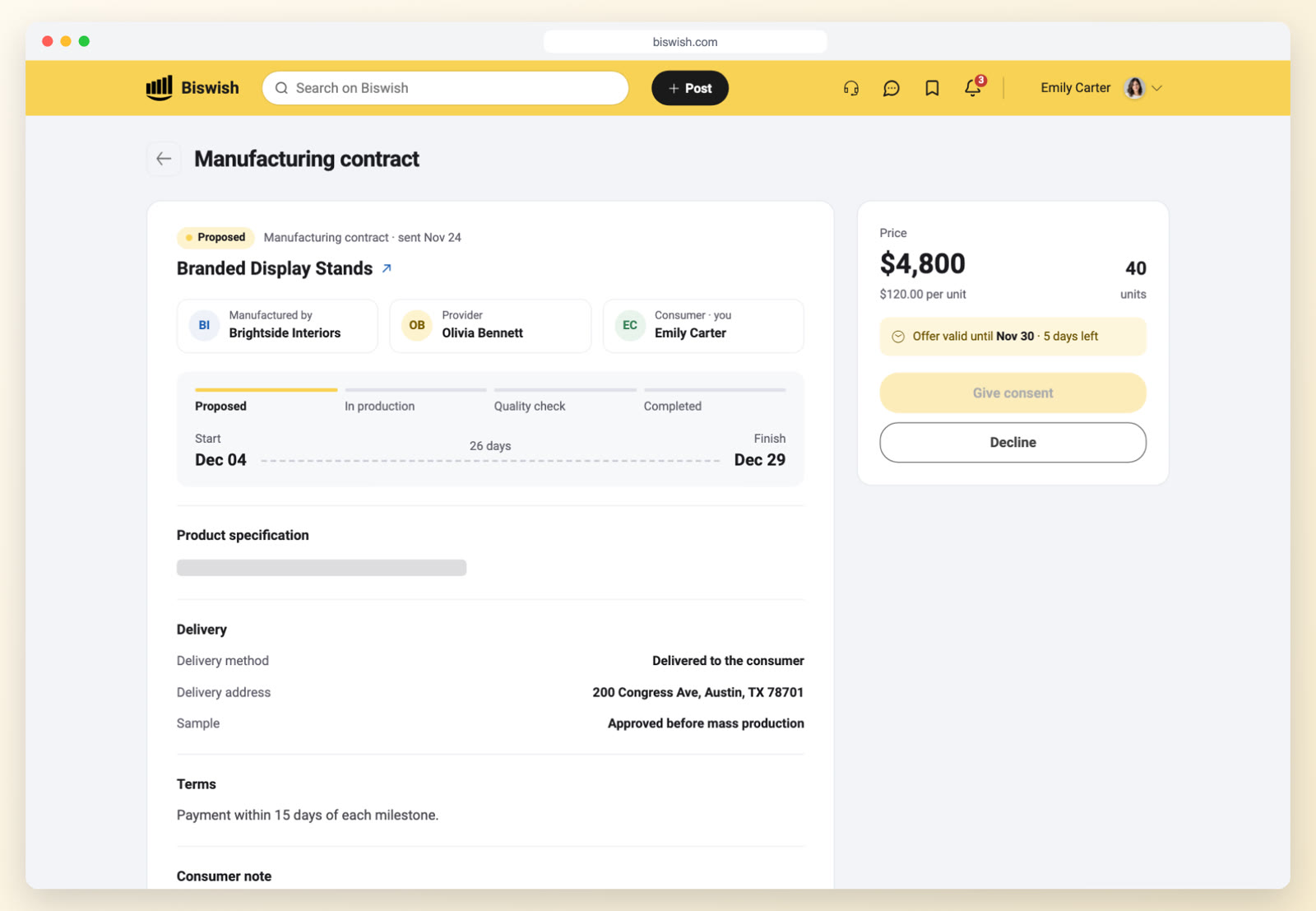
Reviewing a manufacturing contract.
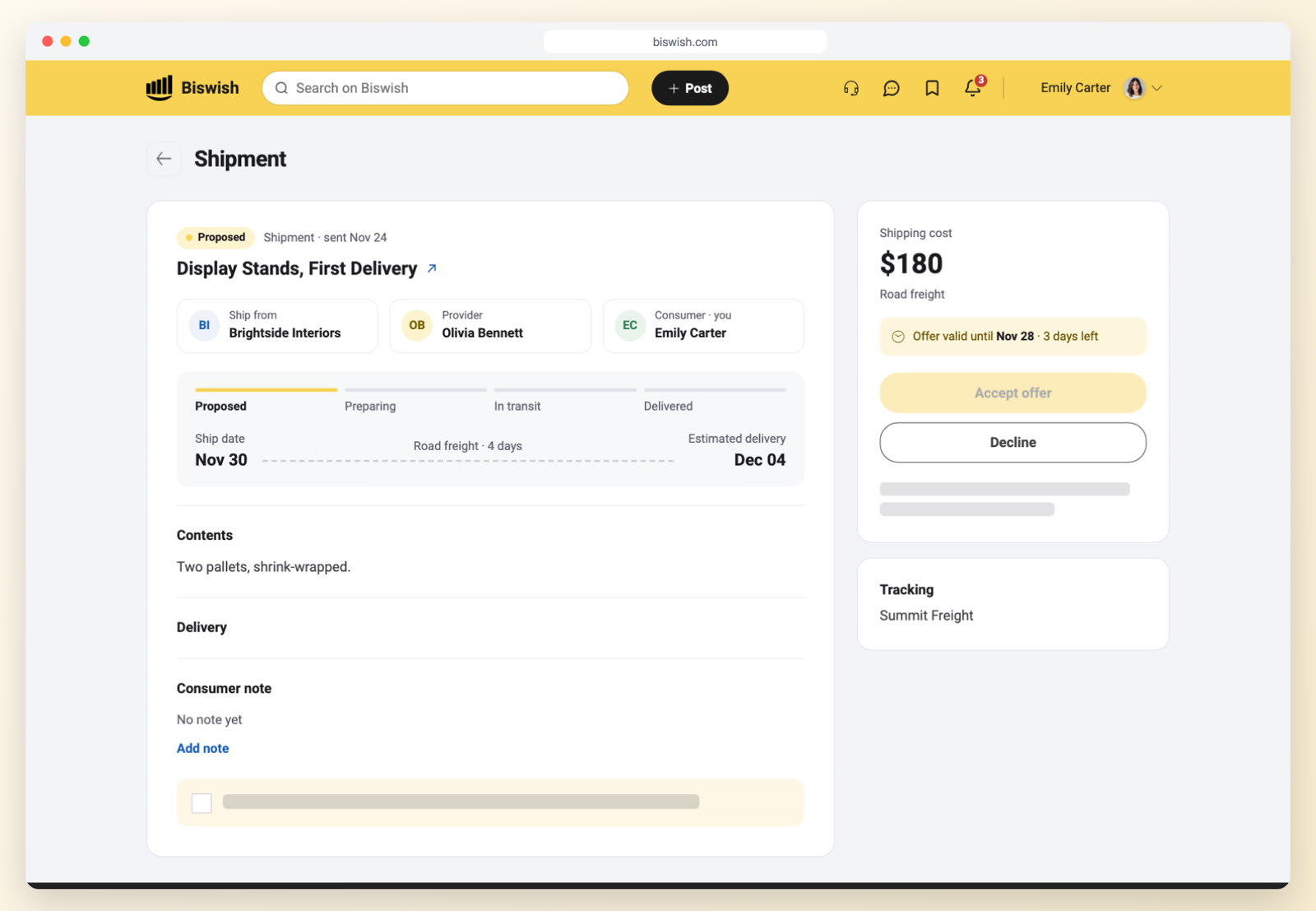
Reviewing a shipment.
On your phone
Open Consumers on the home page. Scroll the offer, tick the statement, then use the buttons at the bottom.
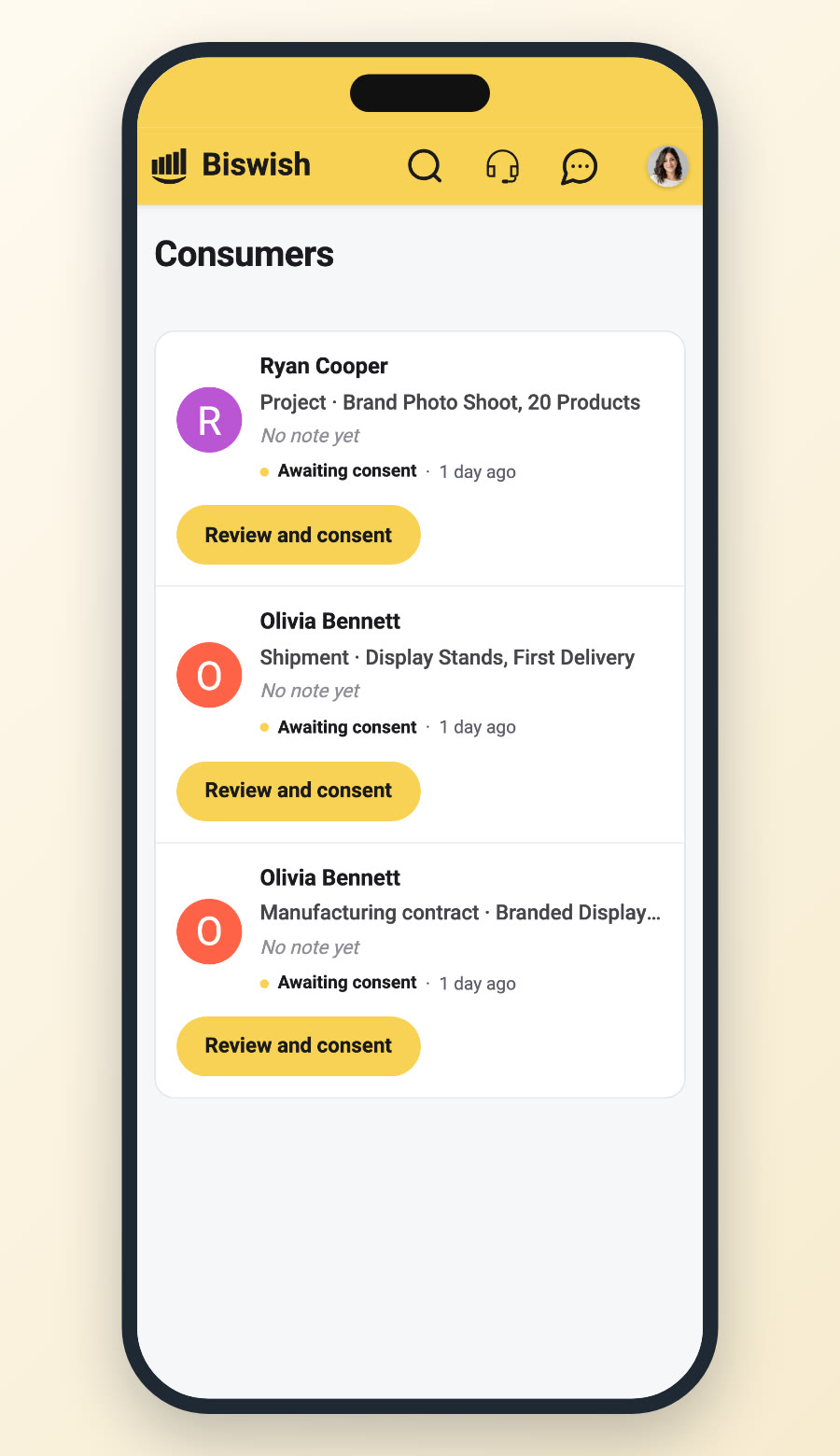
Offers made to you on a phone.
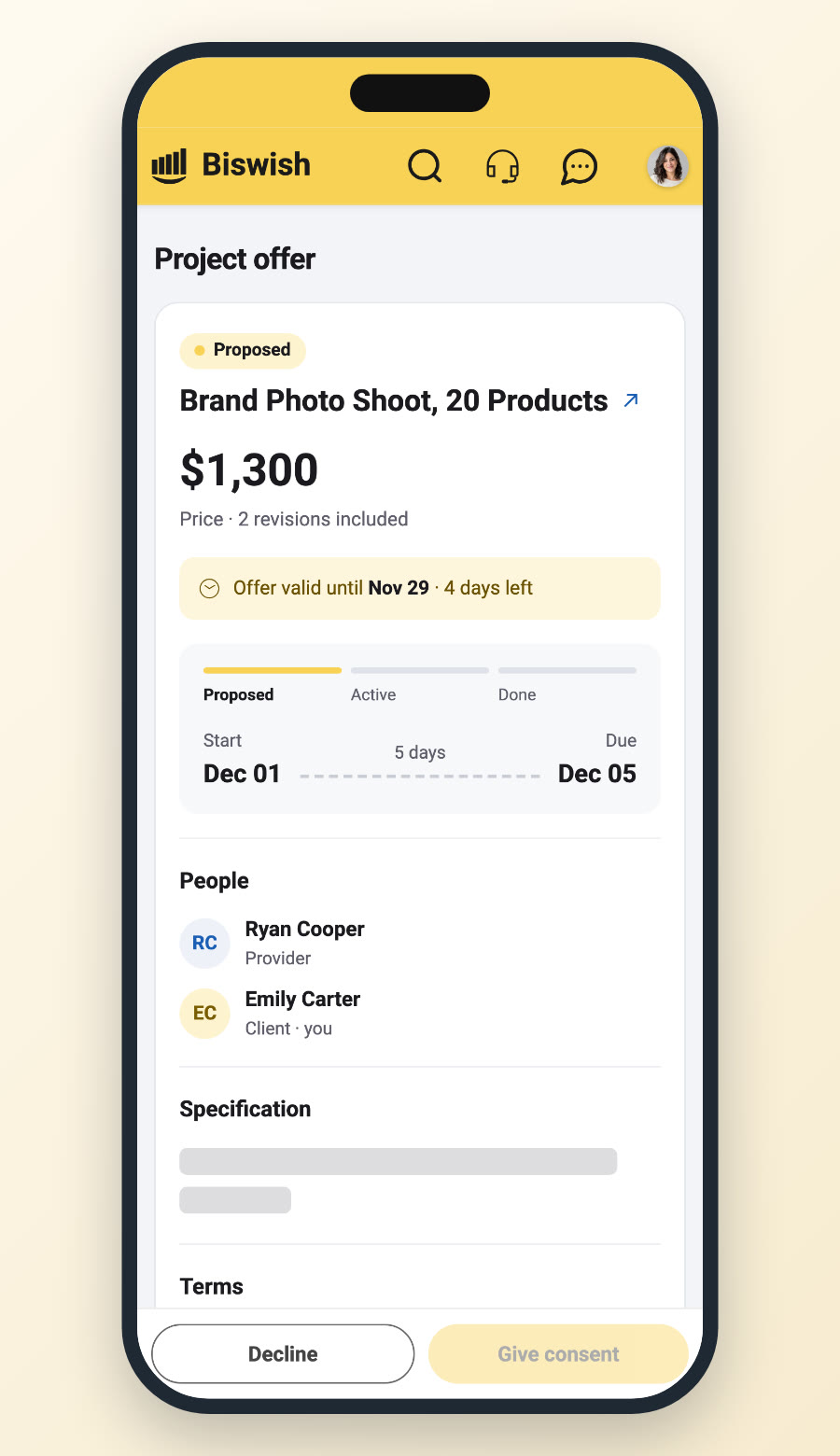
Reviewing an offer on a phone.
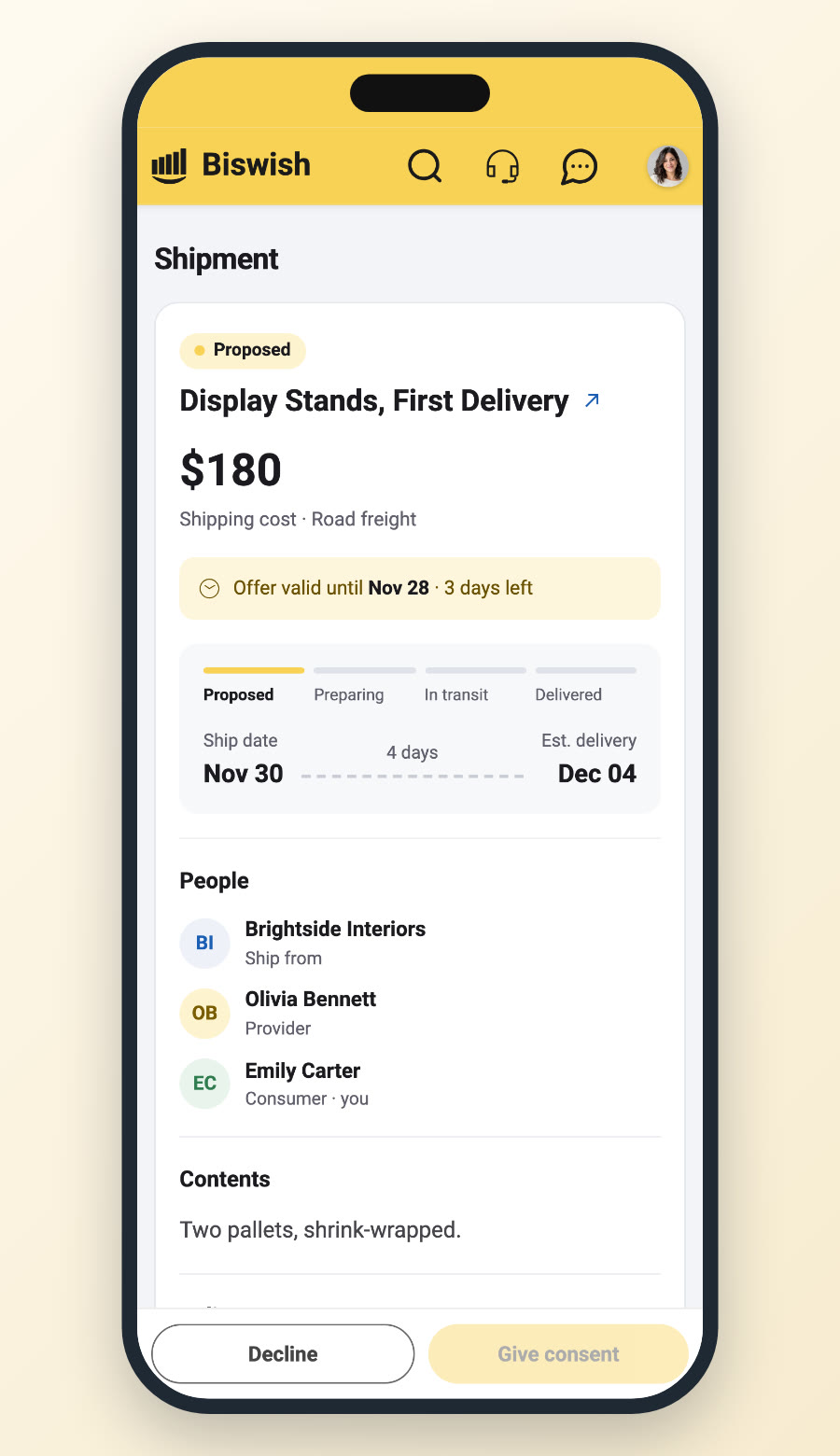
Reviewing a shipment on a phone.
Review safely
01
Read everythingOpen the attachments and the terms.
02
Add a noteRequirements or questions the provider should know. Use Edit note to change it. A note you have not saved is sent if you decline.
03
Check the valid dateAn expired offer cannot be accepted.
04
Consent or declineThe other side is told straight away.
0
Share
Send in message
Report
Copy ID