Track your applications
Every application in one list, with the open and closed posts separated and the dates kept.
Guide Chanras Sun6 hours ago · 1 min read · 1 view
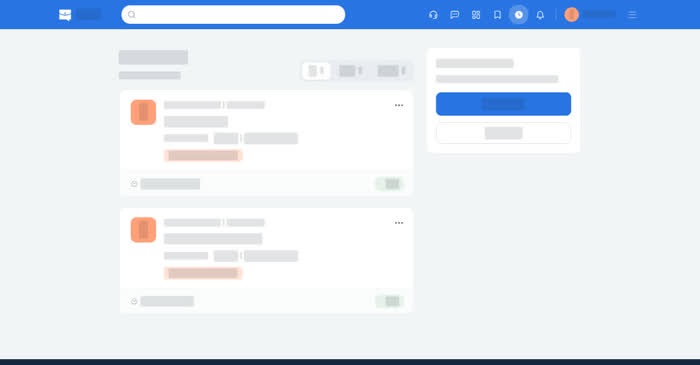
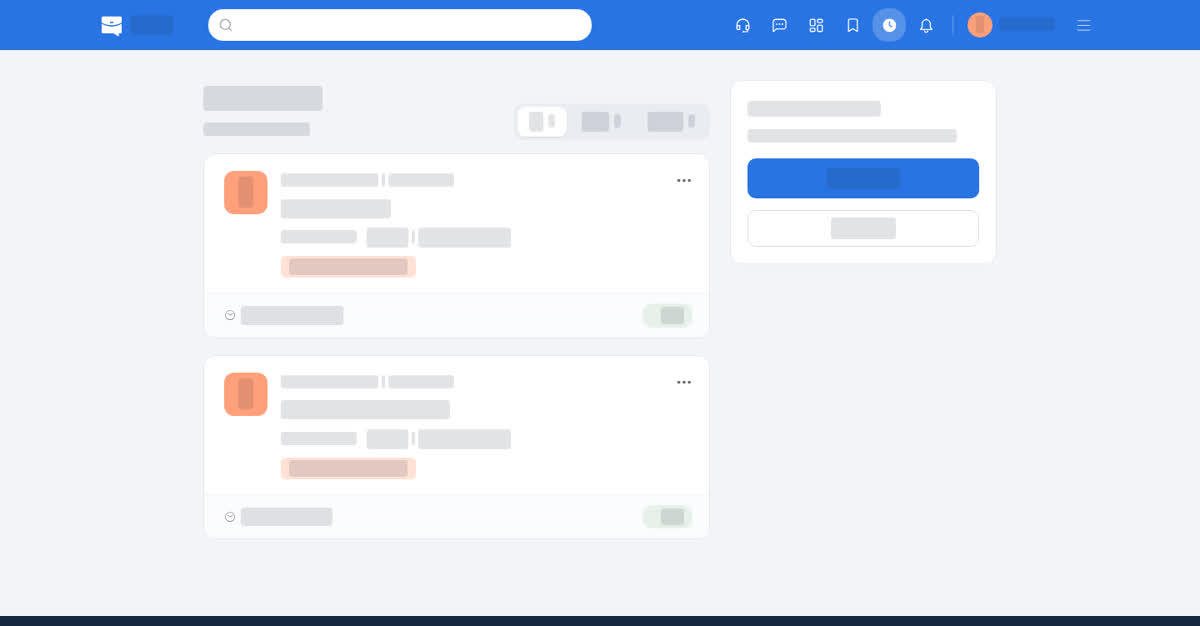
Applications lists everything you applied for, newest first, with the date you applied. The tabs All, Open and Closed separate the posts that are still taking applications from the ones that have ended, so you can see at a glance what is still live.
On a computer
Open Applications in the top bar. Each entry opens the job page, so you can re-read the post, apply again while it is open, or message the company. If the list is empty, the page says where your history will appear and offers a way back into search.
On your phone
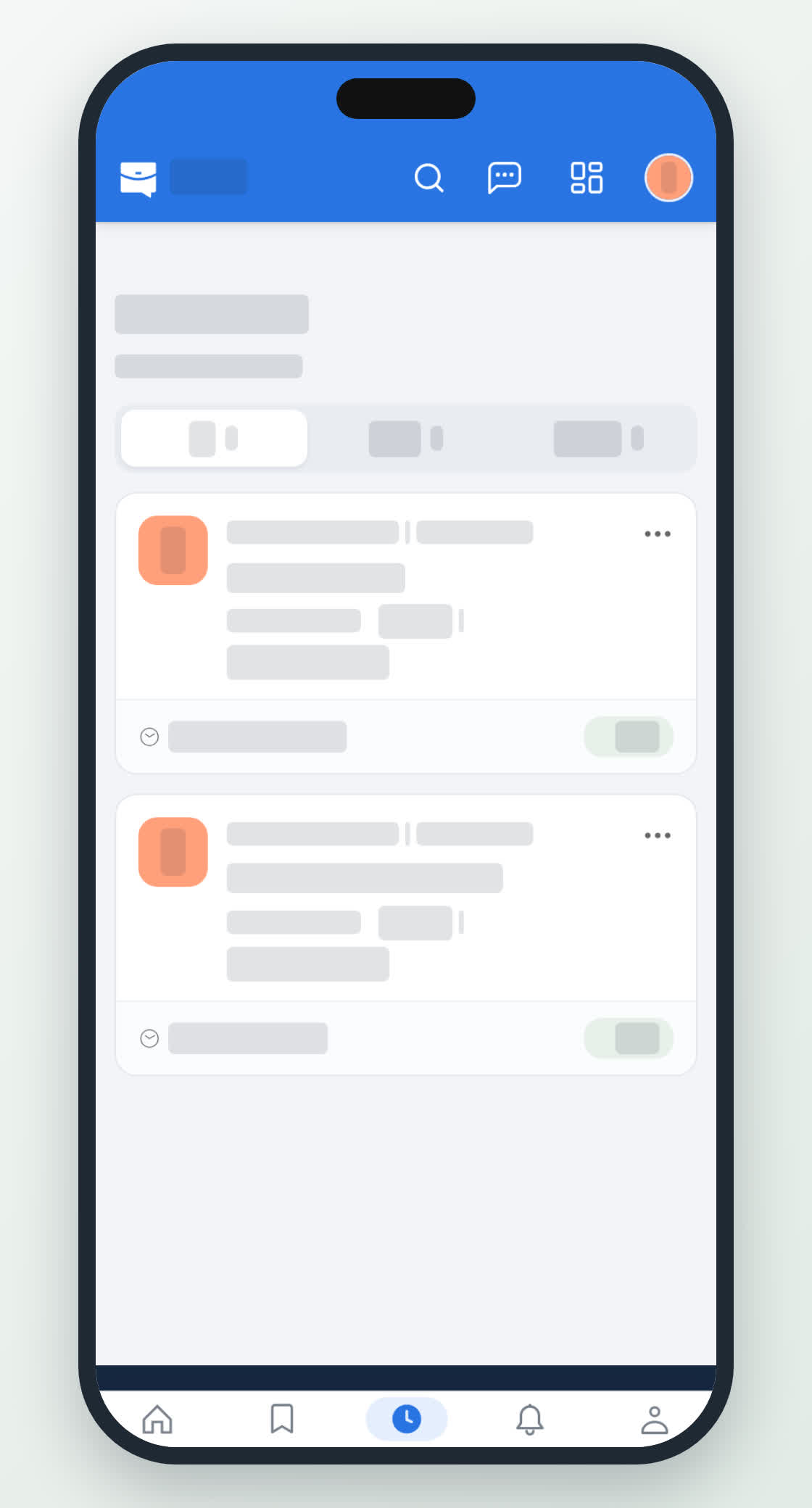
Applications is on the bottom bar. The same tabs sit under the title, and each card shows the company, the role and the date you applied; tapping it opens the job.