Apply for a job
Send your resume and the employer's pre-screening answers from one form.
Guide Chanras Sun5 hours ago · 1 min read · 1 view
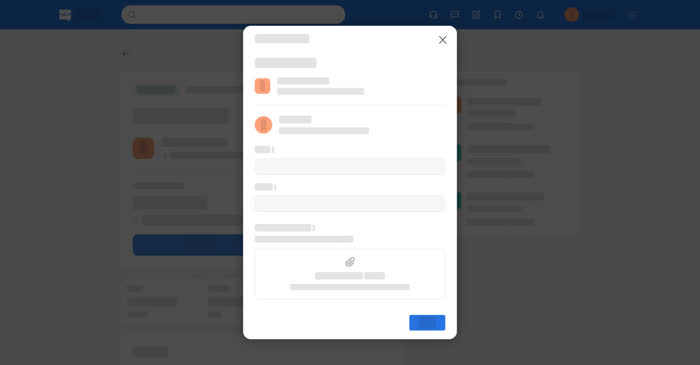
Applying on Qoosi is free and always has been. The form is short: how the employer can reach you, your resume and any cover letter, and — if the employer added them — a few pre-screening questions.
On a computer
Open the job and select Apply. The Job Application dialog opens.
Send your application
01
Check your contact detailsCheck the email and phone the employer will see.
02
Attach your resumeUp to five files, up to 5 MB each, in PDF, Word, Excel or PowerPoint.
03
Answer the questionsA required question must be answered. If it is empty, Apply points it out.
04
ApplyA confirmation appears, the button on the job page reads Re-apply, and the application appears in Applications.
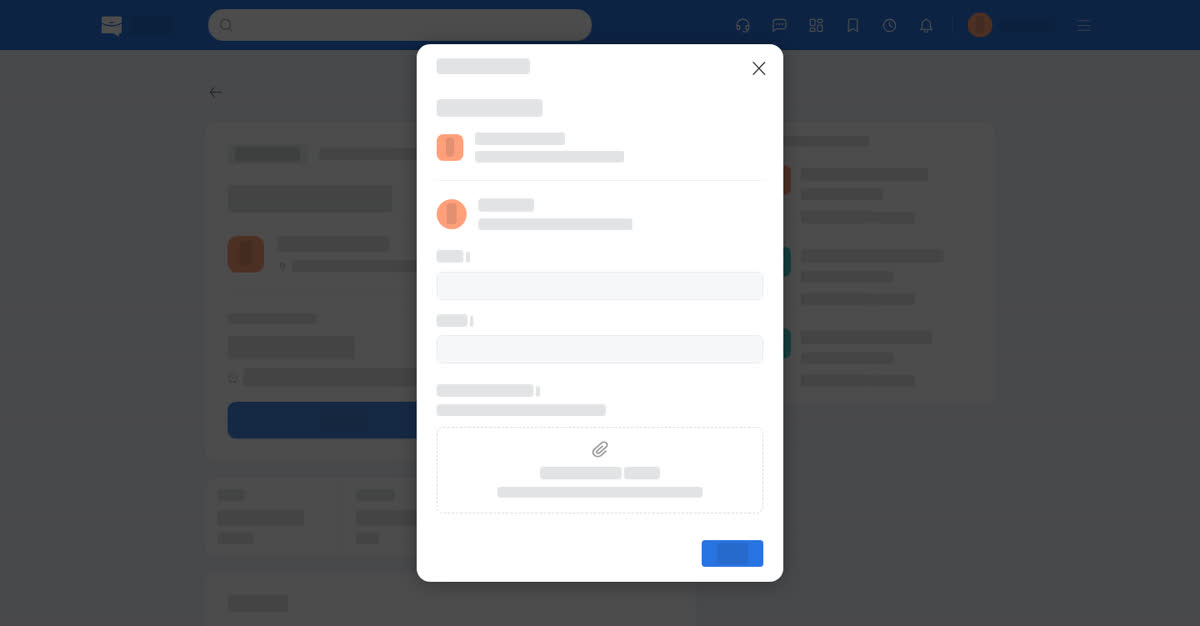
The application form.
On your phone
Select Apply on the job page and the same form opens as a sheet. Under Attach your Resume, Choose files opens the phone's file picker in both the app and the phone browser.
The pre-screening questions come below the resume, with the required ones marked. A missing required answer is pointed out before the form will send.
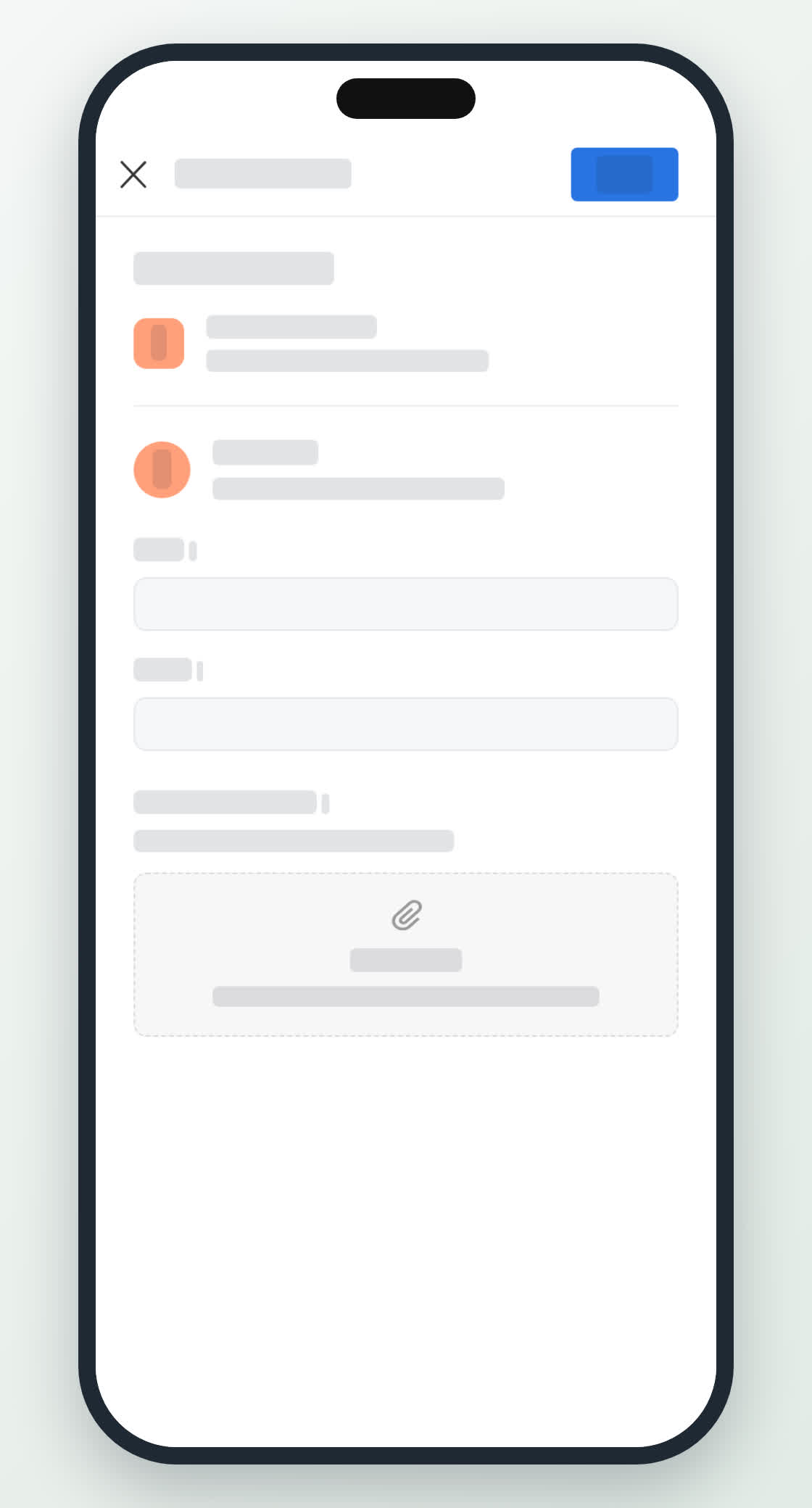
Applying on a phone.
0
Share
Send in message
Report
Copy ID