How creators earn
Spaces earn credits when readers with a Reader plan unlock the subscribers-only part of a post. Learn which posts are earning eligible and where to follow your space's earnings.
Guide · Finance · Writing Chanras Sun4 days ago · 4 min read · 2 views
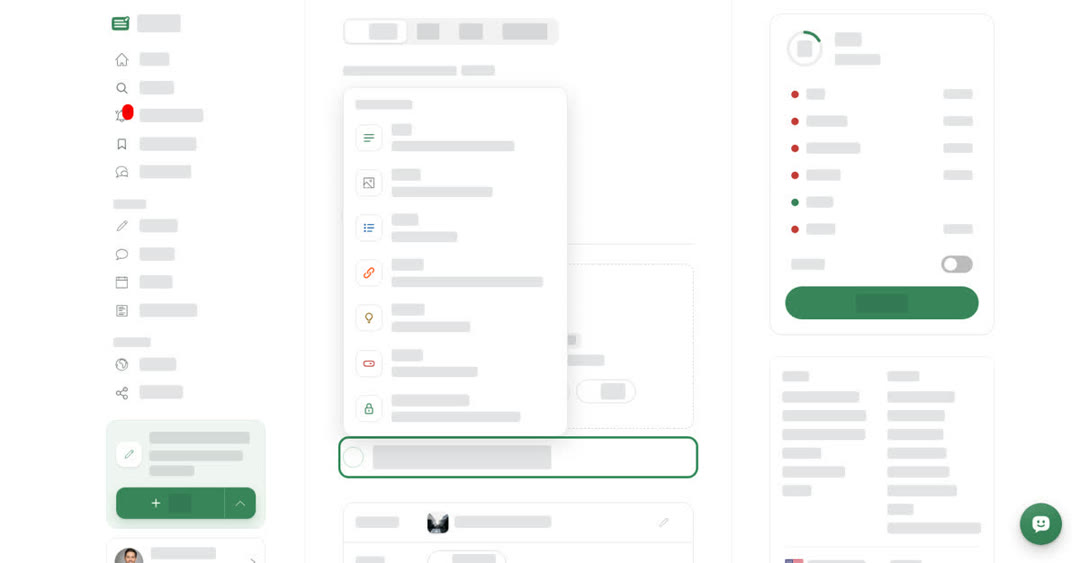
On Boogir, spaces earn, not individual writers. When readers with a Reader plan unlock the subscribers-only part of a post, the space the post is published in earns credits. The space's owner can later cash those credits out (see Add payee details and cash out).
How a space shares its earnings with its writers is up to the space and its writers. Boogir is not part of that arrangement.
Make a post earning eligible
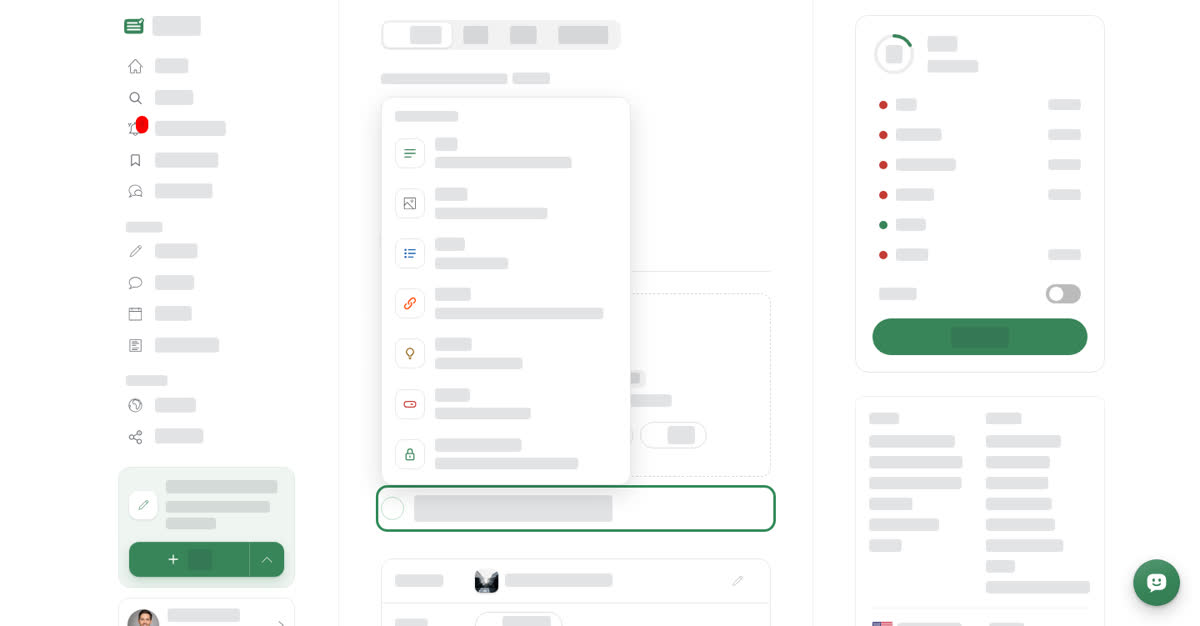
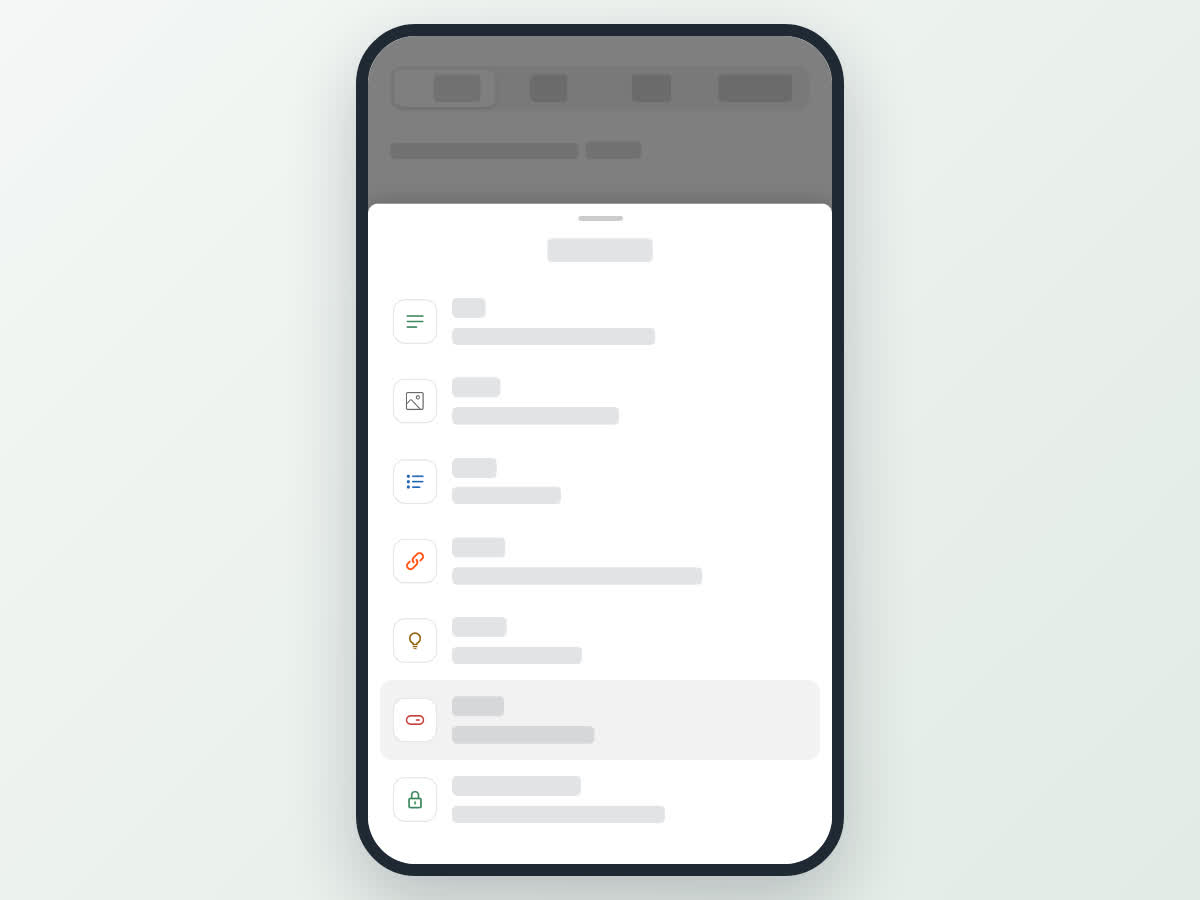
Subscribers-only parts are available in Articles, Stories and Events. Guides cannot have them. You add one with the Subscribers only block ("A part only subscribers can read"). It adds a start marker, "Subscribers only from here", and an end marker, "End of the subscribers-only part". Everything between them is locked for readers without a subscription.
When the subscribers-only parts of a post hold 1,000 characters or more, the post form shows Earning eligible under your name, next to the post's status. Once the post is reviewed and published, it can start earning.
What readers see
Readers without a subscription see the post up to the start of the subscribers-only part, then Keep reading with a subscription. The author, the space's post reviewers and Boogir admins can always read the full post.
A reader with an active Reader plan can unlock the part. Unlocking an earning post for the first time uses one of their Posts left this month.
How credits are earned
Each time a reader with an active Reader plan unlocks the subscribers-only part of an earning post for the first time, the post gains one unlock. The space earns one credit for every ten unlocks of a post.
Unlocks by the post's author, or by people who can already read the post, do not count. Boogir does not guarantee that a post or space will earn, or how much.
On a computer
Add a Subscribers only block
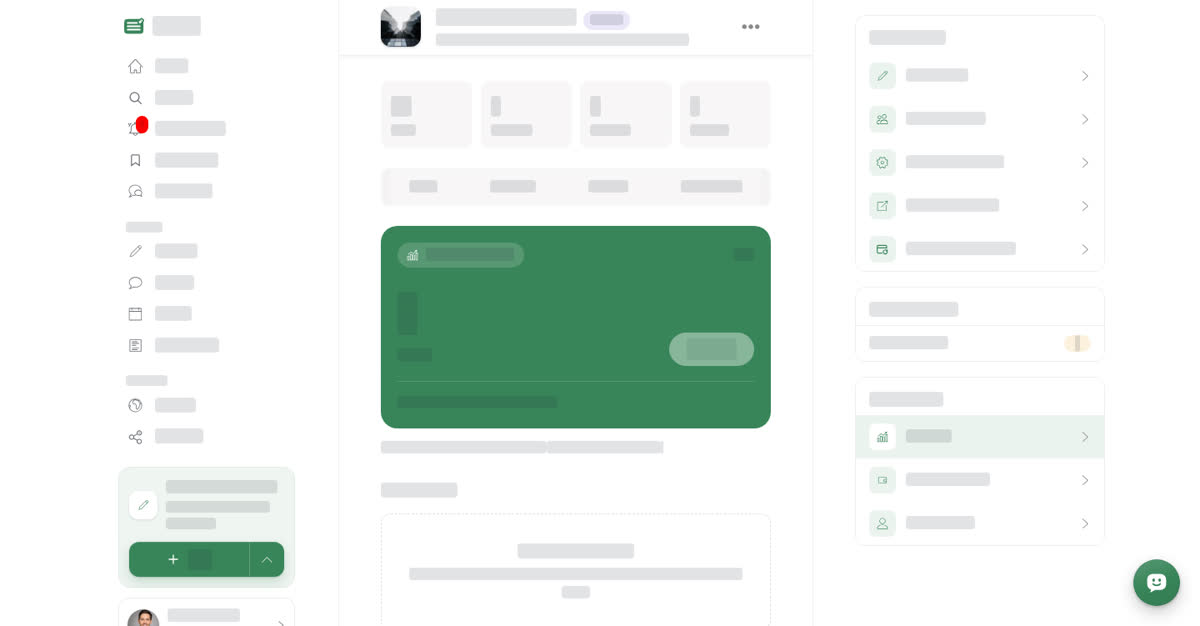
Check your space's earnings
On your phone
These steps are the same in the Boogir app and on boogir.com in your phone's browser.
Add a Subscribers only block
Check your space's earnings
Fair play
Earnings follow the Creator Earnings Terms (linked at the bottom of the Earnings tab). Among other things:
- Boogir may review any earning post and decide it does not earn, for example if it breaks the Community Guidelines or most of its subscribers-only part is not original.
- Earnings must not be increased artificially, for example with fake accounts, paid or swapped unlocks, copied or split content, or bots. Boogir may remove such earnings, decline cash outs or close the space.
- If a reader's credits are refunded or unlocks turn out to be invalid, the earnings they produced may be removed from the space's balance.
- You must own, or have the right to publish, everything in an earning post.