Find job seekers, recruiters and agencies
Search the people side of Qoosi: job seeker profiles, recruiter profiles and the agencies that hire.
Guide Chanras Sun5 hours ago · 1 min read · 1 view
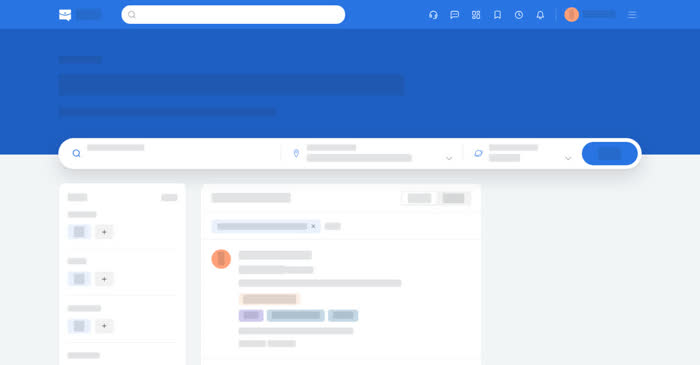
Qoosi is searchable in both directions. Employers and recruiters search job seeker profiles; job seekers search recruiter profiles and agencies. All three lists have filters, and job seeker and recruiter profiles also have a saved list.
On a computer
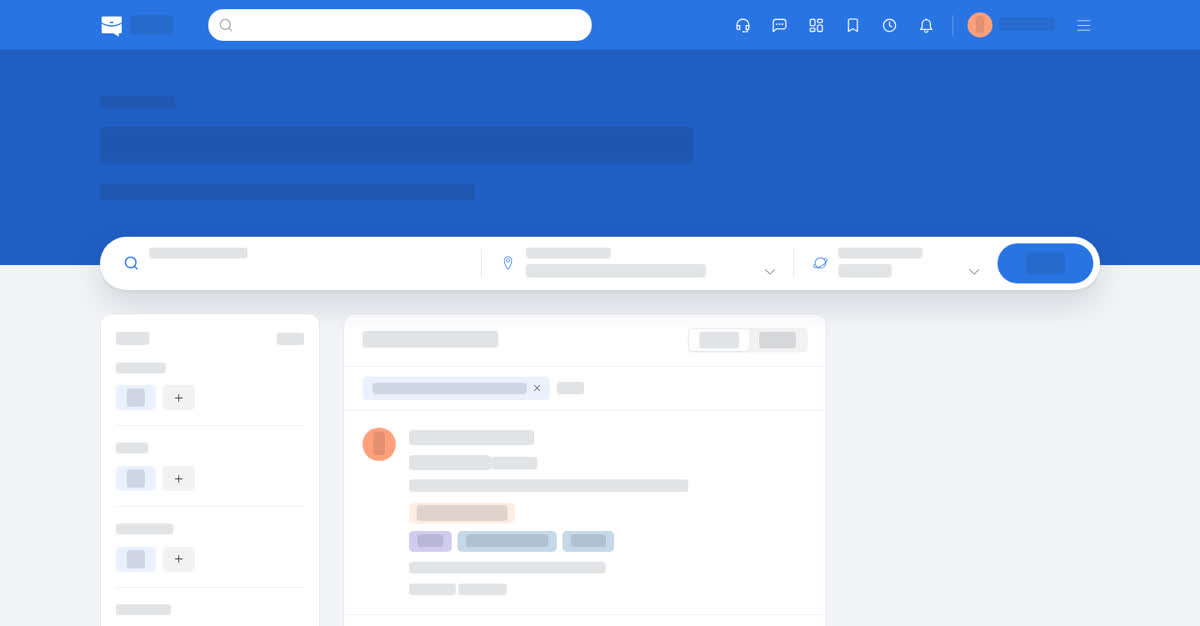
- Find Job Seekers – search by location, category, skills, past roles, education, experience level, workplace, employment type and last updated, or switch to a compact list.
- Find Recruiters – recruiters who publish a profile with the roles they hire for.
- Agencies – on the search page, the third tab lists agencies rather than jobs.
Selecting a profile opens it. From there you can Save it, Message the person or, on a job seeker profile if your team keeps a candidate bank, choose Add to Candidate Bank from the … menu. Boosted profiles appear first and carry an Actively looking marker.
On your phone
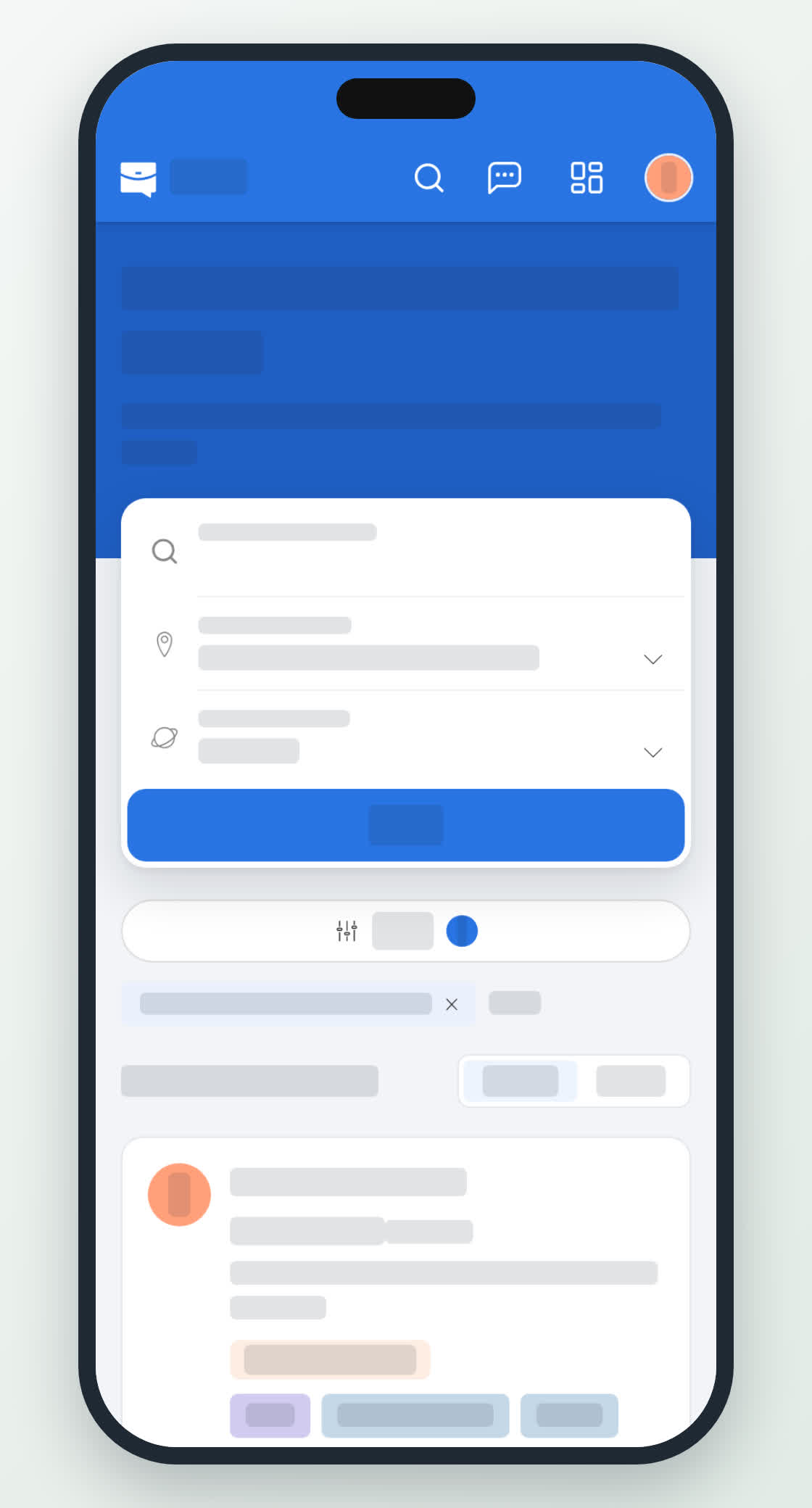
On the home screen, Search opens the tabs Jobs, Employers and Agencies; Find Job Seekers and Find Recruiters are separate tiles beside it. The filters open over the list. Profile pages keep Save and Message in a row under the name.