Wallet, payments and invoices
Pay for plans from your Qoosi wallet and keep every invoice and receipt in one list.
Guide Chanras Sun5 hours ago · 1 min read · 1 view
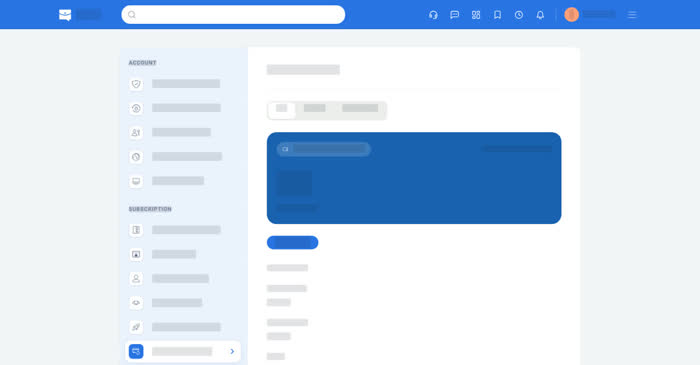
Qoosi uses a wallet of usage credits, and plans are paid from that balance. In the app, Add Credits buys credit packs through the store.
On a computer
Account → Payment & Refund has Pay (the balance and billing info), Refund and Transaction (your records). Invoice & Receipt lists every document with the date, the amount and what it was for.
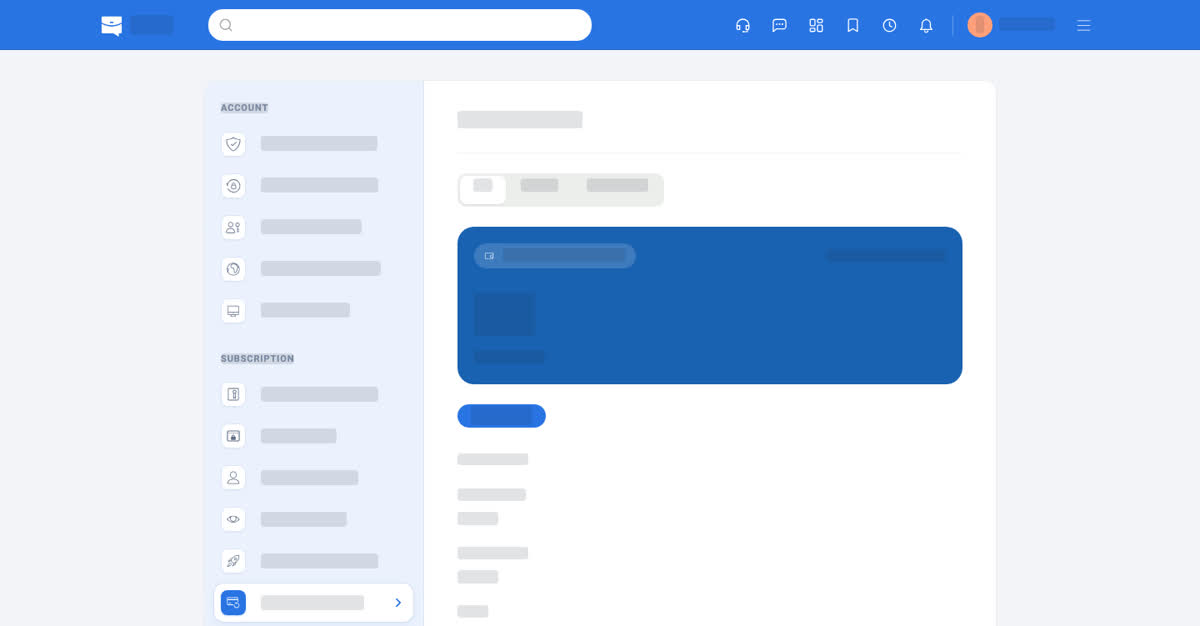
Payment and refund.
On your phone
Account → Payment & Refund and Account → Invoice & Receipt are in the app's settings list. The invoice list opens each document full screen, and the app's share sheet saves a copy or sends it on.
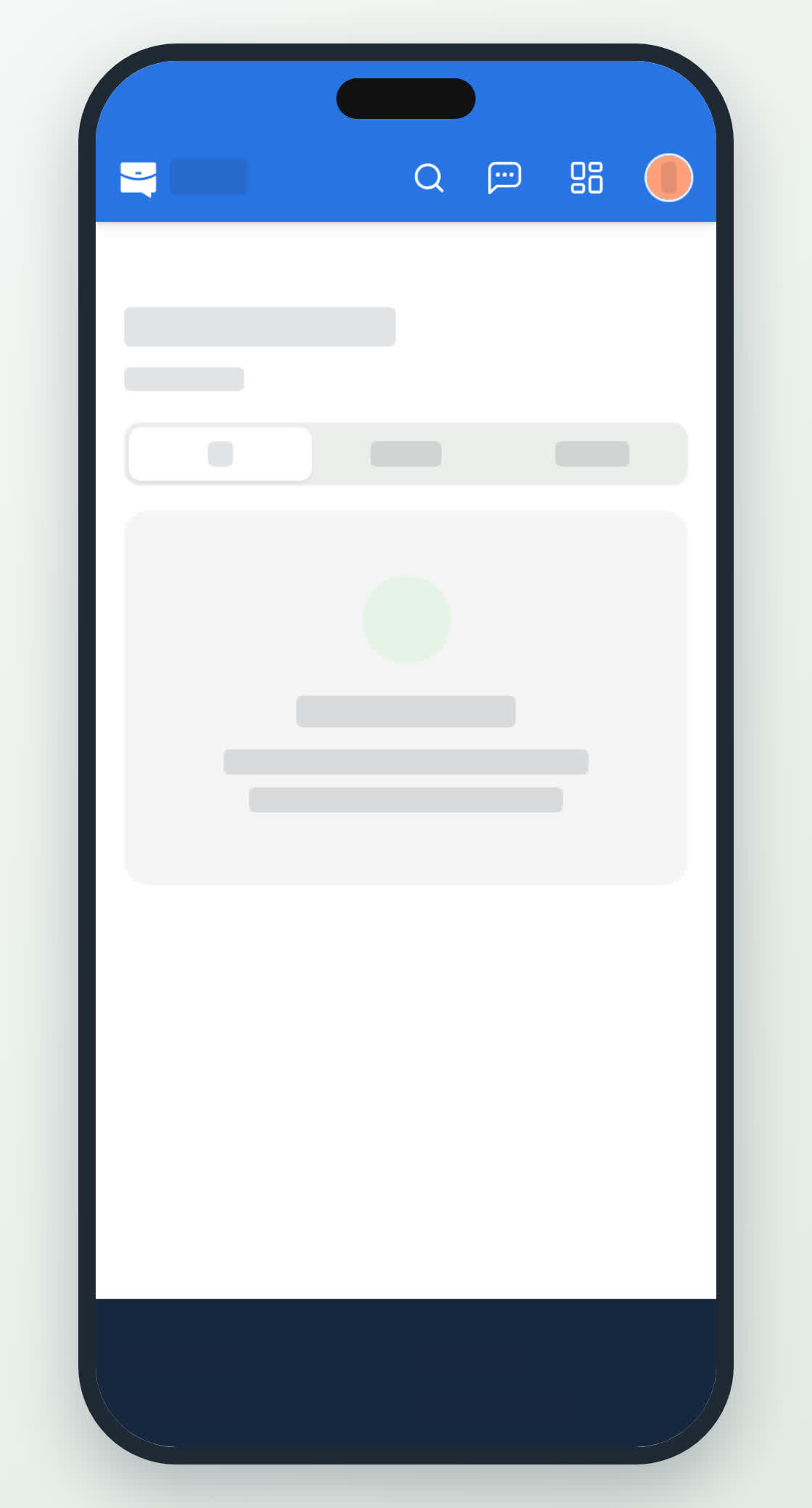
Invoices on a phone.
0
Share
Send in message
Report
Copy ID