Move candidates through the pipeline
Every candidate has a stage, a history and the notes the two teams leave for each other.
Guide Chanras Sun5 hours ago · 2 min read · 1 view
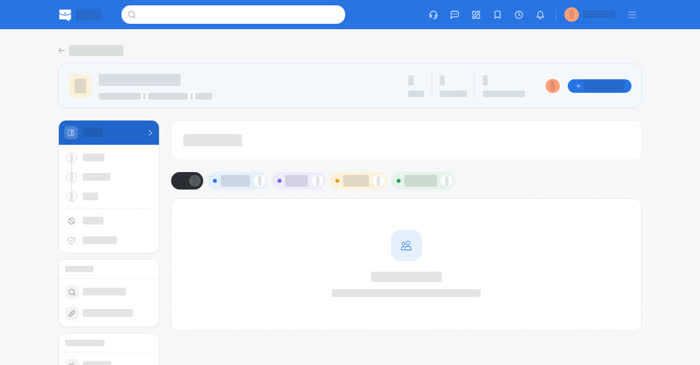
The pipeline is the state of the search. Each candidate sits in one stage, and moving them is a single action with an optional note, so the teams can see what happened and when.
Stages
The stages are Introduction, Review, Interview, Offer, Closed and Post Hiring, and the candidates are grouped under them. Agencies see all six. Employers start at Review, because a candidate reaches them only once sent.
- Update Status moves a candidate to the next status you pick, with an optional note.
- History shows each status change, who made it and when. Employers see it from the moment the candidate was sent.
- The notes are for the two teams, employer and agency, not for the candidate.
- A candidate card shows the name, the status, the title and the experience. Agencies also see the latest note from the employer.
On a computer
Open a project and its candidates.
Agencies can also keep candidates in the Candidate Bank — the team's list of people to come back to, taken from a profile or from an applicant on a job.
On your phone
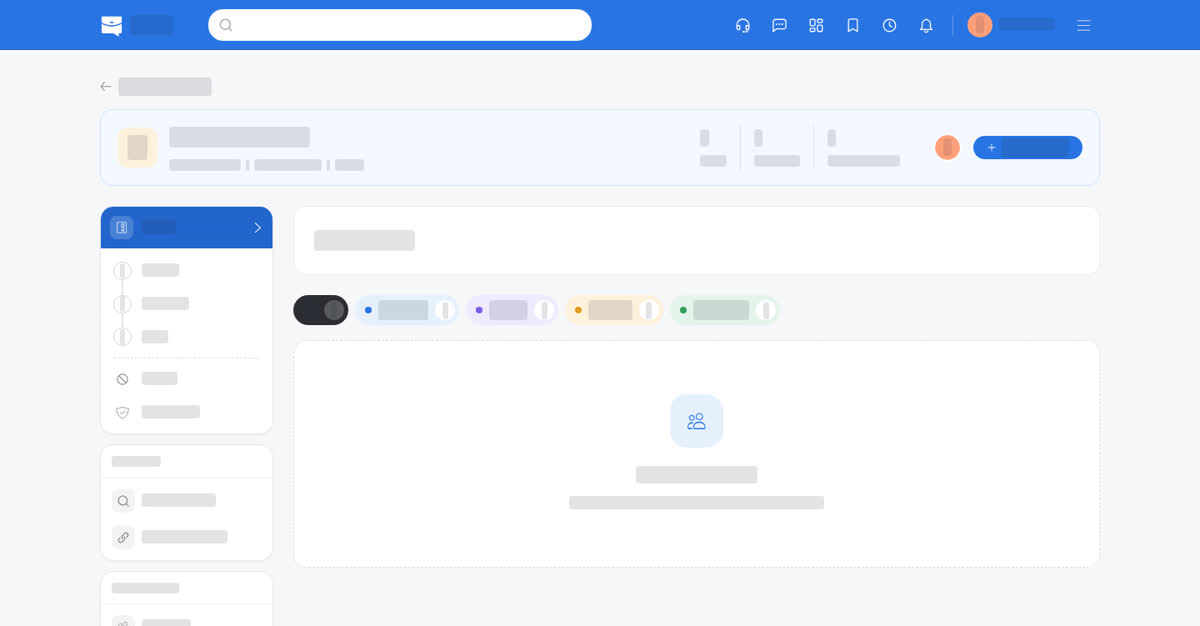
The pipeline is under the Employer or Agency Portal in the app and in the phone browser. The stages come as a list. Each candidate is a card with Update Status and History at the bottom; History opens over the list and includes the notes.