Manage a group or channel
Open the details of a group or channel and change its name, image and description. Only the business owner or a manager can change them.
Guide Chanras Sun9 hours ago · 2 min read · 1 view
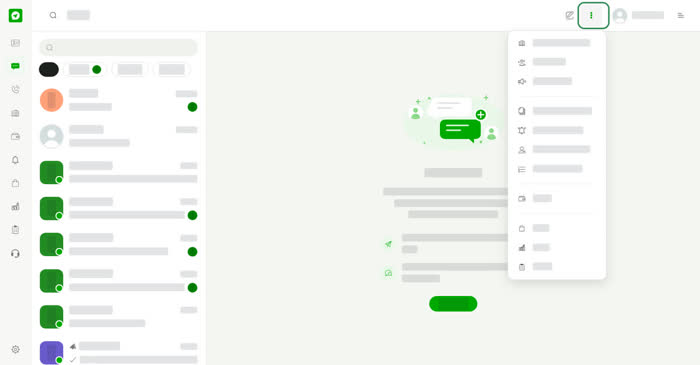
Open the group or channel from your chat list, then select its name or picture at the top of the chat to open its details. On a computer you can also select the Info icon in the chat header.
Who can change it
Only the business owner or a manager can change the name, image and description. Everyone else sees the image, the name, the Group or Channel label and the description, but no edit fields and no Save button.
Change the name, image and description
- Profile image – select the camera, choose a picture and adjust it. The new image is saved straight away.
- Group name or Channel name – up to 200 characters. It cannot be empty.
- Description – up to 250 characters. If you change it, it must be at least 50 characters.
A counter under each field shows how many characters you have used. Select Save when you are done. Save stays off while the name is empty, nothing has changed, or a changed description is shorter than 50 characters.
On your phone
Tap the name at the top of the chat to open the details. The page fills the screen and Save is a full-width button.