Stay up to date
What Biswish notifies you about and how to read it.
Guide Chanras Sun9 hours ago · 1 min read · 1 view
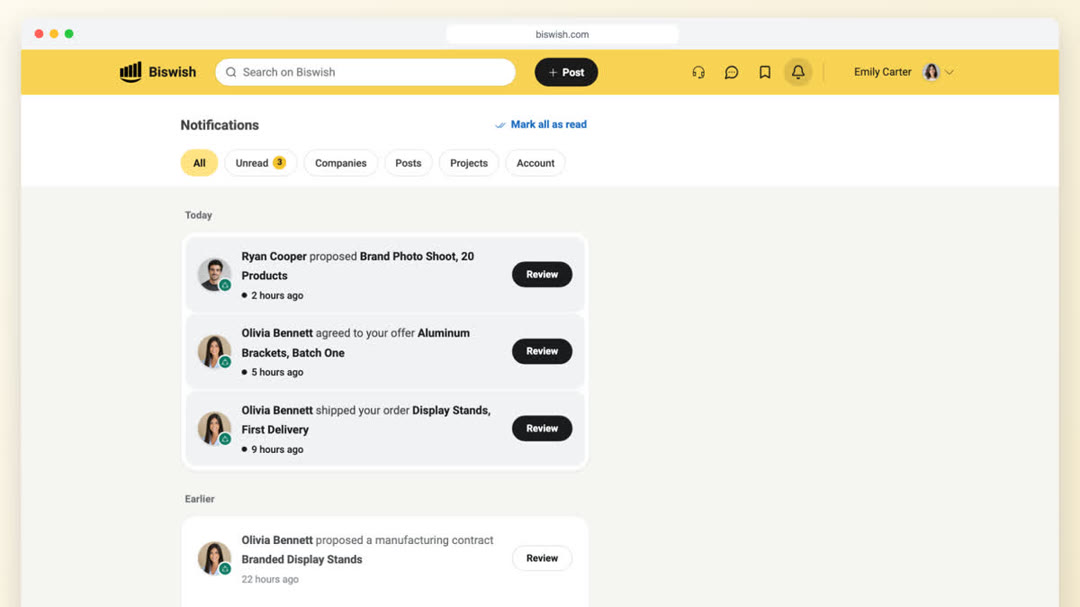
Biswish tells you about offers, consents and declines, shipments and contracts, members and roles in your companies, company names, new posts from your companies, posts or companies removed after a report, and plans that stopped or are low on credit. They are grouped under Today and Earlier.
On a computer
Select the bell in the top bar. Tabs filter by All, Unread, Companies, Posts, Projects and Account. Review, View company or Read post opens what a notification is about; plan and role notices have no button. Mark all as read clears the count.
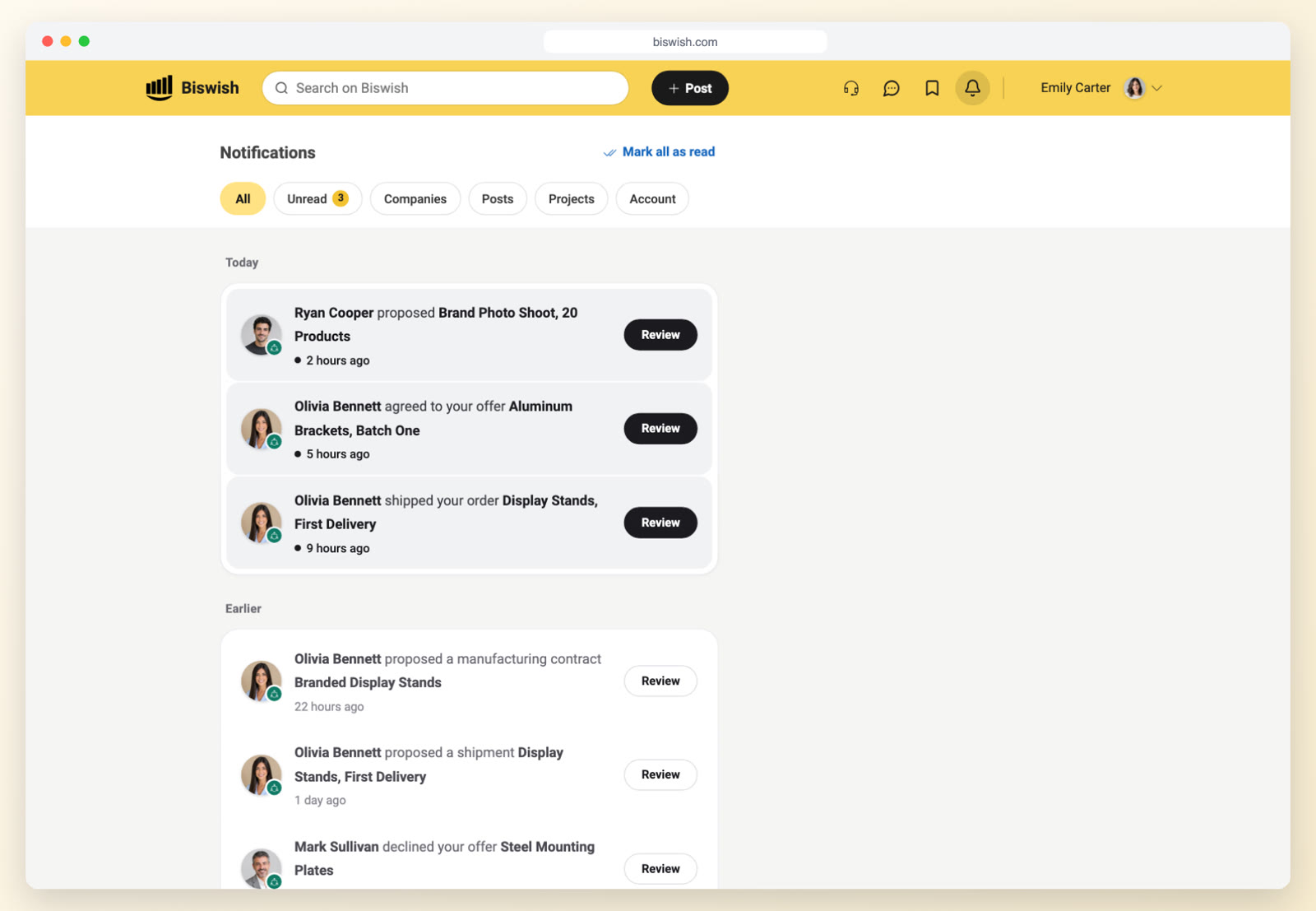
Notifications on a computer.
On your phone
Open Notifications in the bottom bar. The tabs scroll sideways.
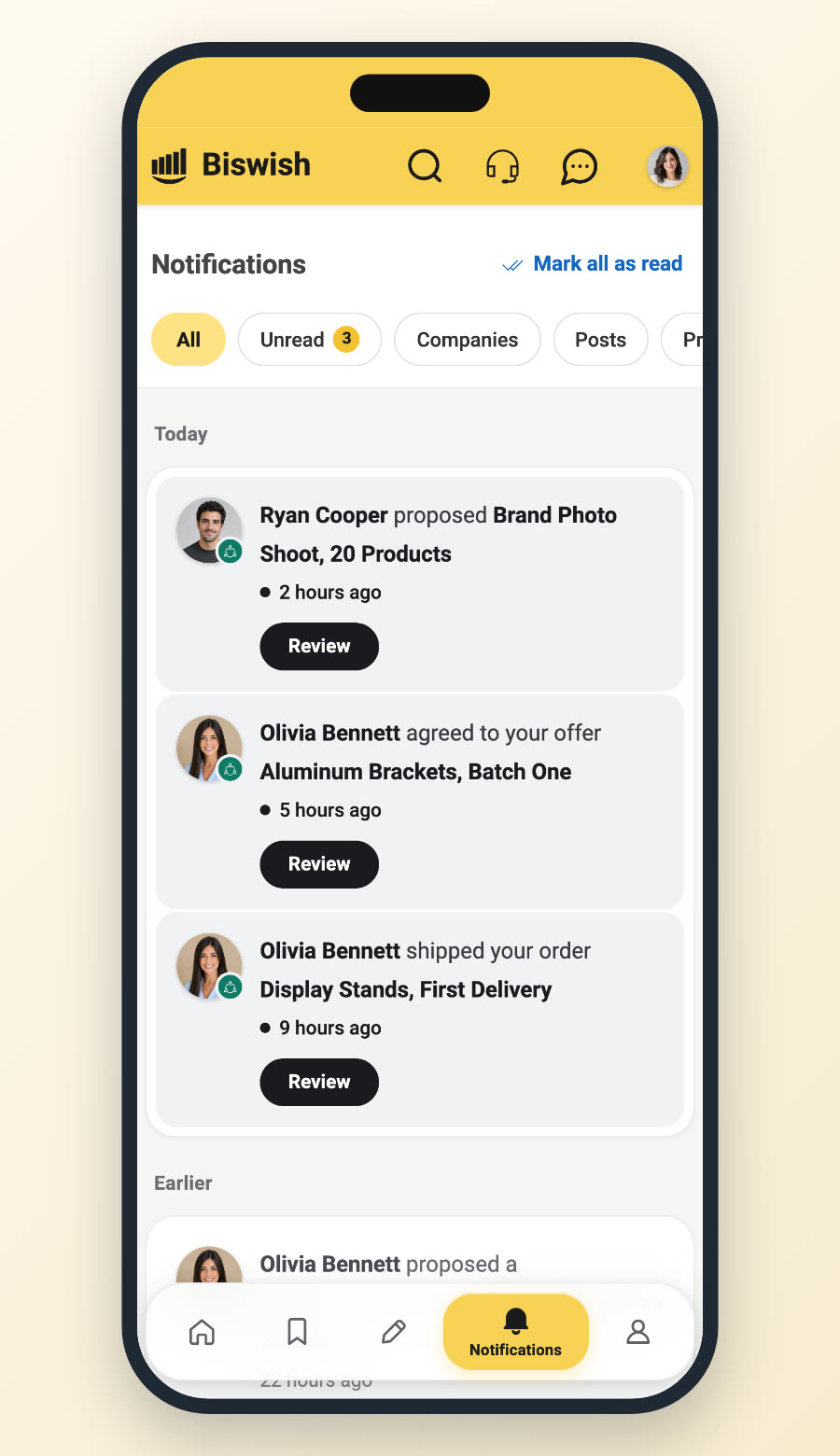
Notifications on a phone.
Never miss an offer
01
Allow notificationsIn the app, when asked.
02
Check UnreadIt shows what still needs you.
03
ReviewOpen and answer offers before they expire.
0
Share
Send in message
Report
Copy ID