Add a person or a business
Add someone to your contacts by phone number, email or brand ID, or add a business by its brand ID, and learn what the messages mean if nothing is found.
Guide Chanras Sun9 hours ago · 1 min read · 1 view
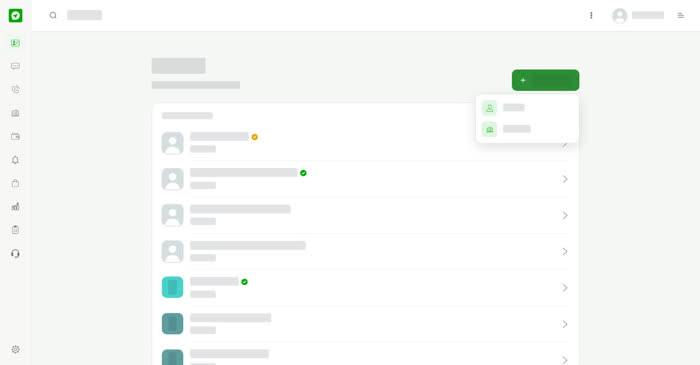
Add the people and businesses you talk to so they are always a tap away. You can add them by their Talkou details.
On a computer
Go to Contacts and select Add contact. Choose what you are adding:
- Person – find people already on Talkou. Enter their phone number, email or brand ID and select Search.
- Business – find businesses on Talkou by Brand ID.
When the match appears, select Add.
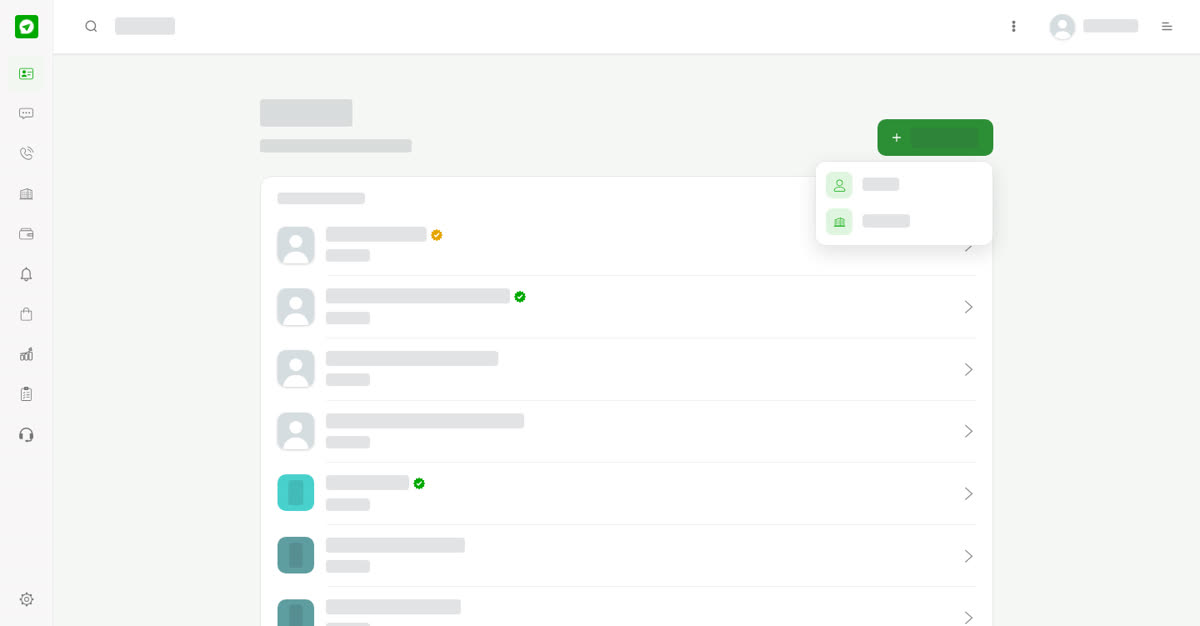
Choose Person or Business.
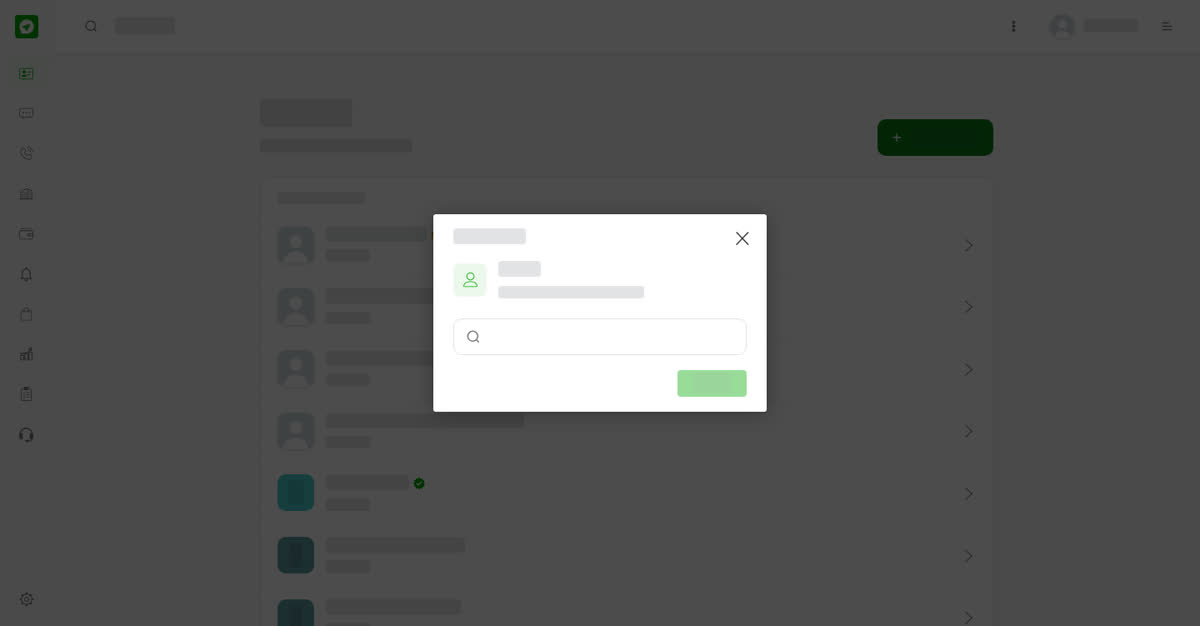
Search for a person.
On your phone
Tap Contacts, then the + at the top, and choose Person or Business. The search and the Add button are the same.
Add a person
01
Open Add contactGo to Contacts and select Add contact, or the + on a phone.
02
Choose PersonSelect Person.
03
SearchEnter a phone number, email or brand ID and select Search.
04
AddSelect Add when the person appears.
0
Share
Send in message
Report
Copy ID