Subscribe, renew or stop a plan
Buy a plan for your account or a space, check what you pay on the Confirm subscription sheet, and manage auto-renew. Plans renew from your wallet until you stop them.
Guide · Tutorial · Finance Chanras Sun4 days ago · 4 min read · 3 views
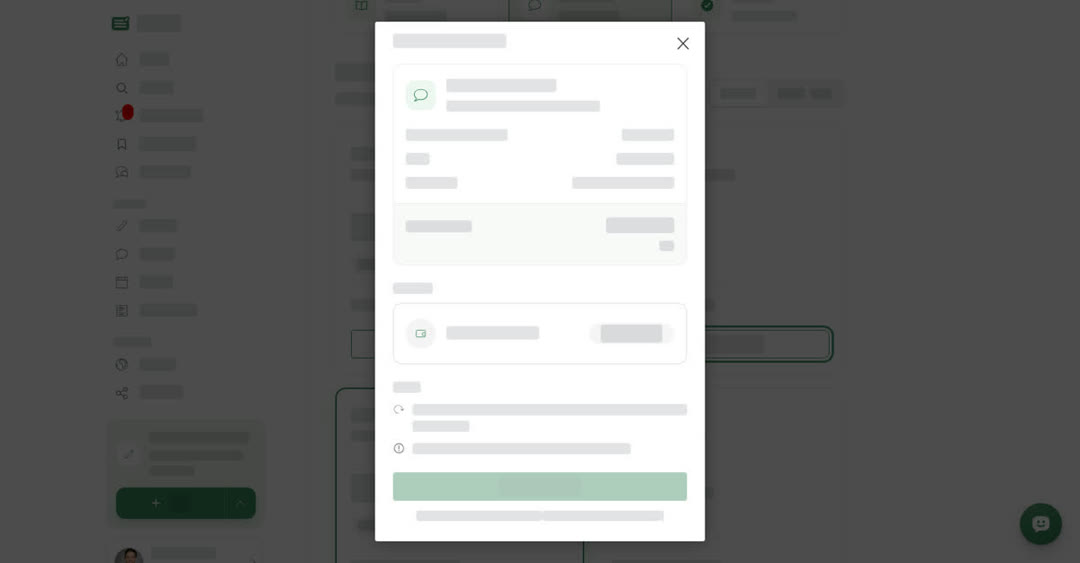
You buy every plan on the Subscription page and pay with credits from your Payment Wallet. Before you start, make sure you have a Payment Wallet with enough credits (see Wallets and credits).
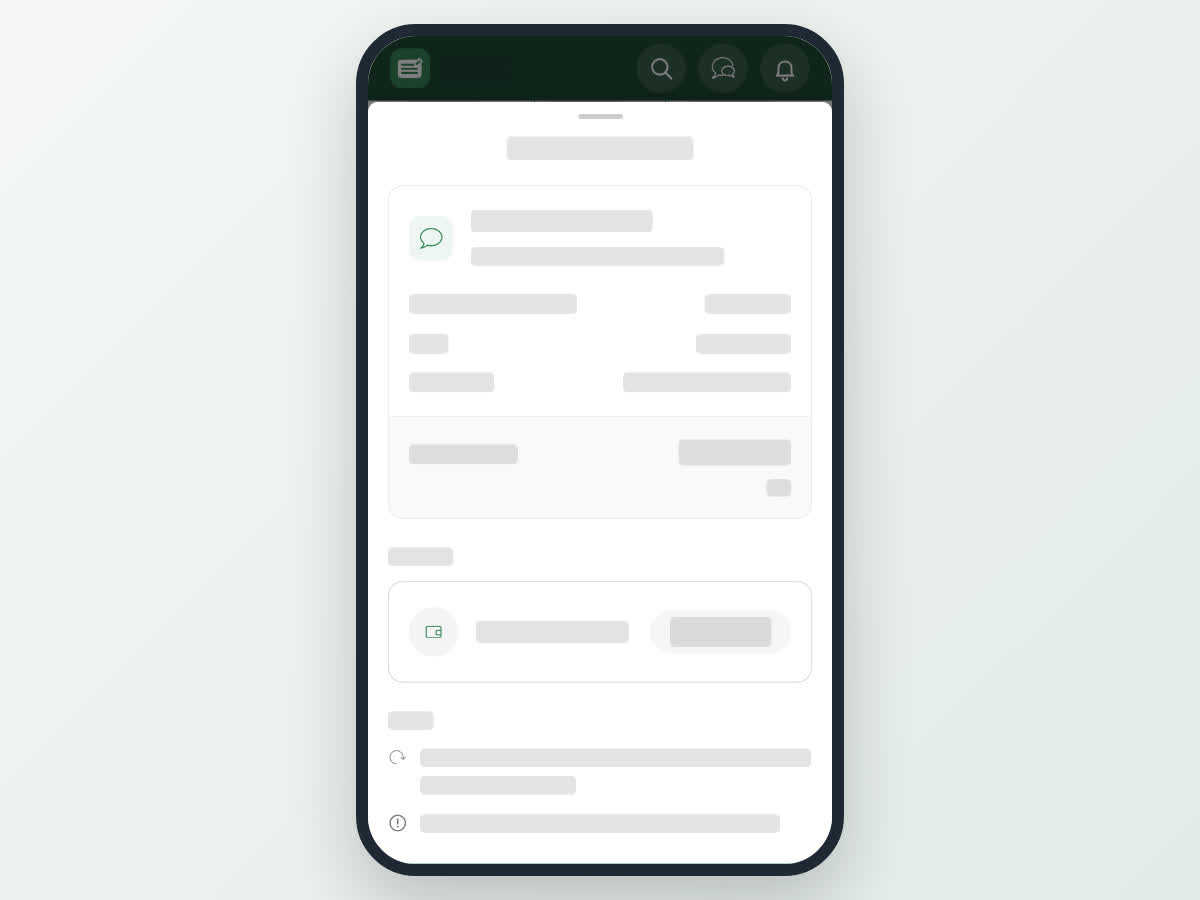
Before you pay, Boogir shows a Confirm subscription summary: the plan, when it renews, the price per month, what the plan includes, the Total due now in credits, the space (for Business plans) and the wallet it is paid from under Pay from.
What you pay
- A Monthly plan takes one month of credits now.
- A Yearly plan takes all 12 months now, at the yearly discount.
- If you already have the plan, the new period is added after the current end date.
If the wallet does not have enough credits, the sheet shows how many credits you are short for this plan and Confirm and pay stays off. Add credits to the wallet, or pick another wallet under Pay from.
A Reader plan cannot be bought yet: selecting Confirm and pay shows Coming soon. A Blue tick plan needs the account or space to be verified first; see Get a blue tick.
Where you manage plans
Your own plans (Reader, Messaging, Blue tick) are on the Manage Subscription page. Each plan has a card showing its status (Active, Running low, No plan or Ended), what is left (for example Messages left this month), and the date it renews or runs until.
Space plans (Guides, Audience, Blue tick) are on the space's Subscription tab. The cards show the Guides used, Boost views today and Days left. Every member can see this tab; only owners and managers can subscribe or change auto-renew.
Each card has a switch next to "Renew the plan automatically when it ends." Turn it off and confirm Stop auto-renew in Stop auto-renew? to stop renewing. The plan stays active until its end date and the wallet is not charged for it again. Turn the switch on again before the end date to restart it; Boogir shows Auto-renew is on.
On a computer
Subscribe to a plan
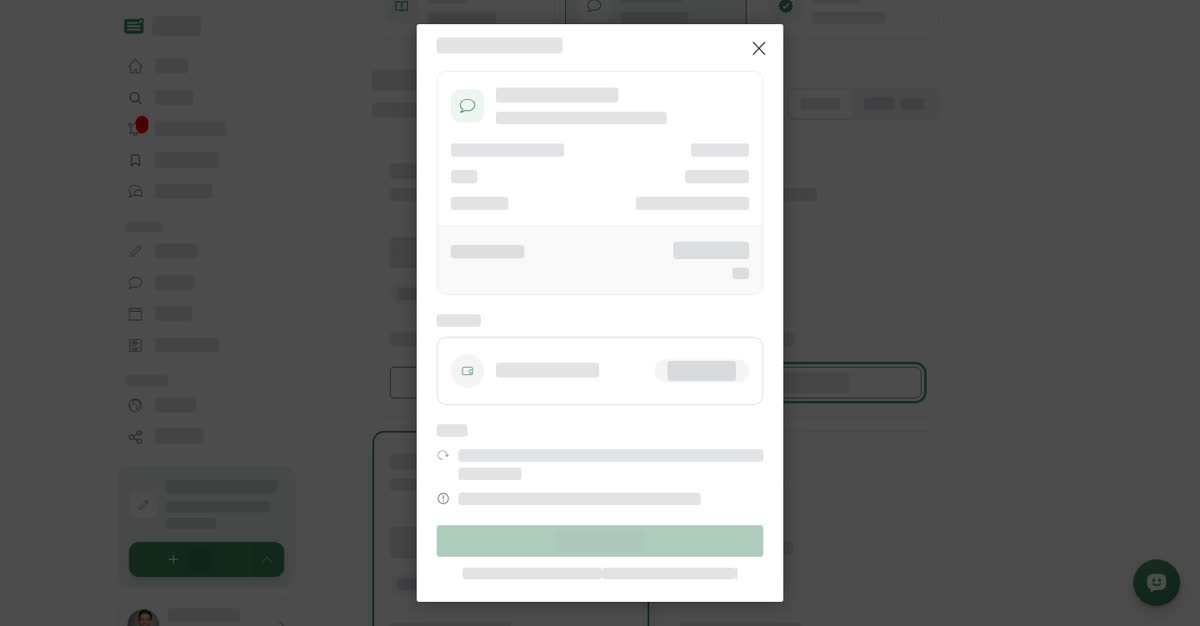
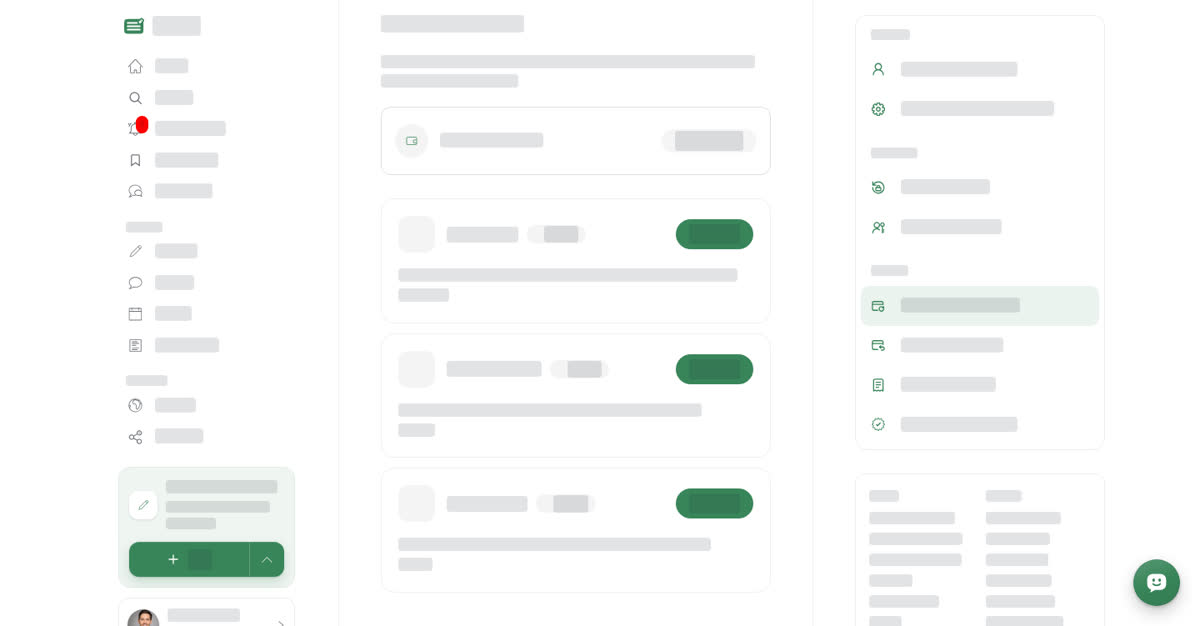
Your own plans: open the account menu (User & Settings) and select Manage Subscription.
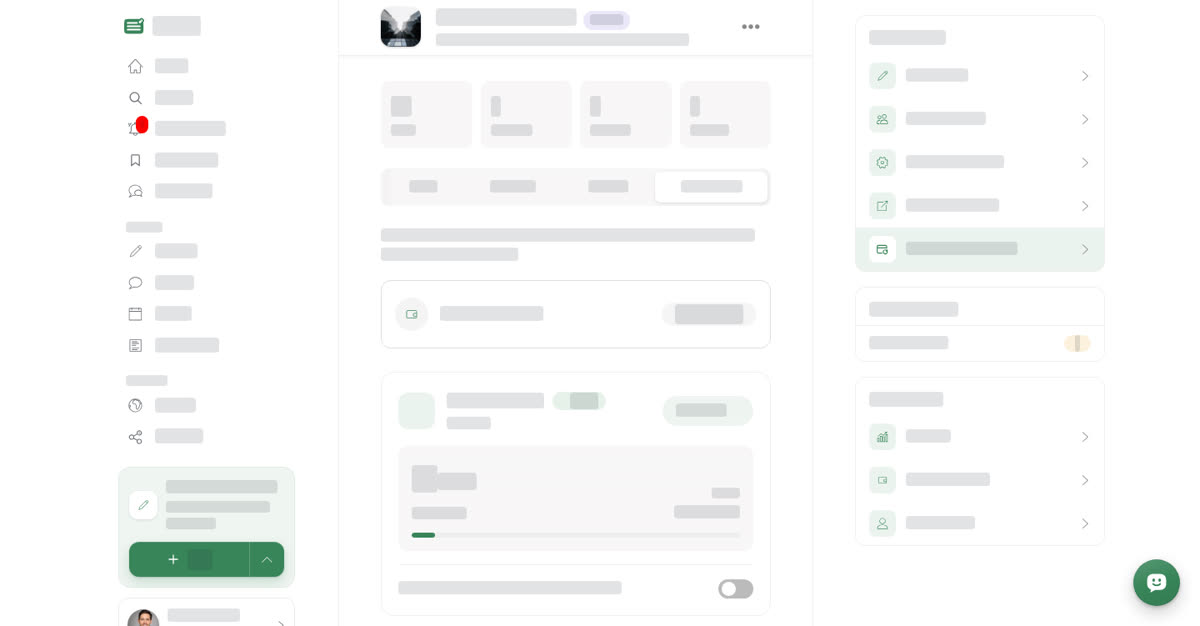
Space plans: open your space, select Manage, then the Subscription tab, or Manage Subscription under Quick actions.
On your phone
These steps are the same in the Boogir app and on boogir.com in your phone's browser.
Subscribe to a plan
Your own plans: Tap Account in the bottom bar. Under Billing, tap Manage Subscription.
Space plans: Tap Account in the bottom bar. Under Manage, tap Spaces, tap Manage on the space, then the Subscription tab.
How renewal works
Plans renew automatically from the wallet that pays for them. The wallet is charged in the 24 hours before the plan ends.
A plan stops renewing and ends on its end date if:
- the wallet does not have enough credits,
- the wallet no longer allows payments for Boogir, or
- for a Blue tick plan, the account or space is no longer verified.
You get a notification when a renewal leaves the wallet too low for the next renewal, and when auto-renew stops because there were not enough credits. Add credits before the end date to keep the plan going.