Your contacts
See the people and businesses in your contacts, open a contact to message or call them, and find out how contacts differ on a computer and in the Talkou app.
Guide Chanras Sun9 hours ago · 1 min read · 1 view
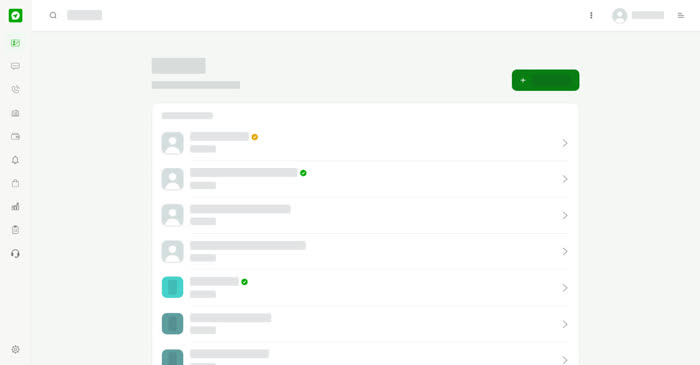
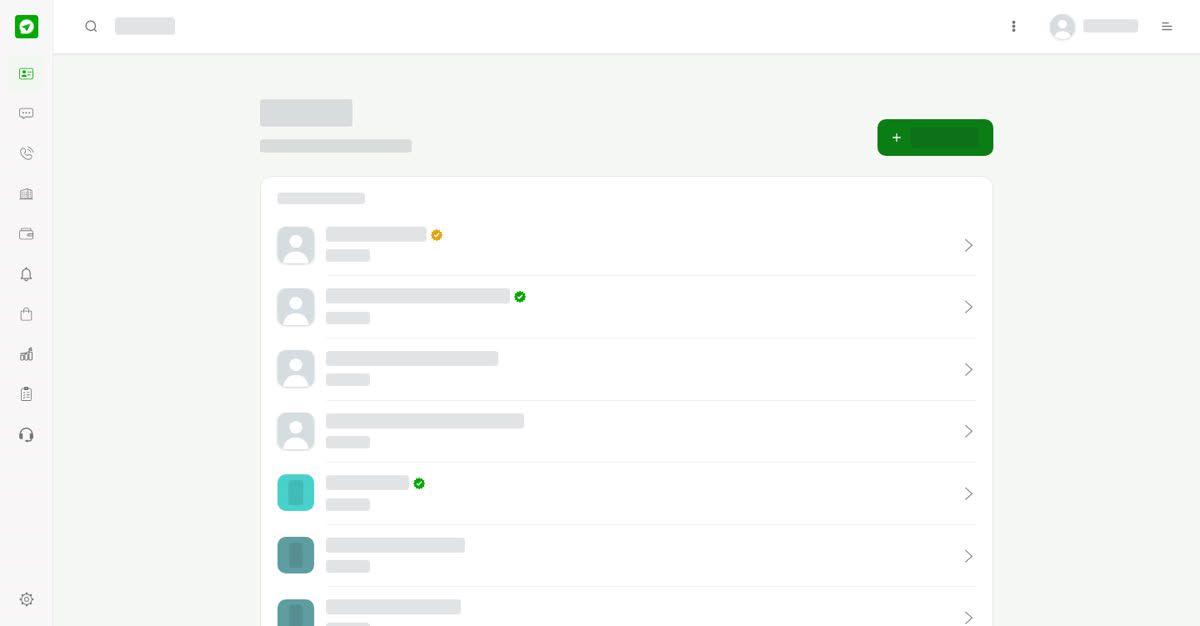
Contacts keeps the people and businesses you talk to in one list, so you can chat and call from one place. The list has two groups: Businesses and People, each with a count.
On a computer
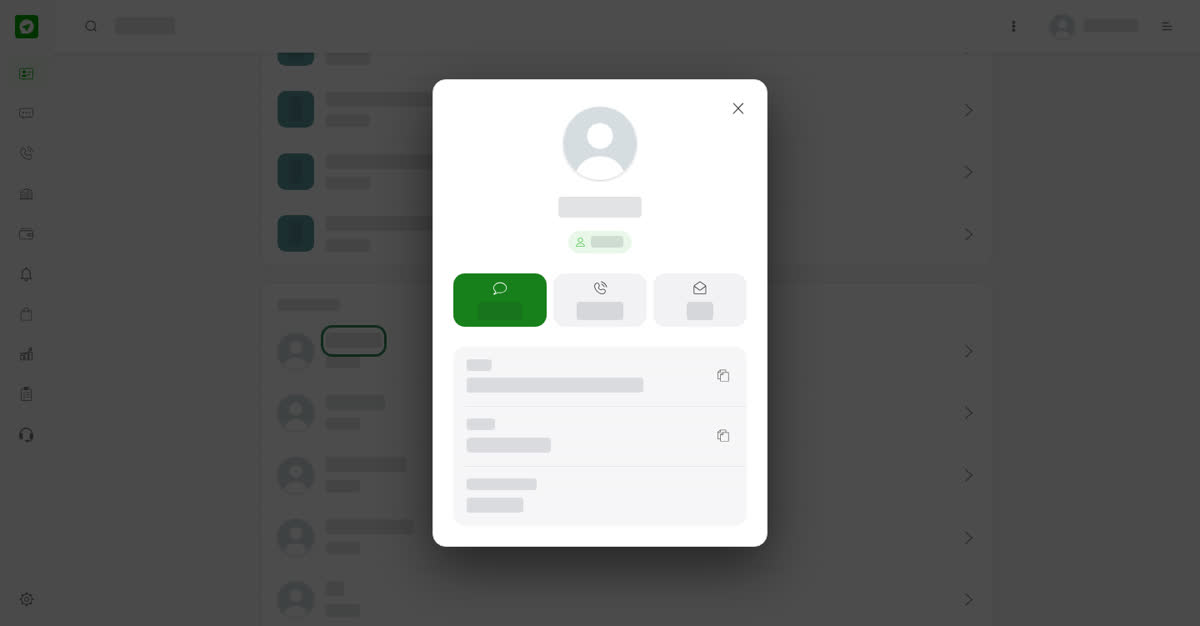
Select Contacts in the left menu. Select a name to open its card. For a business the card shows a Message button, the country or region and a description. For a person it shows Message and Voice call buttons, plus their email, phone number and country or region when they share them. Select the copy icon beside an email or phone number to copy it.
On your phone
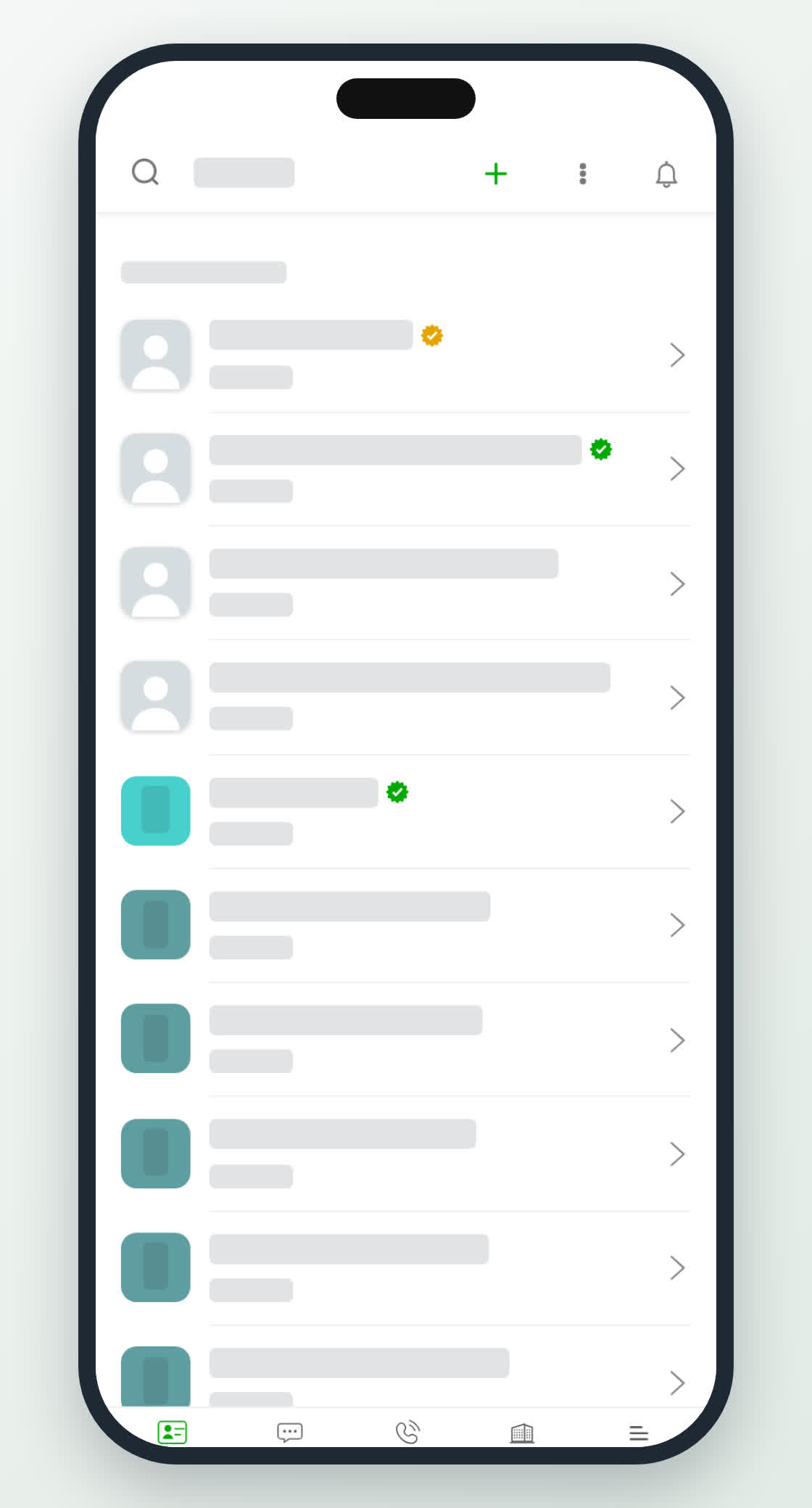
Tap Contacts in the bottom bar. The list and the contact cards work the same way. The + button at the top of the screen adds a contact.