Plans, wallet and billing

Get a blue tick

A blue tick shows next to the name of a verified account or space. First Boogir verifies you, then you confirm it with Verify and subscribe to the Blue tick plan.

Guide · TutorialChanras SunChanras Sun4 days ago · 3 min read · 2 views

A blue tick next to a name tells readers that Boogir has confirmed the account or space is real. It is shown on the profile, the space page and posts.

Getting one takes three steps:

  1. Boogir verifies the account or space.
  2. You select Verify in Boogir to confirm it.
  3. You subscribe to the Blue tick plan. The tick shows for as long as the plan runs.

Accounts and spaces each have their own verification and their own Blue tick plan.

Step 1: Ask Boogir to verify you

Before the blue tick can go on your name, Boogir confirms the account is really yours. For a space, Boogir confirms the space is real and that you represent it. Verification happens outside the app: contact Boogir, for example through Support in Messages, to get verified.

On a computer

Verify your account and add the blue tick
01
Open Blue Tick VerificationOpen the account menu (User & Settings) and under Billing select Blue Tick Verification.
02
Select VerifyUnder Account verification, select Verify. If Boogir has verified you, the label changes to Verified and you see "Your account is verified". If not, you see "Boogir has not verified your account yet. Contact Boogir to get verified."
03
Subscribe to the Blue tick planUnder Blue tick subscription, select See plans on the Blue tick plan card, then follow Confirm subscription to pay.
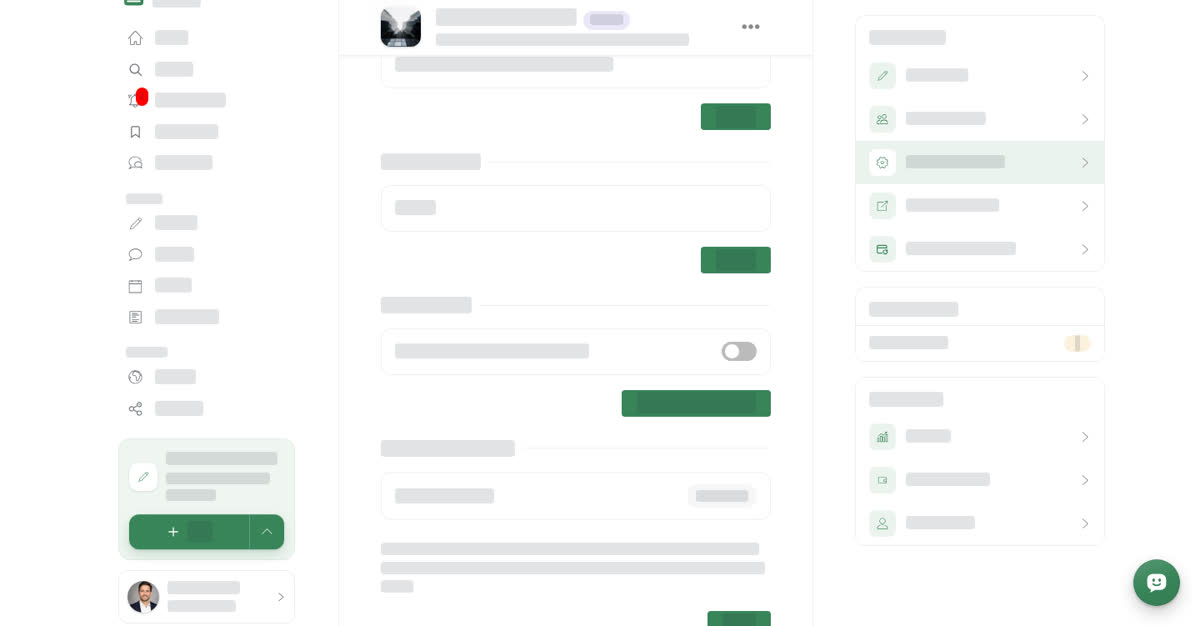
The Blue Tick Verification page with the Account verification section, a Not verified label and the Verify button, and the Blue tick plan card below

Verify a space and add the blue tick

01
Open the space's settingsOpen your space, select Manage, then the Settings tab.
02
Find Blue Tick VerificationScroll to Blue Tick Verification. Space verification shows Verified or Not verified.
03
Select VerifyOnce Boogir has verified the space, select Verify to confirm it here. Only owners and managers see this button.
04
Subscribe to the Blue tick planSelect Manage Subscription, then See plans on the Blue tick plan card, and confirm the subscription for this space.
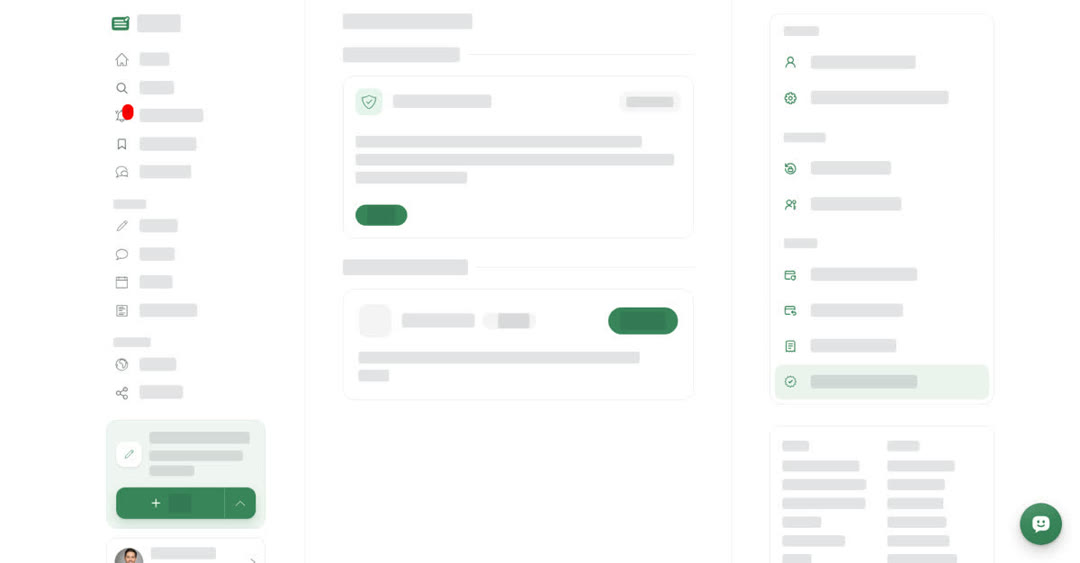
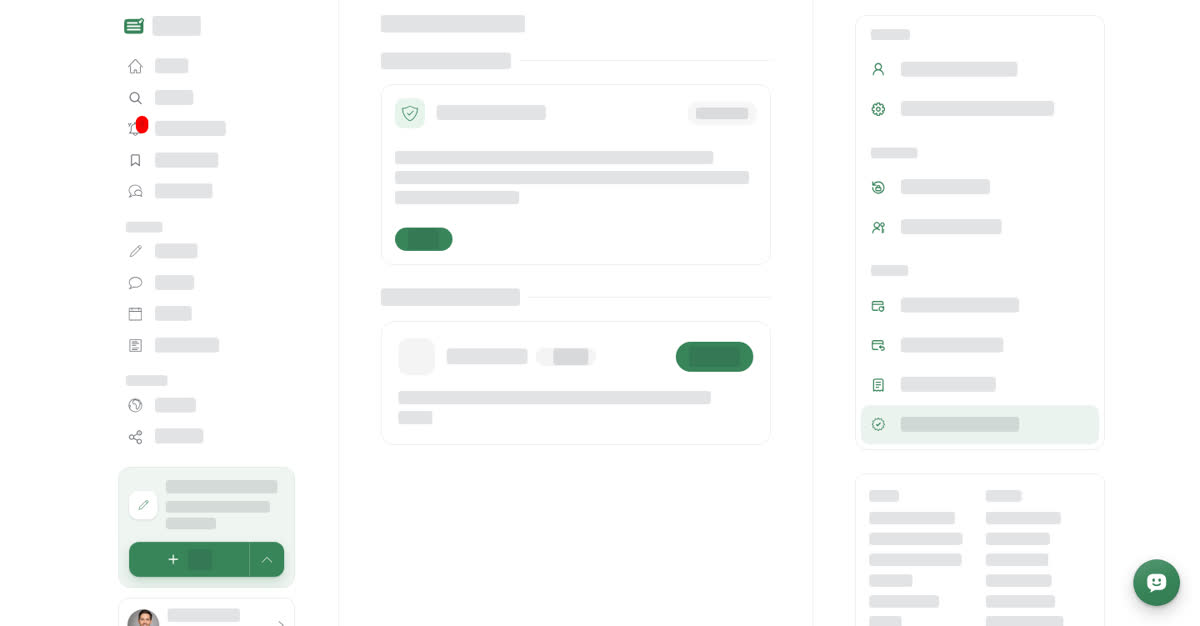
The Blue Tick Verification section of a space's Settings tab showing Space verification with a Not verified label and a Verify button

On your phone

These steps are the same in the Boogir app and on boogir.com in your phone's browser.

Verify your account and add the blue tick
01
Open Blue Tick VerificationTap **Account** in the bottom bar. Under **Billing**, tap **Blue Tick Verification**.
02
Tap VerifyUnder **Account verification**, tap **Verify**. If Boogir has verified you, the label changes to **Verified**. If not, you see "Boogir has not verified your account yet. Contact Boogir to get verified."
03
Subscribe to the Blue tick planUnder **Blue tick subscription**, tap **See plans** on the **Blue tick plan** card, then tap **Choose** and confirm in the **Confirm subscription** sheet.
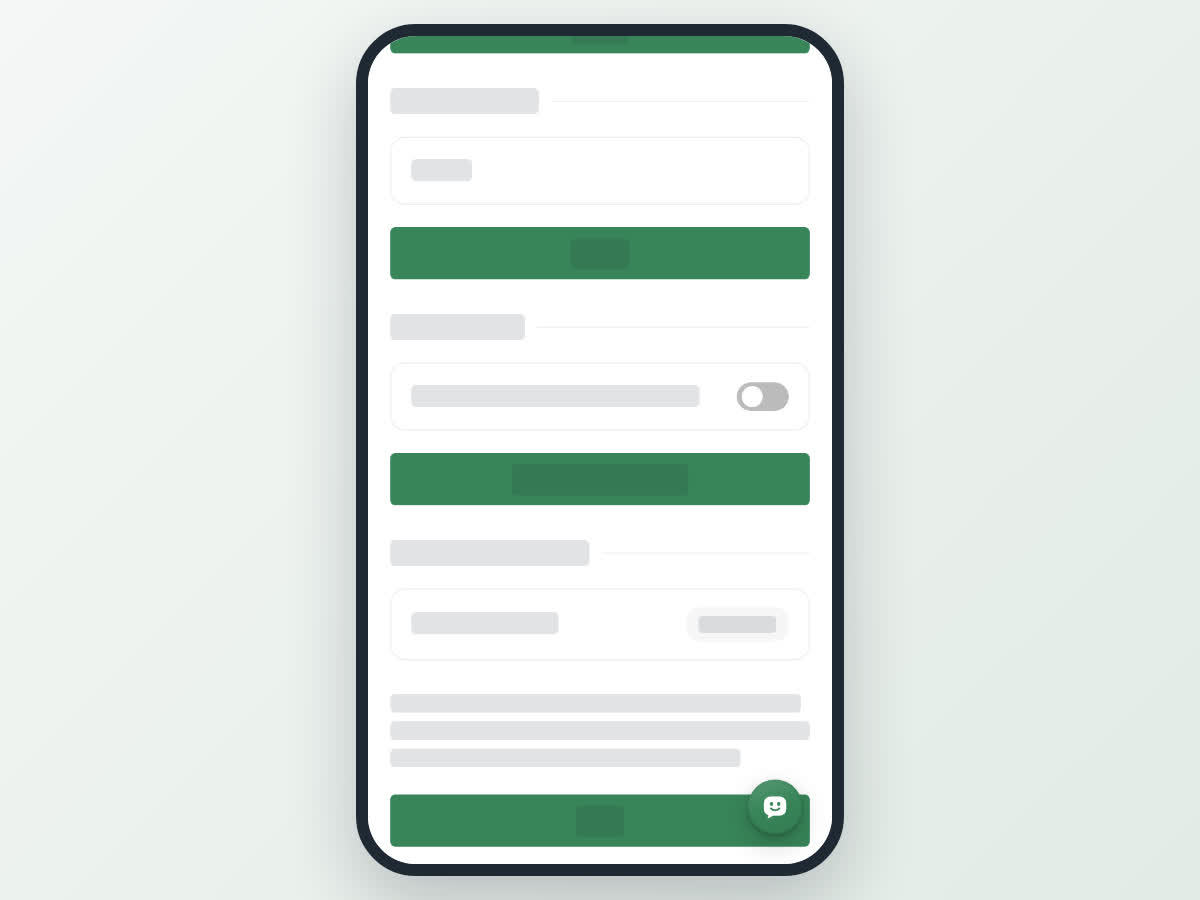
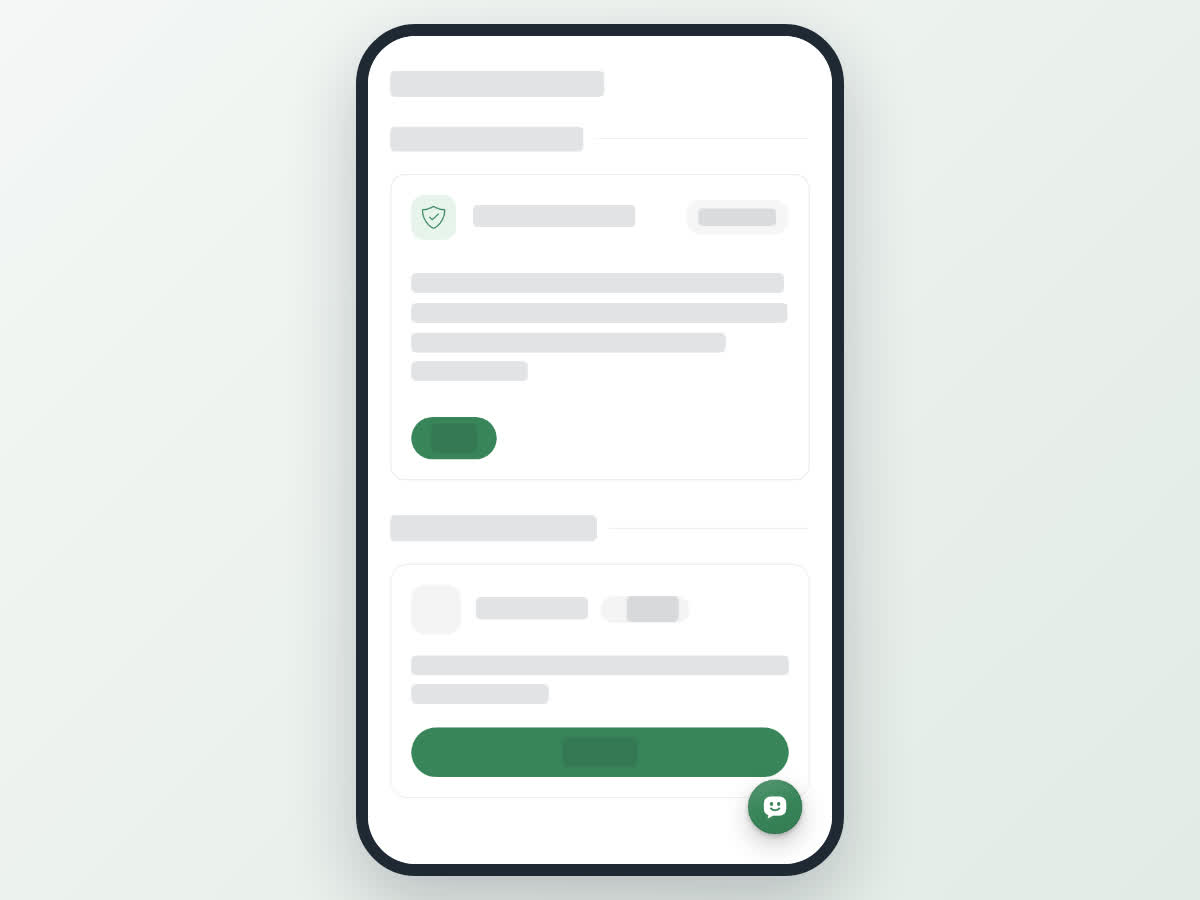
The Blue Tick Verification page on a phone with Account verification, a Not verified label, the Verify button and the Blue tick plan card

Verify a space and add the blue tick

01
Open the space's settingsTap **Account** in the bottom bar. Under **Manage**, tap **Spaces**, tap **Manage** on the space, then the **Settings** tab.
02
Find Blue Tick VerificationScroll down to **Blue Tick Verification**. **Space verification** shows **Verified** or **Not verified**.
03
Tap VerifyOnce Boogir has verified the space, tap **Verify**. Only owners and managers see this button.
04
Subscribe to the Blue tick planTap **Manage Subscription**, then **See plans** on the **Blue tick plan** card, and confirm the subscription for this space.
The Blue Tick Verification section of a space's Settings tab on a phone, with Space verification, a Not verified label and a full-width Verify button

Keeping the blue tick

The Blue tick plan renews like any other plan (see Subscribe, renew or stop a plan). It only renews while the account or space is still verified. If the verification is removed, the plan stops renewing and the tick goes when the plan ends.

You get a notification when Boogir verifies a space or declines verification for it.

2 views
0