Subscription, tiers and badges
See your subscription status, compare plans, choose which wallet pays, and verify your account for a badge next to your name.
Guide Chanras Sun9 hours ago · 1 min read · 1 view
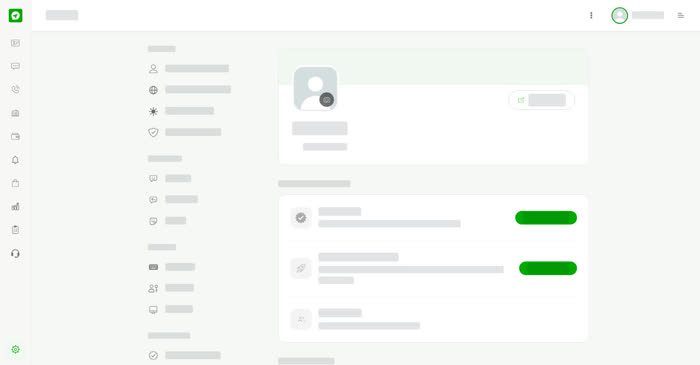
Subscription
Open Subscription in Settings & Privacy. Subscription status shows your badge level and your tier. Without a premium account, the page says No premium account yet: more contact adds each month, and Greeting and Auto Reply from Standard up. Contact adds shows how many of your monthly contact adds you have used, for example 0 of 30.
The Payment wallet is the wallet that pays for your subscription. Select Change to pick another. Select See Plans under Plans to compare every level and tier side by side.
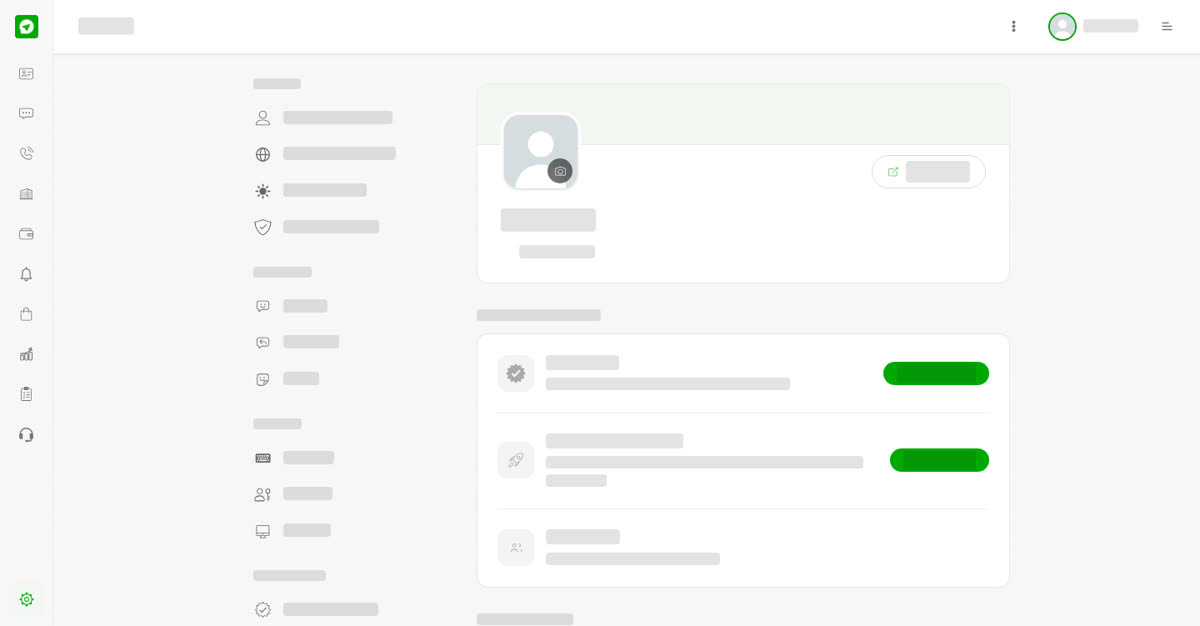
Badge Verification
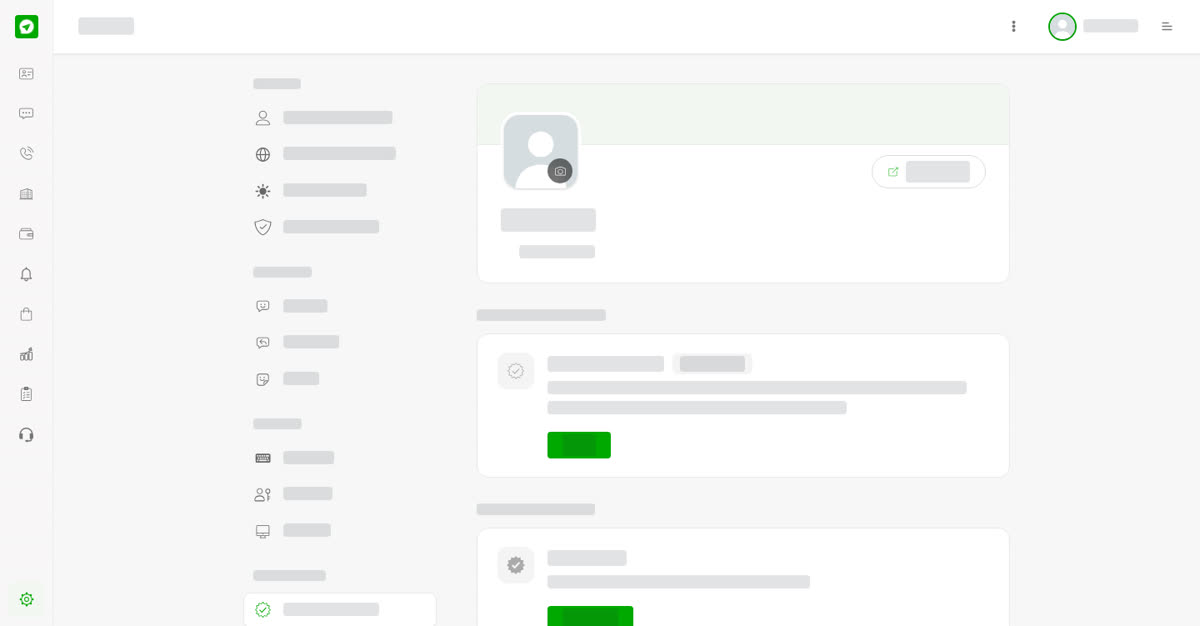
A badge shows next to your name. Before a badge can go on your name, Talkou confirms the account is really yours. Open Badge Verification. Once Talkou has verified the account, select Verify to confirm it here. Under Badge subscription, choose a level to show its badge next to the name.
On your phone
Tap More, then Subscription or Badge Verification. On talkou.com the pricing pages also list the plans.